How To Setup ACH With ResaleWallet
If the YouTube Video looks fuzzy/blurry, try doing the following steps.
- Click the Fullscreen button on the video located at the bottom right corner of the video frame.
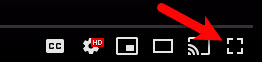
- Click on the Settings Cog.

- Select the right arrow head next to Quality.
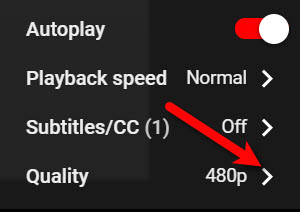
- Select the highest quality level that you have access to, our recommendation is 1080p if you can manage it.


If 720p is all that you can manage, then select that.
This will allow your video to display in fullscreen mode and in the highest definition available, the video should no longer be blurry/fuzzy after this point.

Next Article In Section
Click the following link to move to the next article in this section:
How To Send A Single ACH Payout With ResaleWallet From An Account
Related Topics
How To Setup ACH With ResaleWallet The Benefits of Digital ACH Payouts with ResaleWallet First Time ACH Deposit Process With ResaleWallet How To Send A Single ACH Payout With ResaleWallet From An Account Accepting A Payout After First Time Deposit Setup Setting Up Deposit By Using Automatic Bank Account Entry Consignor ACH Deposit Guide Overview Setting Up Deposit Using Manual Bank Account Entry Consignor First Time Deposit Process Setting Up A Liberty Account For ACH Payouts