Accept a Cash payment
How To Post A Cash Sale
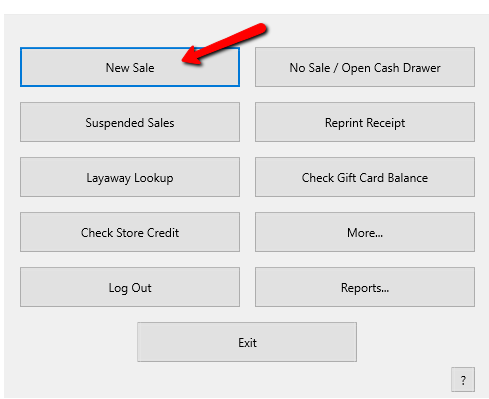
- From the POS Hub select the New Sale button.
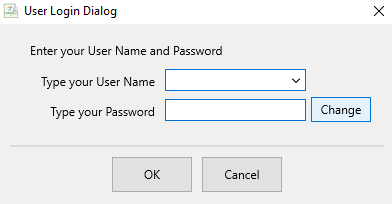
- Login if prompted.
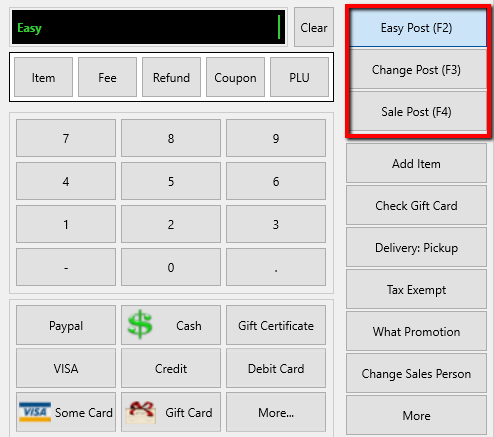
- Select your posting mode. For more information on posting modes, see Sell Items For Regular Price, Sell An Item At A Percentage Discount, and Changing The Selling Price Of An Item.
The posting mode you are in will be displayed in the black entry field.
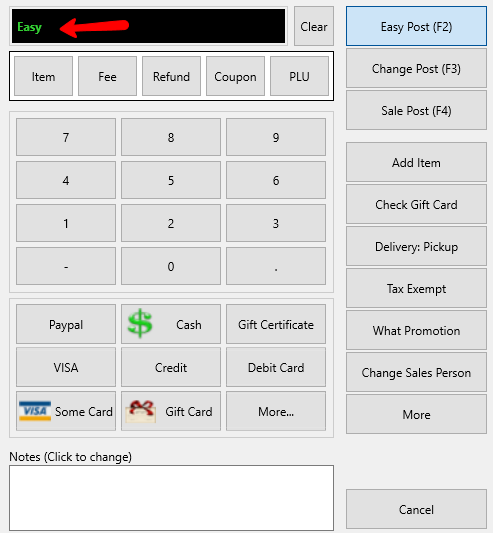
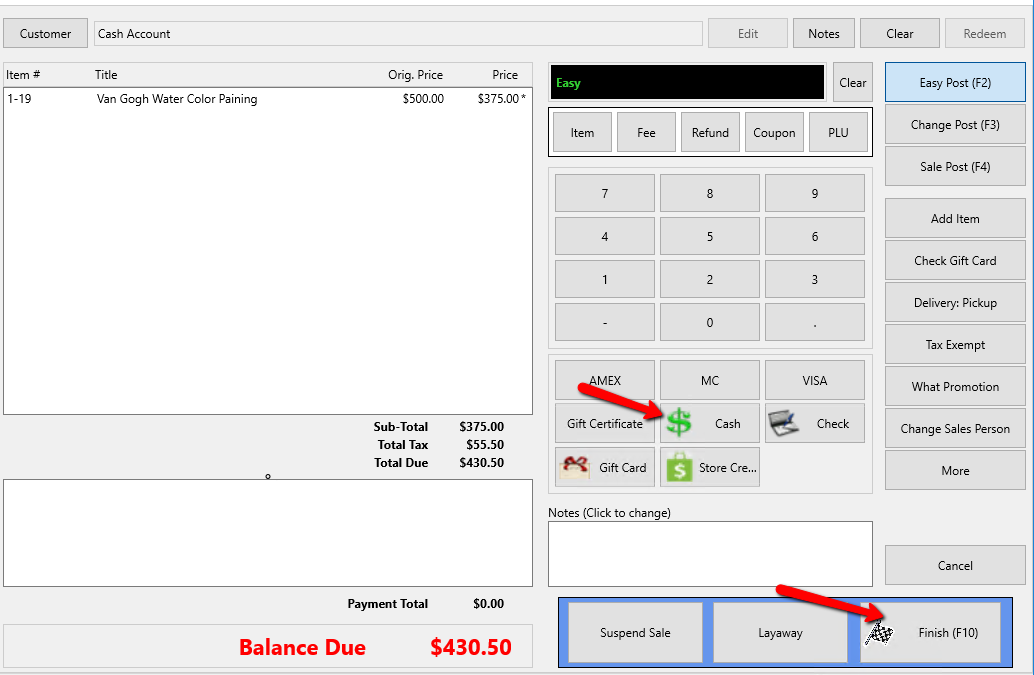
If the customer provides exact change, select the Cash button then the Finish button.
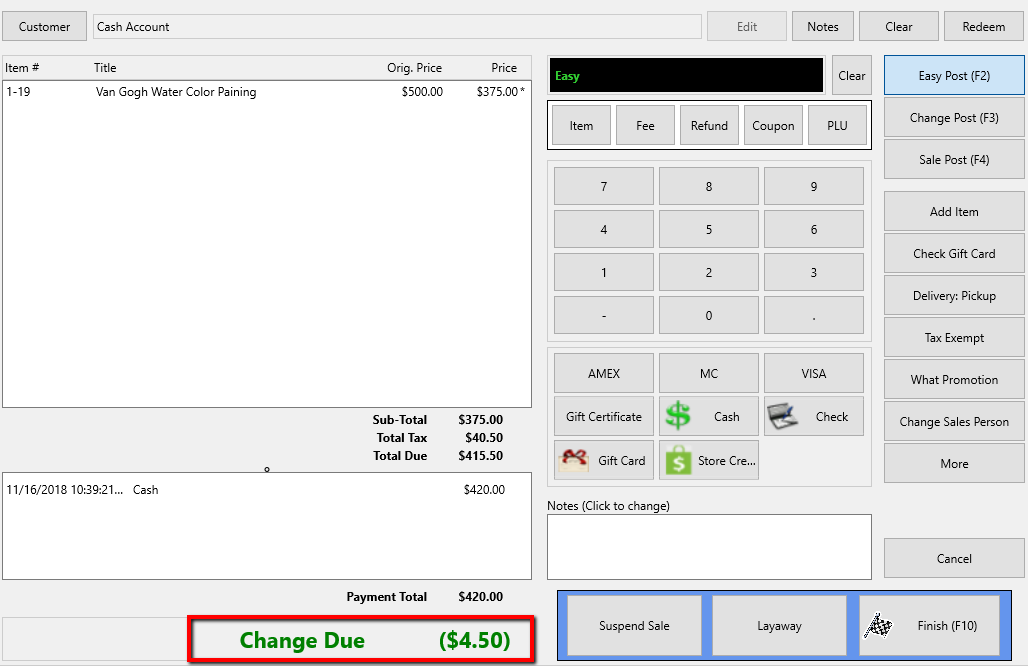
POS will automatically display total change due.
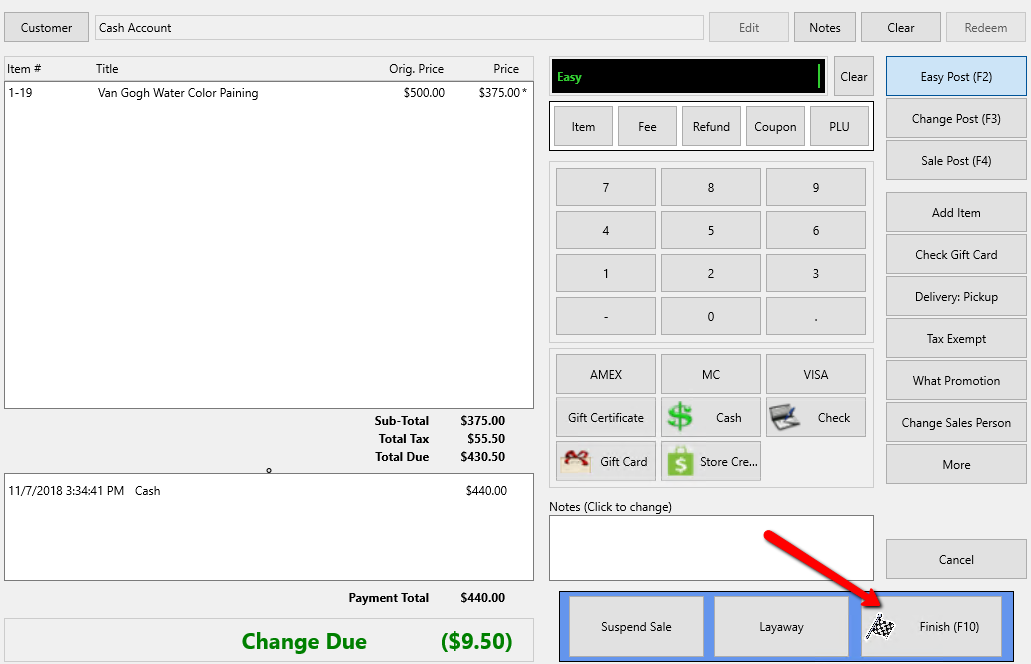
- Select on the Finish button to complete the sale.
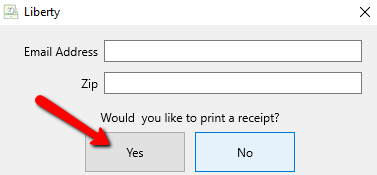
- Press the Print Receipt button to print a receipt.


Next Article In Section
Click the following link to move to the next article in this section:
Cash Payment Penny Rounding