Posted items Detail by Account Report
View items that were posted from specific accounts

When to Use
Use this report when tracking posted item on a specific account
How To Get To This Report
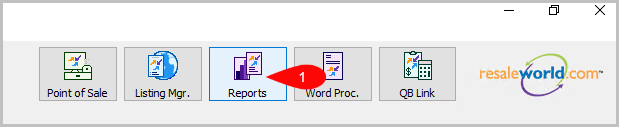
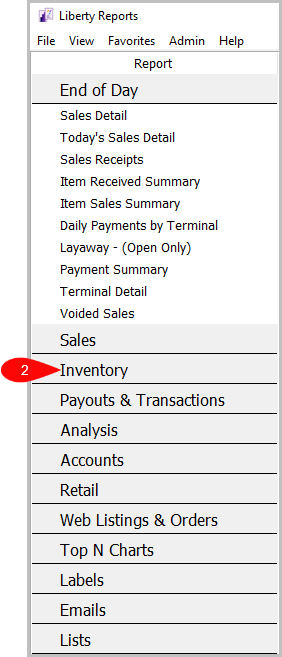
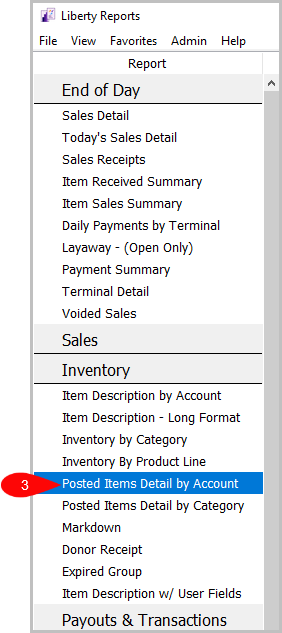
Reports > Inventory > Posted Items Detail by Account
- Click on Reports.
- Click on Inventory.
- Click on Posted Items Detail by Account.

How To Add Criteria
- Click on the Add More Criteria button.
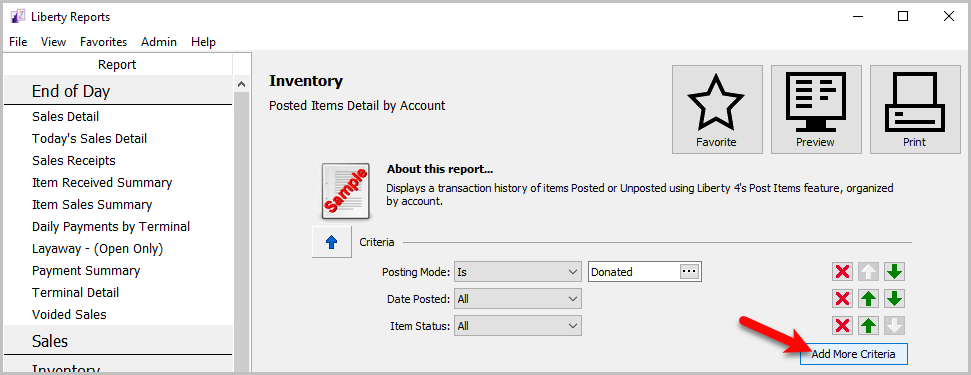
- Select what criteria you want and then press OK.


Criteria Choices
- Account Number
- Account Type
- Active Account
- Category 1
- Category 2
- Category 3
- Cost/Net
- Date Posted
- Expiration Date
- Filter Code
- Items Received Date
- Item Status
- Location
- Posting Mode
- Price Code
- Product Line
- Purchase Method
- Store User
Next Article In Section
Click the following link to move to the next article in this section:
Posted Items Detail by Category Report
Related Topics
Posted items Detail by Account Report Selecting the Right Report Donor Receipt Report Expired Group Report Inventory by Category Report Item Description by Account Report Item Description - Long Format Report Item Description With User Field Markdown Report Posted Items Detail by Category Report Account Comments Report