Using Product Look Ups (PLU)
When using Point of Sale, Product Lookup Codes (PLU's) are used as a shortcut to quickly enter sales. PLU's eliminate the need to print a price tag for an item. They also eliminate the need to scan a bar code or enter the item number. Instead just a one or two digit PLU number is entered.
PLU's are especially useful when selling:
- Small miscellaneous items such as are often displayed on or near the sales counter (trinkets, bubble gum, candy, mints, etc.)
- Items which you do not wish to print price tags for.
To Post An Item In Point Of Sale Using A PLU
There are two ways to post a sale using PLU’s:
- From within the Point Of Sale select the PLU button.
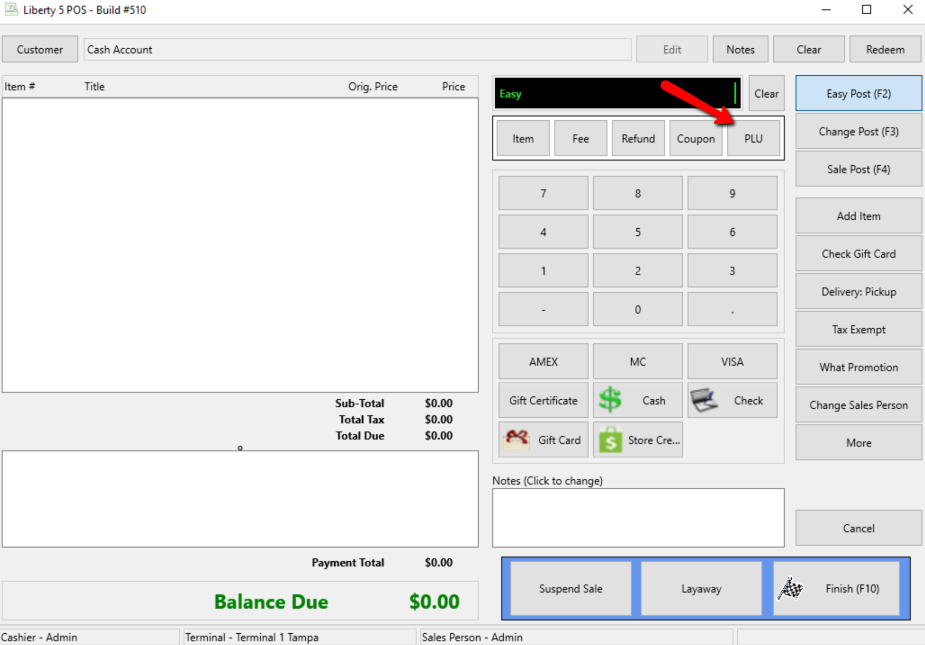
The Maintain Product Lookups dialog box will open.
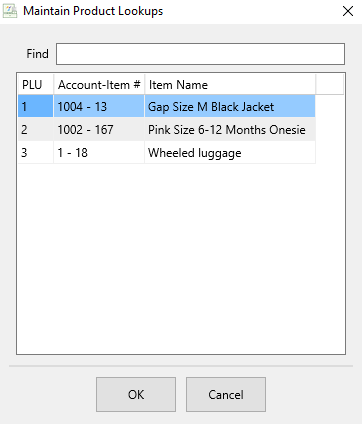
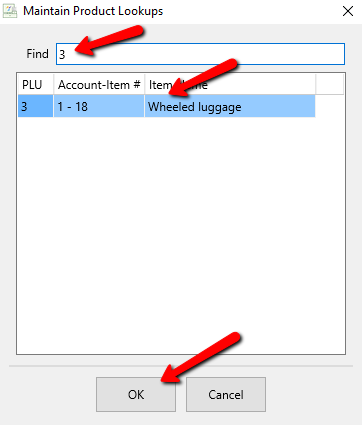
- Type in the number in the find field, or simply double click the PLU you want to use. and select the OK button.


Method two:
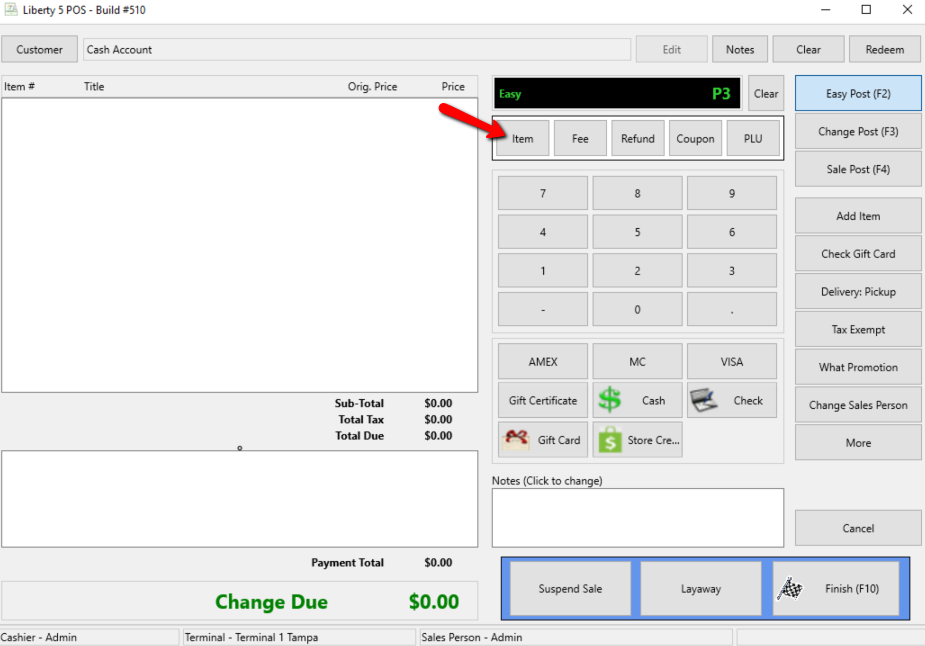
- While transacting a sale, simply type the letter <P> followed by (with no spaces) the PLU number.
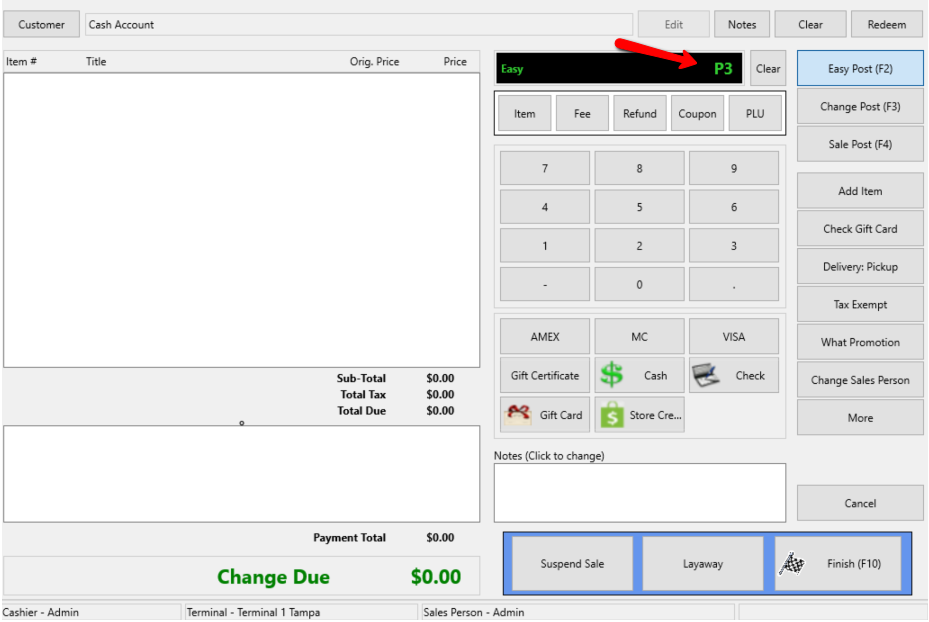
- Press the Enter key on your keyboard or if using a touch screen select the Item button.
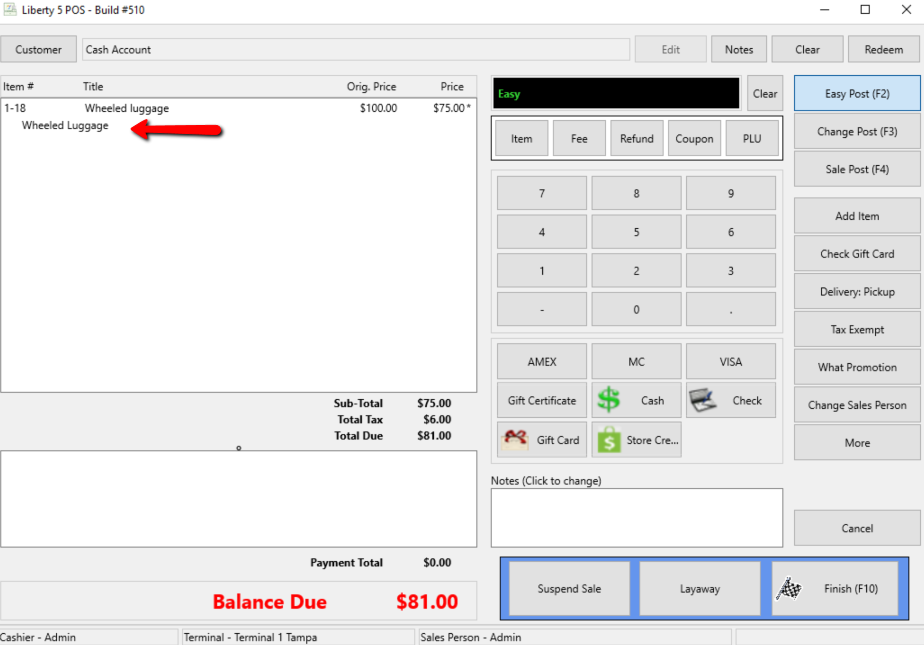
The item will appear in the POS.
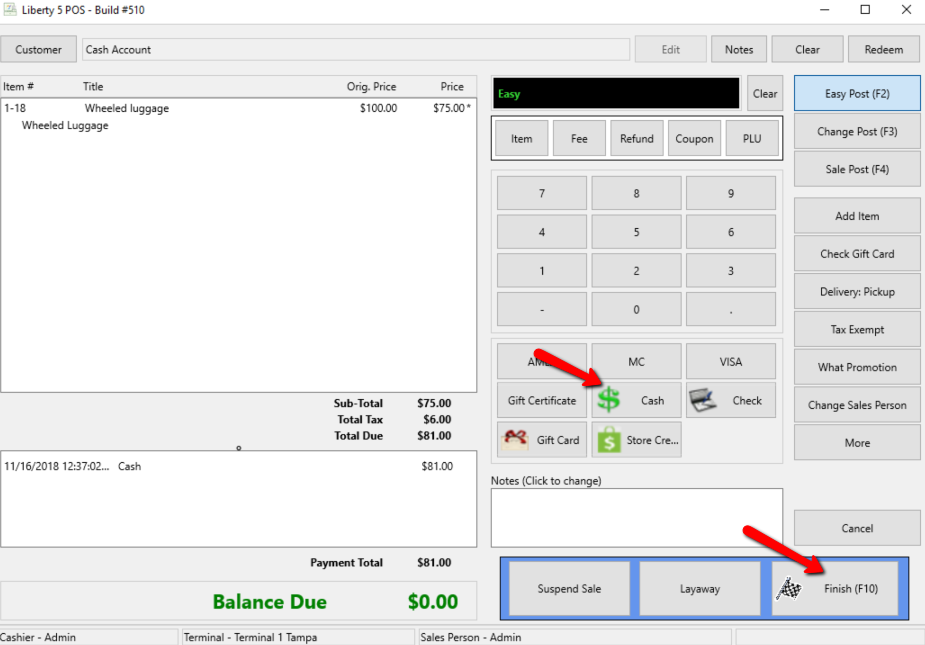
- Continue adding items until the sale is ready for completion. See Sell Items For Regular Price for more details.


Next Article In Section
Click the following link to move to the next article in this section:
Set Posting Date