Account Productivity Report
Displays inventory activity and matriculation in summary for each Account.

When to Use
Use this report to determine which accounts are more productive.
How To Get To This Report
Reports > Analysis > Account Productivity
- Click on Reports.
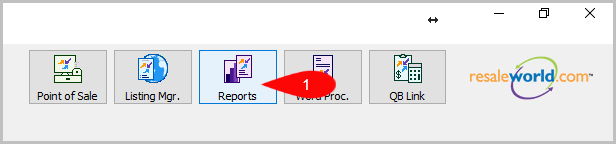
- Click on Analysis.

- Click on Account Productivity.


How To Add Criteria
1. Click on the Add More Criteria button.
 2. Select the criteria you want then press OK.

Criteria Choices
- Account Number
- Account Type
- Active Account?
- Date Sold/Posted
- Disposition Date
- Filter Code
- Item Received Date
- Item Status
- Price Code
- Purchase Method
- Sales Records?
Next Article In Section
Click the following link to move to the next article in this section:
Brand Productivity
Related Topics
Account Productivity Report Selecting the Right Report Brand Productivity Buyer Summary Report Category/Brand Analysis Report Category/Color Analysis Report Category Productivity Category/Size Analysis Report Coupon Summary Report Gift Card Transaction History Report Historical Inventory and Obligation Report