Hourly Inventory Intake Chart
This report will generate a graph that will show the day to hour intake of inventory.

When to Use
When determining staffing needs based on business
How To Get To This Report
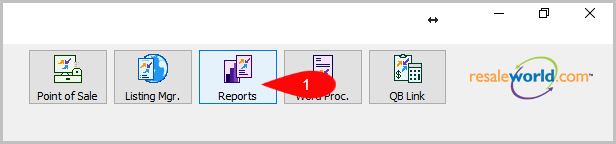
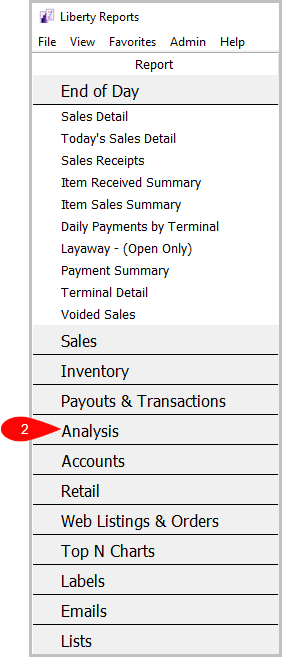
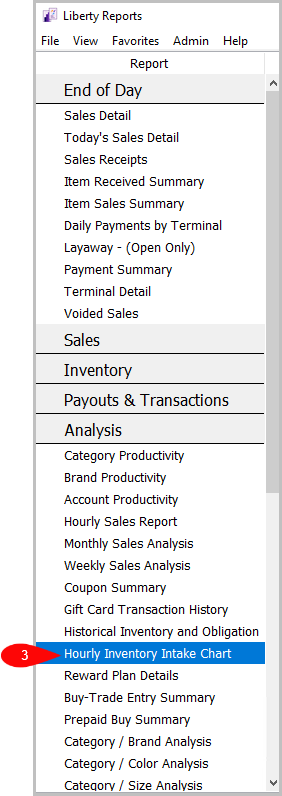
Reports > Analysis > Hourly Sales Report
- Click on Reports.
- Click on Analysis.
- Click on Hourly Inventory Intake Chart.


How To Add More Criteria
1. Click on Add More Criteria.
 2. Select what criteria you want then press OK.

Criteria Choices
- Account Number
- Account Type
- Asking Price
- Category 1
- Category 2
- Category 3
- Item Added By
- Item Received Date
- Location
- Purchase Method
Next Article In Section
Click the following link to move to the next article in this section:
Buyer Summary Report