Category List with Attributes Report
Displays all attributes and each attribute assigned to that category.
When to Use

Run this report to see which attributes apply to each Level-3 category.
Where To Find The Report
Reports > Lists > Category List w/Attributes
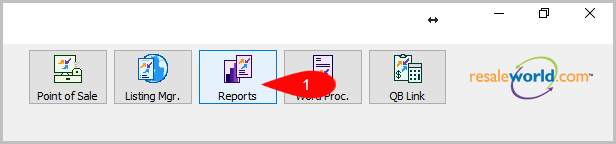
- Go to Reports
- Click on Lists
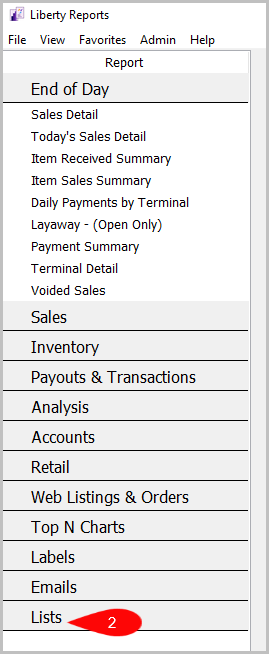
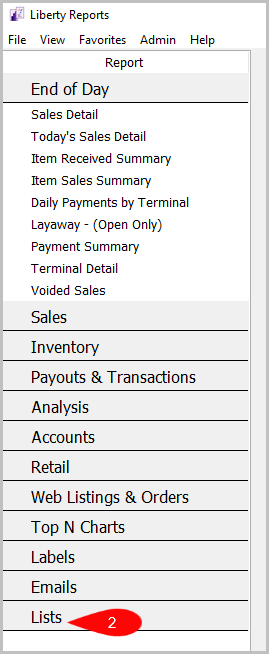
- Click on Category List w/Attributes


How To Add Criteria
1. Click on the Add More Criteria button.
 2. Select what criteria you want and press OK

Criteria Choices
- Category 1
- Category 2
- Category 3
- Active Attributes
- Attribute Type
- Active Categories
- Visible Categories
Next Article In Section
Click the following link to move to the next article in this section:
Category List with Pricing Guide Report
Related Topics
Category List with Attributes Report Selecting the Right Report Application Security Settings Report Attribute List Report Category Discount List Report Category List Report Category List with Pricing Guide Report Price Code Report Quickbooks Link Account Mapping Report Reminder List Report Tax Type Report