Reward Plan List Report
This report will provides a list of all reward plans and enrollees.

When to Use
This report allows you to view information about Reward Plans and Points earned without individually viewing the Purchases tab for each account.
How To Get To This Report
Reports > Analysis > Reward Plan Details
- Go to Reports.
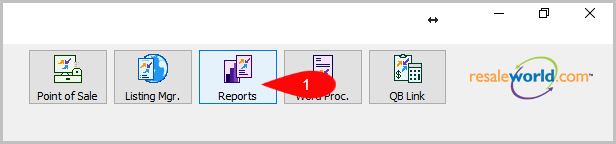
- Click on Analysis.

- Click on Reward Plan Details.


How To Add More Criteria
1. Click on Add More Criteria.

2. Select what criteria you want then press OK.

Criteria Choices
- Account Number
- Enroll Date
- Last Purchase Date
- Member ID
- Points Available
- Rewards Plan
Next Article In Section
Click the following link to move to the next article in this section:
Weekly Sales Analysis Report