Buy-Trade Entry Summary
This report displays information pertaining to Purchases and Trade Items based on the Buyer

When to Use
Use this report to determine the amount if inventory the Buyer (Store employee) is entering into the system.
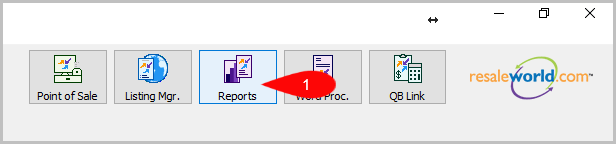
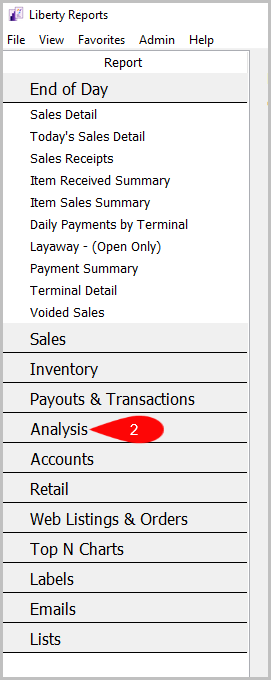
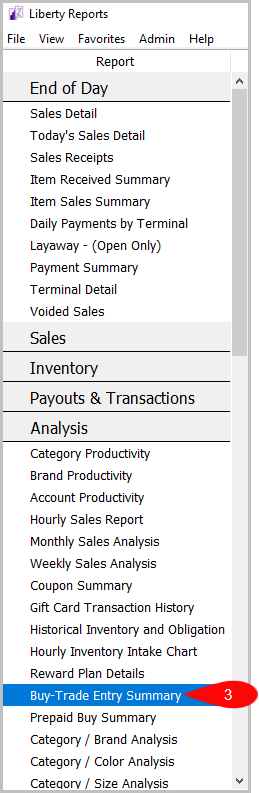
Reports > Analysis > Buy-Trade Entry Summary
- Click on Reports
- Click on Analysis
- Then Click on Buy-Trade Entry Summary


How To Add Criteria
1. Click on the Add More Criteria button.
 2. Select what criteria you want then press OK.

Criteria Choices
- Buyer
- Category 1
- Category 2
- Category 3
- Item Received Date
- Price Code
- Trade Type
- User Type