Remove a Payment From a Sale
Use this procedure to remove a payment from a sale. You must remove the payment before Finishing the sale.
How To Remove A Payment Before Posting A Sale
Use this method to remove a payment type from the sale.
- Select the payment. A pop-up window will appear where you can select Remove Payment.
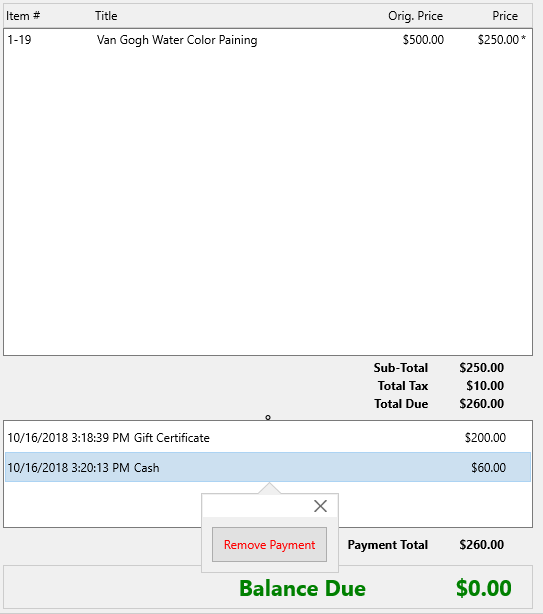
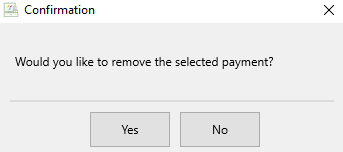
- Confirm that the payment should be deleted by selecting Yes.


You will notice the payment is no longer part of the sale.

Next Article In Section
Click the following link to move to the next article in this section:
Post a Sale Using a Store Credit