Retail Inventory Report
Displays all retail inventory products with expanded detail information.

When to Use
This report shows information about retail items, including cost per item, cost of goods on hand, and price.
How To Get To This Report
Reports > Retail > Retail Inventory
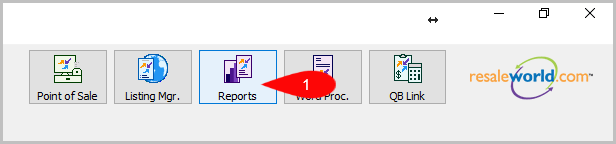
- Go to Reports
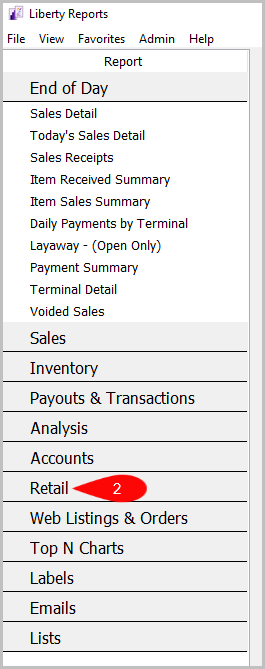
- Click on Retail
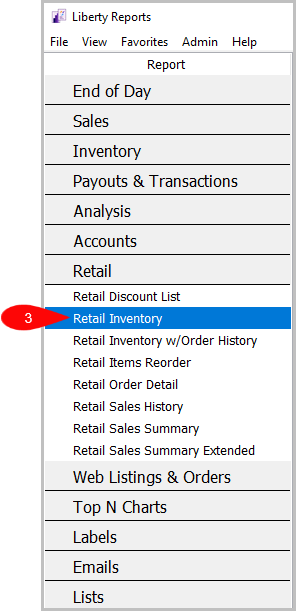
- Click on Retail Inventory


How To Add Criteria
1. Click on the Add More Criteria button.
 2. Select what criteria you want then press OK.

Criteria Choices
- Account Number
- Active Account?
- Discounted
- Item Description Keyword
- Item Received Date
- Item Status
- Location
- Product Line
- Quantity On Hand
Next Article In Section
Click the following link to move to the next article in this section:
Retail Inventory with Order History Report
Related Topics
Retail Inventory Report Selecting the Right Report Retail Discount List Report Retail Items Reorder Report Retail Order Detail Report Retail Inventory with Order History Report Retail Sales History Report Retail Sales Summary Report Retail Sales Summary Extended Report Account Comments Report Account Export by Purchases Report