Sales Commission Report
Displays sales detail information for each salesperson along with the price sold, profit, and commission amounts for each.
When to Use

This report, which can also be considered a Sales by Salesperson Summary, helps to determine commission amounts based on the commission percentage set up for each Liberty User.
How To Get To This Report
Reports > Sales > Sales Commission
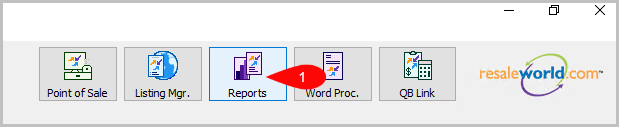
- Click on Reports
- Click on Sales.
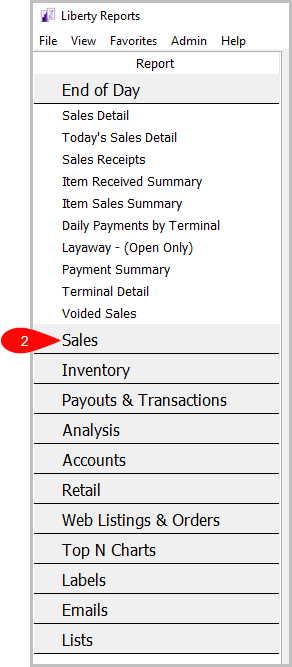
- Click on Sales Commission.


How To Add Criteria
1. Click on the Add More Criteria button.
 2. Select what criteria you want and then press OK.

Criteria Choices
- Category 1
- Category 2
- Category 3
- Sale/Posted Date
- Sales Records
- Sales Status
- User Type
Next Section Navigation Link
Click the following link to see a list of articles for the next section:
Inventory Reports
Related Topics
Sales Commission Report Selecting the Right Report Item Description with Extended History Item Description with Sales History Profit by Brand Report Profit by Category Report Profit by Section Report Purchases by Customer Report Purchases by Zip/Postal Code Report Sales by Account Report Sales by Category Report