Opting Into eBay Business Policies
Before you start listing items on to the eBay marketplace through Liberty, you must opt into eBay business polcies.
This allows you to have a default Payment, Return and Shipping policy that Liberty will use for your eBay listings.
If you have more than one eBay business policy created, Liberty will pull in those as well and you can select them, if the default is not the one you wish to use.
How To Opt-In to eBay Business Policies
- eBay can change the specific address link in the future as to how to get to he opt-in feature for business policy. This makes it necessary to search for the page so that if it is changed, you will always have the latest information.
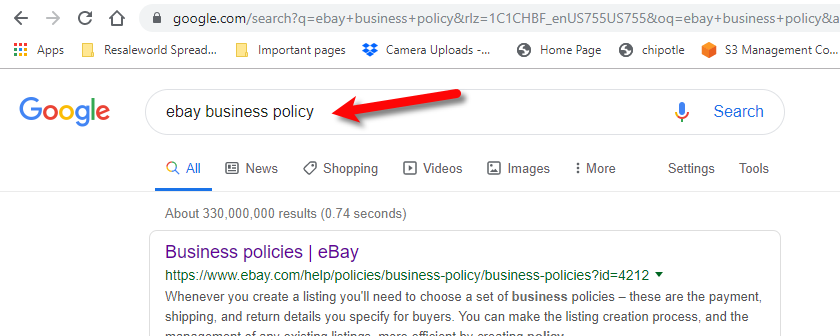
Open a browser page to your favorite search engine type in eBay business policy and then hit the enter button on your keyboard or click the search button.
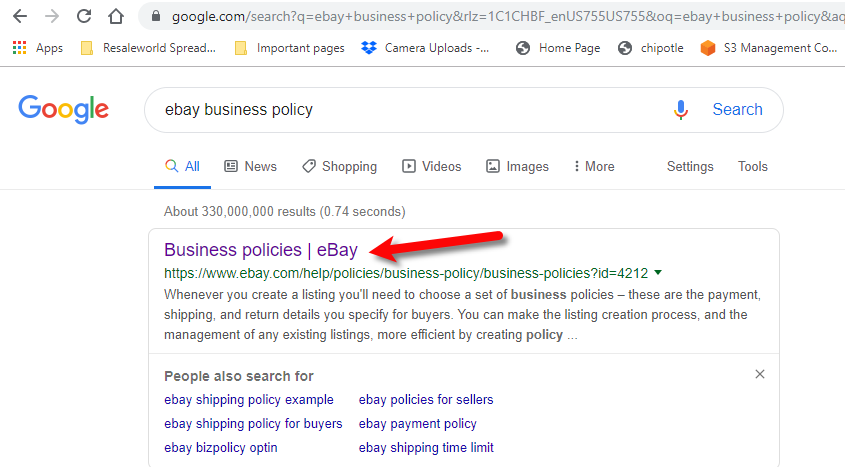
- Click on the first entry that says Business Policies. If the first entry does not match your search term, you may have to scroll down the search results to find the specific eBay page.
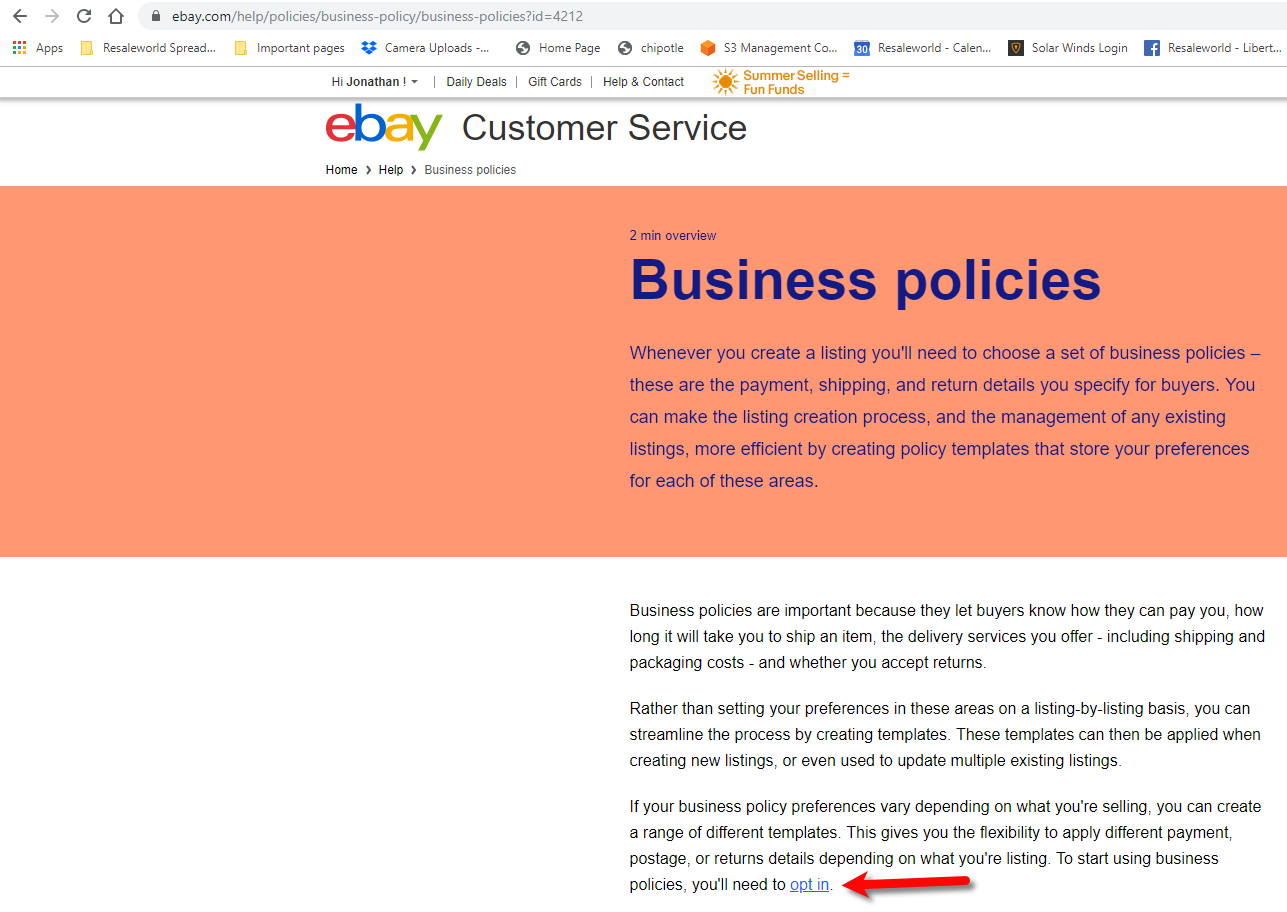
- Find the opt-in link and click it from within the information eBay provides on the web page.
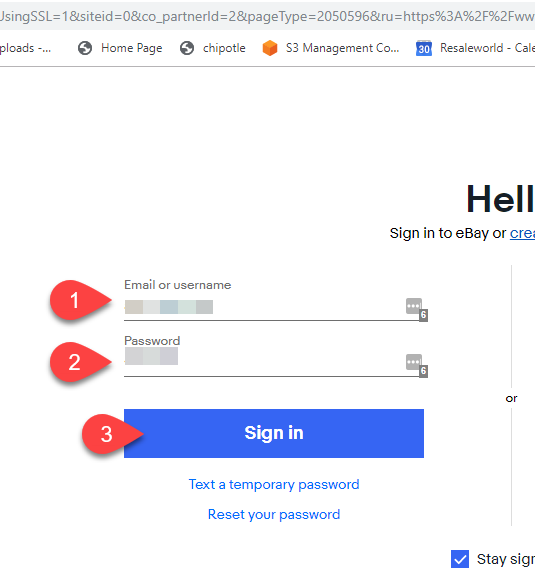
- Type in your eBay Username/Email and Password, then click the Sign In button.
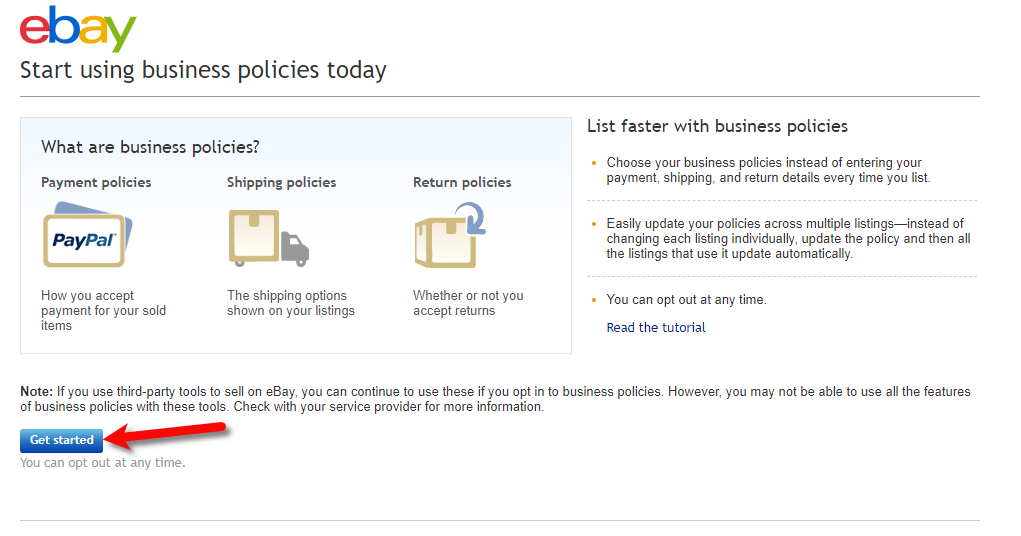
- Click the Get Started button.
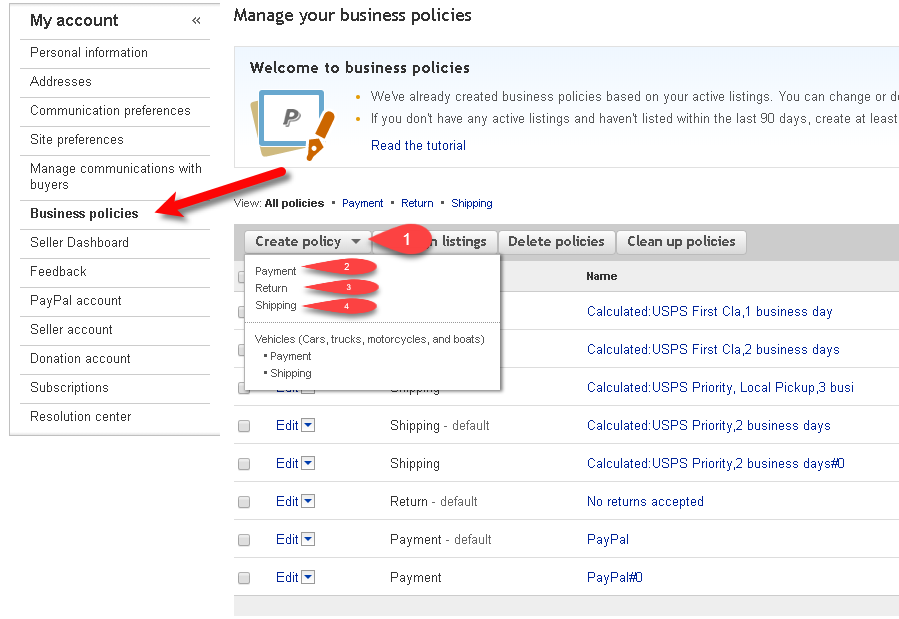
- You can now start creating your eBay policies


Next Article In Section
Click the following link to move to the next article in this section:
Getting To The eBay Business Policies Page
Related Topics
Opting Into eBay Business Policies eBay Business Policies Overview Getting To The eBay Business Policies Page Creating A Default eBay Payment Business Policy Creating A Default eBay Return Business Policy Creating A Default eBay Shipping Business Policy Adding A Regular Listing Adding A Retail Listing Creating an eBay Listing Overview Refreshing Listing Manager To Use eBay Business Policies That Have Been Changed Adding An eBay Item Specific Attribute