Satisfied Obligations Report
Lists all Payouts, Pay Advances, and Store Credit use by Account
When to Use

Run this report to view the amounts paid to consignors totaled by account and/or to see payouts and store credit amounts combined.
How To Get To This Report
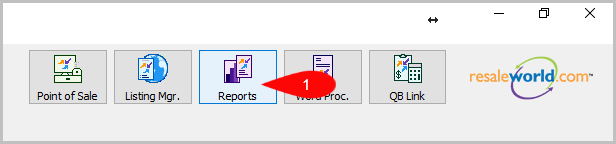
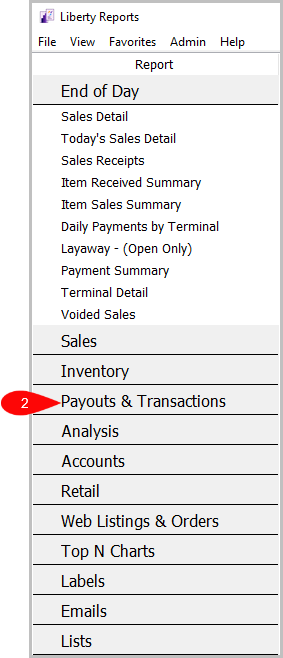
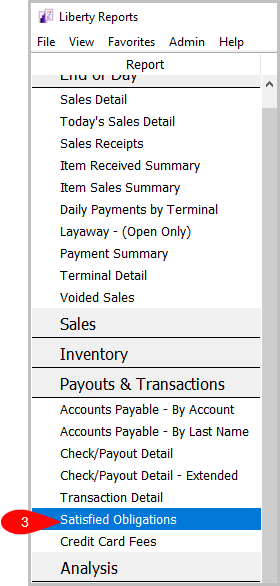
Reports > Payouts & Transactions > Satisfied Obligations
- Go to Reports.
- Go to Payouts & Transactions.
- Click on Satisfied Obligations.

How To Add Criteria
1. Click on the Add More Criteria button.
 2. Select the criteria you want then press OK.

Criteria Choices
- Account Number
- Check/Payout Number
- Filter Code
- Payment Account
- Payout Date
- Store User
- Total Payouts
Next Article In Section
Click the following link to move to the next article in this section:
Transaction Detail Report