Weekly Sales Analysis Report
Displays sales summary information, broken down by both week and day of week.

When to Use
This report provides a great way to compare sales for multiple weeks side-by-side, or for a specific day of the week across several weeks.
How To Get To This Report
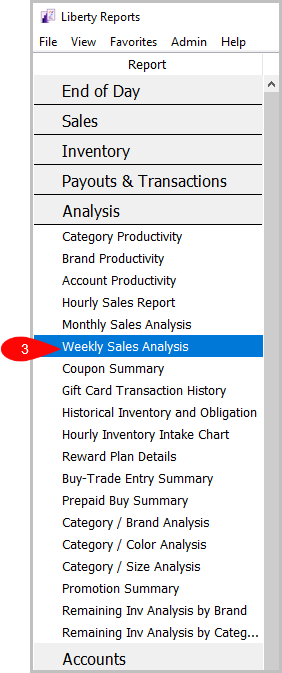
Reports > Analysis > Weekly Sales Analysis
- Go to Reports.
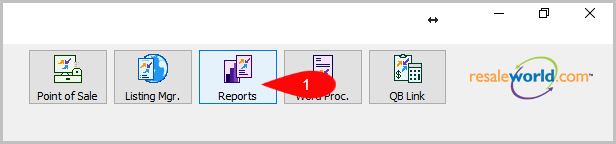
- Click on Analysis.

- Click on Weekly Sales Analysis.

How To Add More Criteria
1. Click on Add More Criteria.

2. Select what criteria you want then press OK.

Criteria Choices
- Sale/Posted Date
- Sales Person
- Sales Status
- Terminal ID
Next Section Navigation Link
Click the following link to see a list of articles for the next section:
Accounts Reports