Kiosk Signature Capture Overview
The Kiosk can also be used for Signature Capture for Payouts or Contracts. This can be configured separately in either the Inventory Module or POS.
Inventory Module Setup
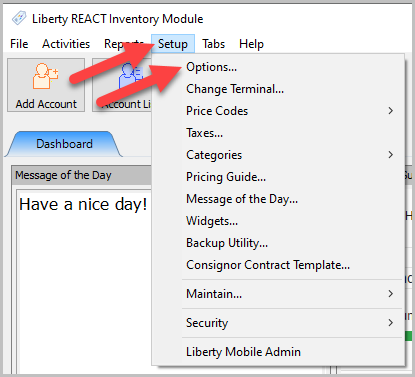
- Click Setup, then Options.
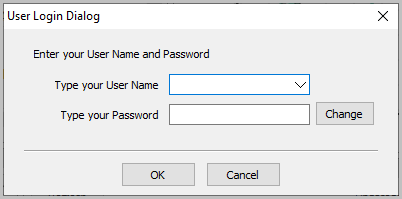
- Enter your username and password, then click OK.
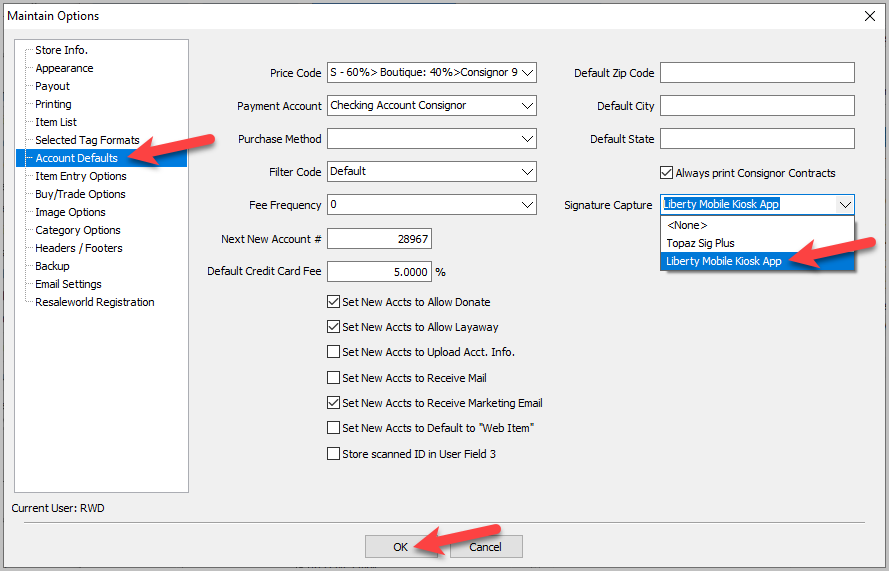
- Select Account Defaults, then choose Liberty Mobile Kiosk App under the Signature Capture dropdown. Then click OK.


Signing a Contract
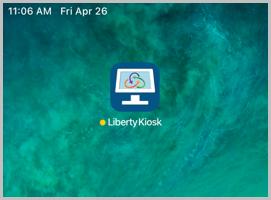
- Open the Kiosk App on the iPad.
- Click Account Management. If that feature is not set up yet, see Account Management Feature for help setting it up.
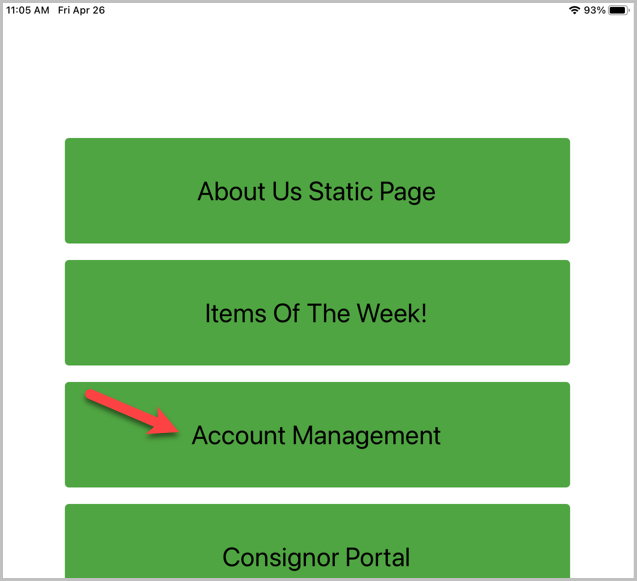
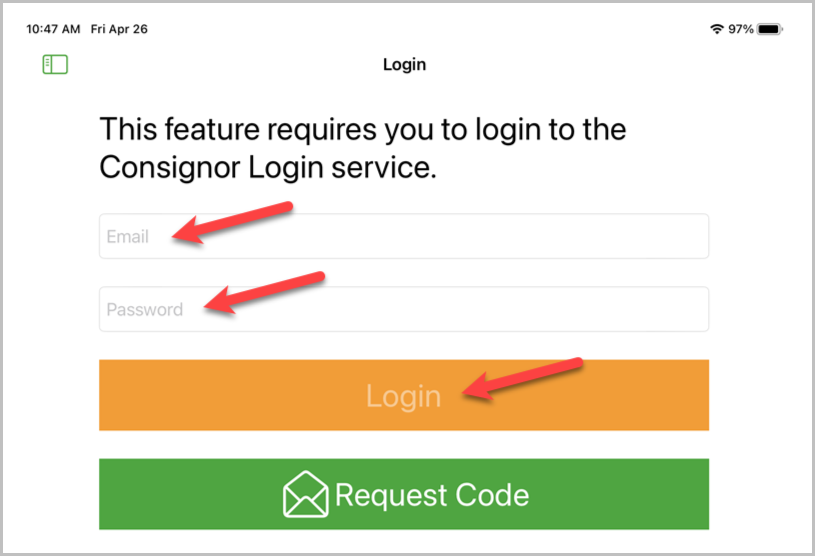
- Have the consignor enter their email address and password. Then click Login.
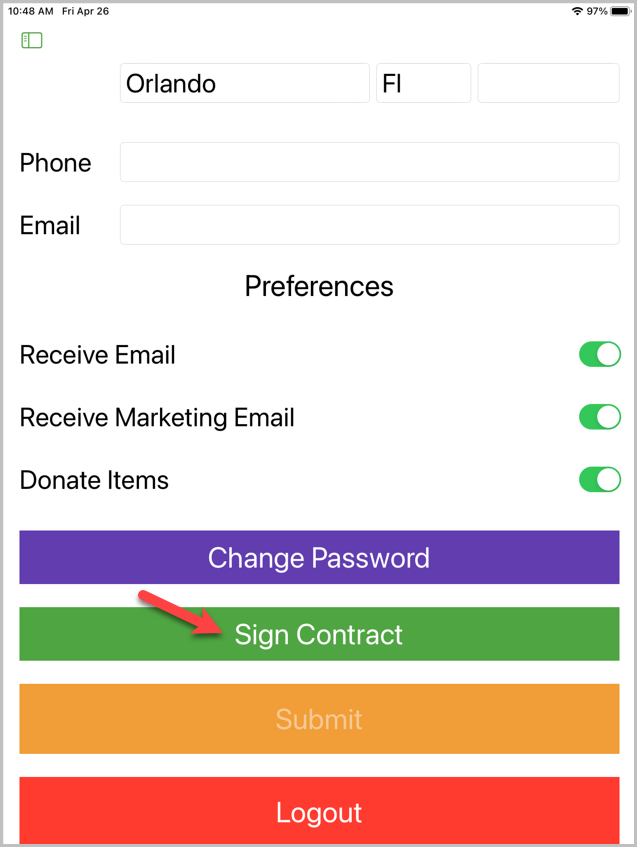
- Click Sign Contract.
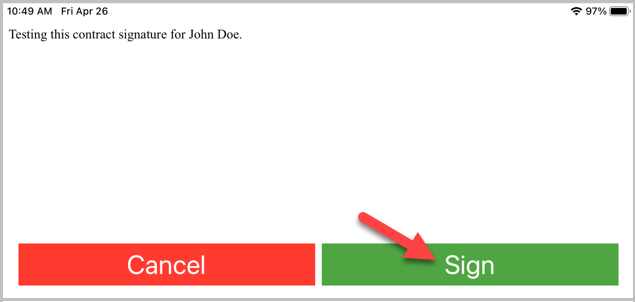
- The current consignor contract will pull up. Let the consignor review it, then click Sign.
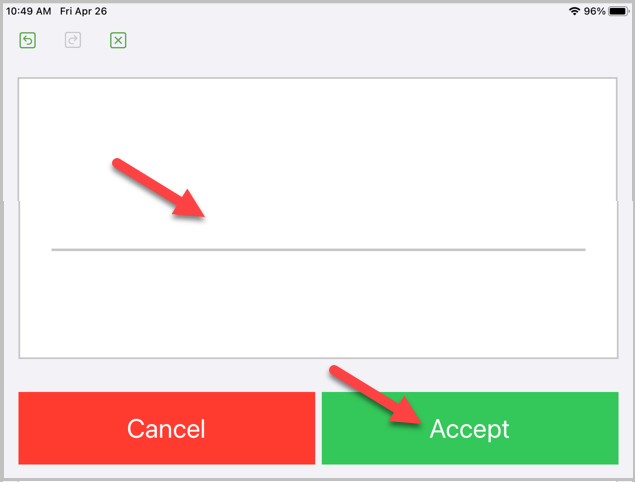
- The consignor can sign on the signature line, then click Accept.
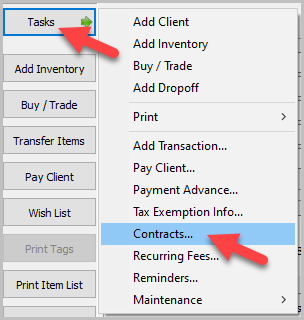
- To view the contract, open the account in Inventory Module. Click Tasks, then Contracts.
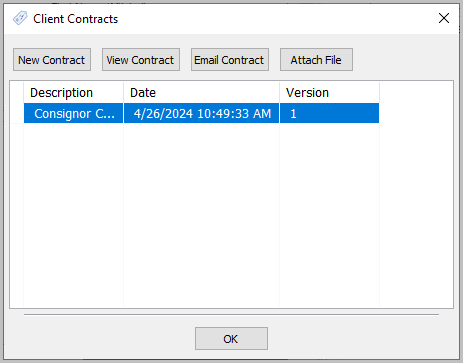
- The contract will be listed with the datetime of signing. You can view the contract or email it to the consignor.


Cash, Check and Store Credit Signature Capture Setup In The Point Of Sale
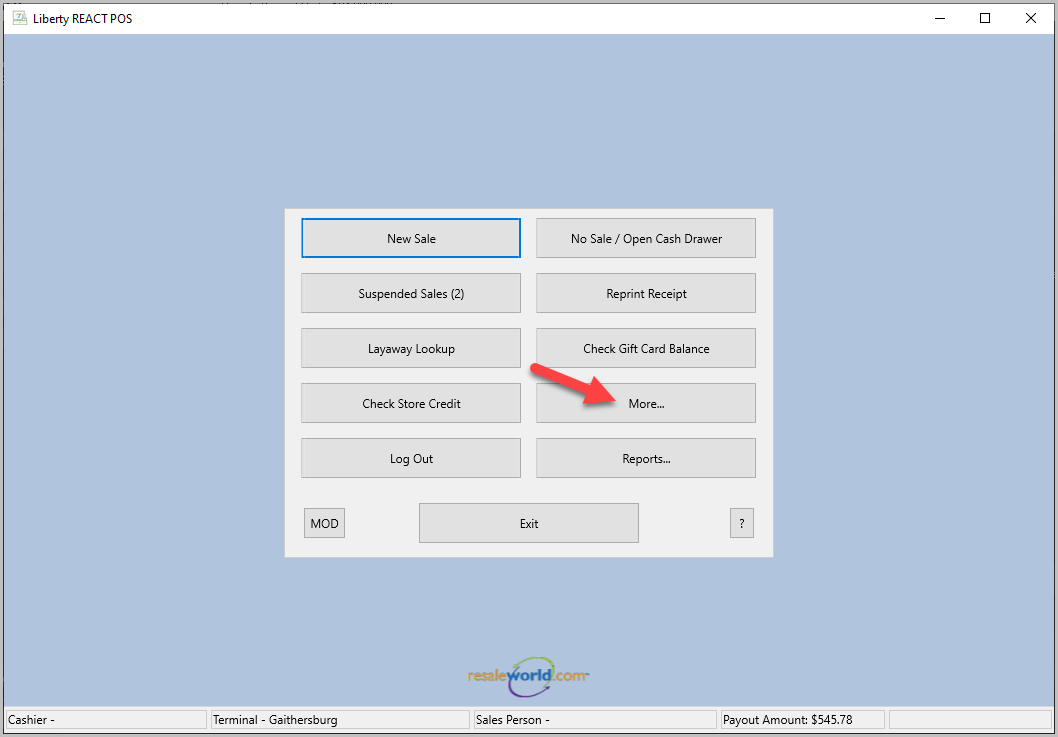
- Click More.
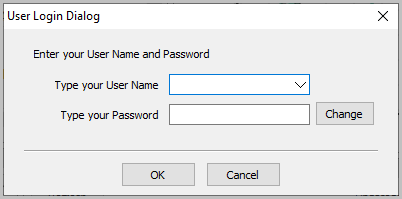
- Login with your username and password.
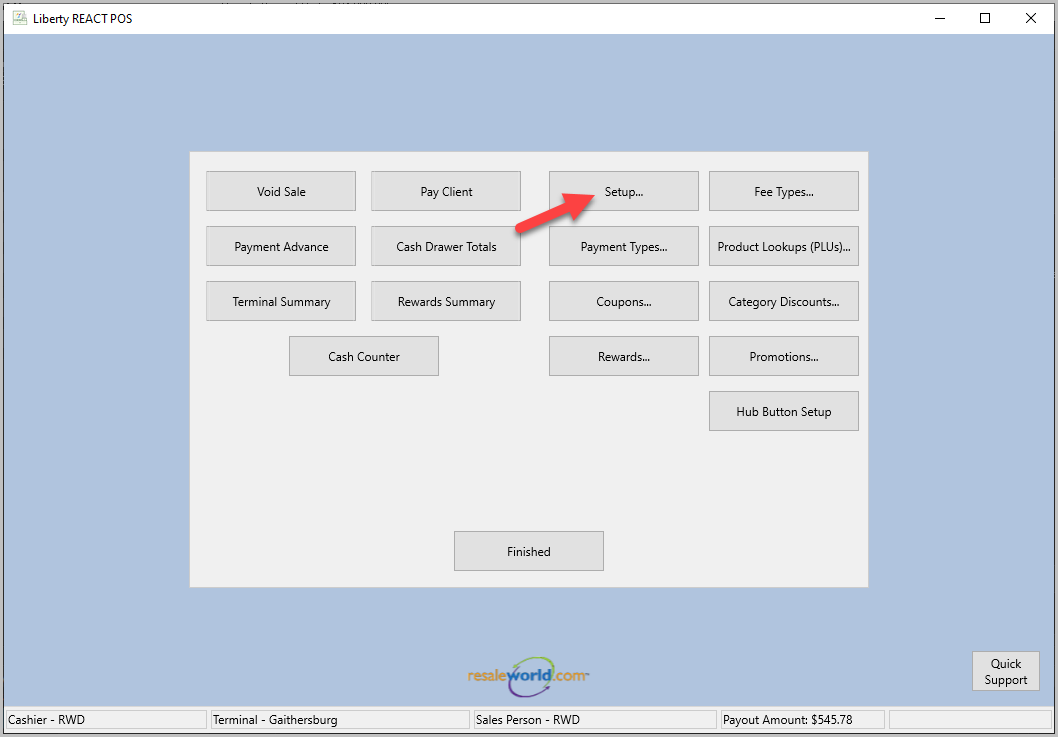
- Click Setup.
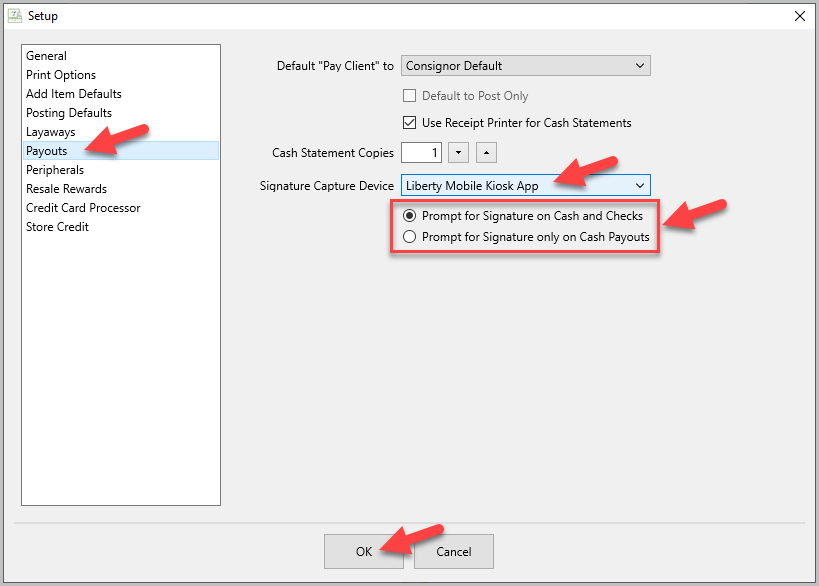
- Click Payouts, then select Liberty Mobile Kiosk App in the Signature Capture Device dropdown menu. Choose whether you want to prompt for signature on Cash and Checks or just Cash Payouts. Then click OK.
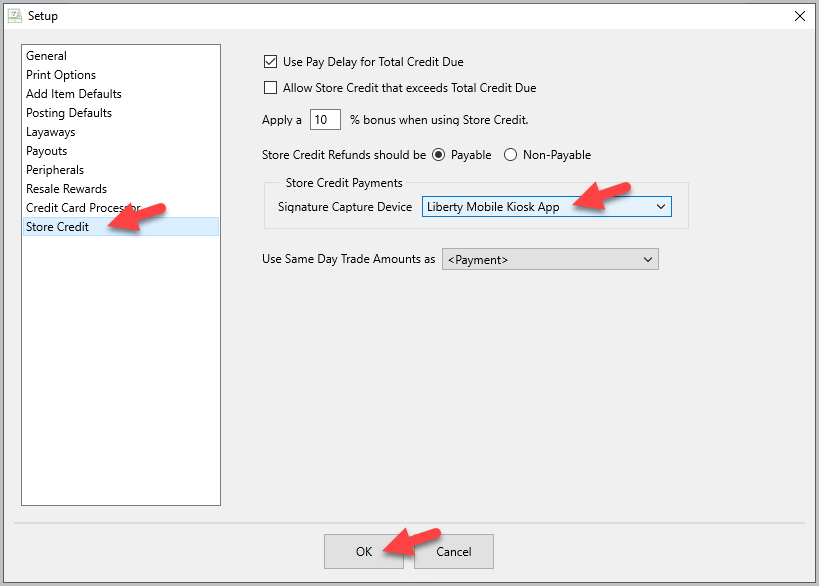
- Click Store Credit, then select Liberty Mobile Kiosk App for the Signature Capture Device. Then click OK.


Capturing a Payout Signature in POS
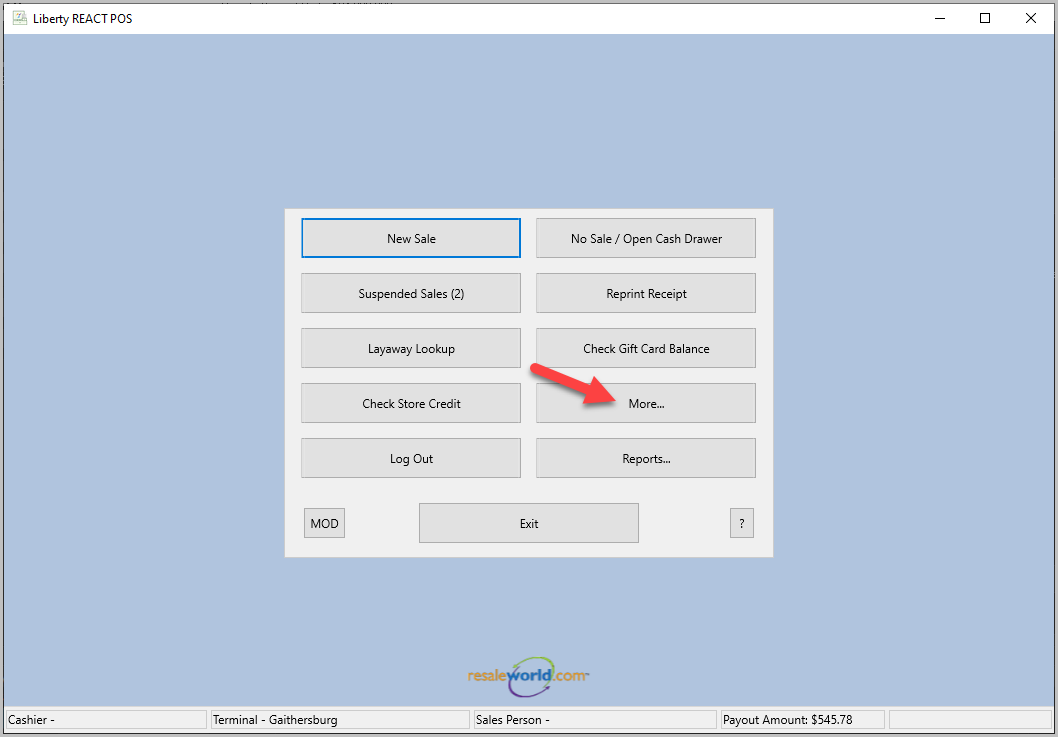
- Click More.
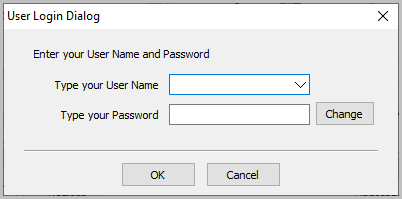
- Login with your username and password.
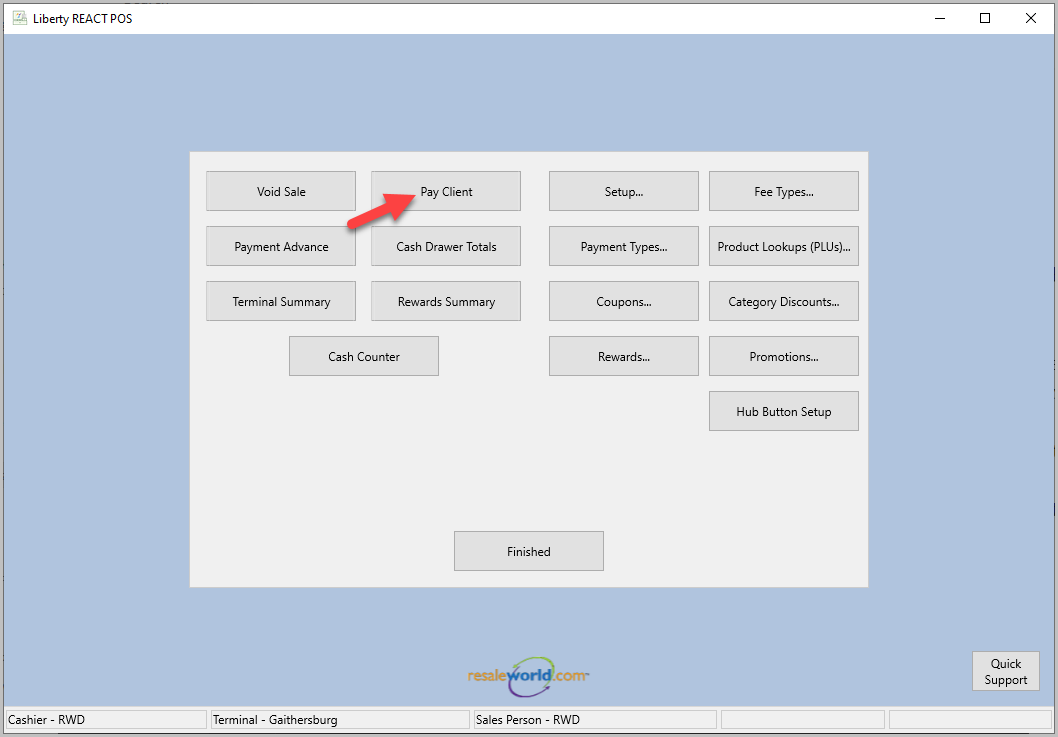
- Click Pay Client, then choose which client to payout.
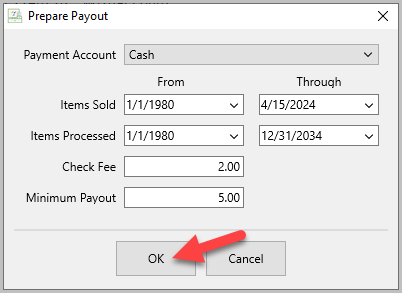
- The Prepare Payout dialog will popup. Make any changes necessary, then click OK.
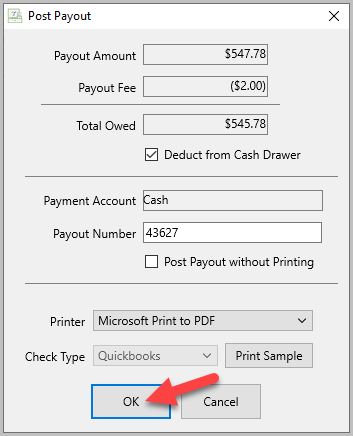
- The Post Payout dialog will popup. Make any changes necessary, then click OK.
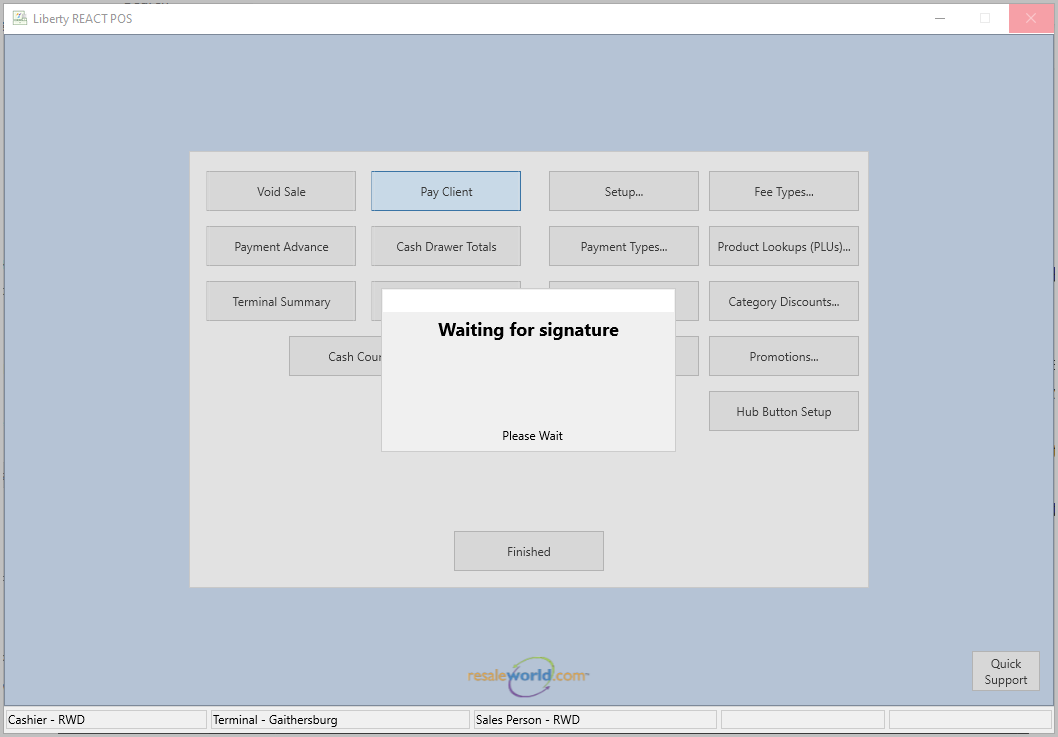
- POS will show Waiting for Signature.
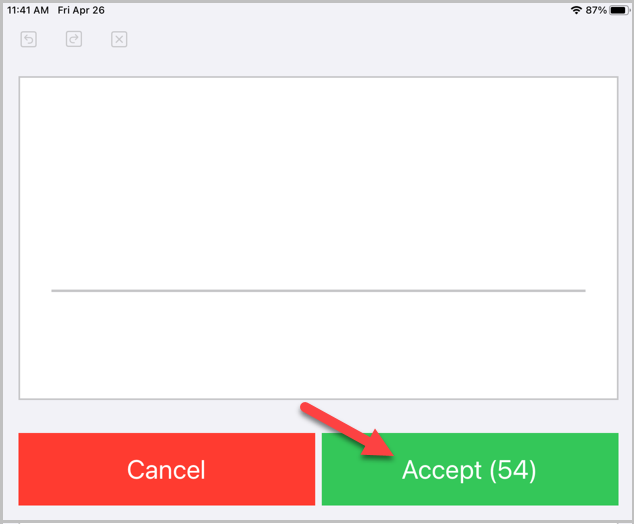
- On the kiosk app it will automatically switch to the signature box. The consignor has 60 seconds to sign for the payout, then click Accept.
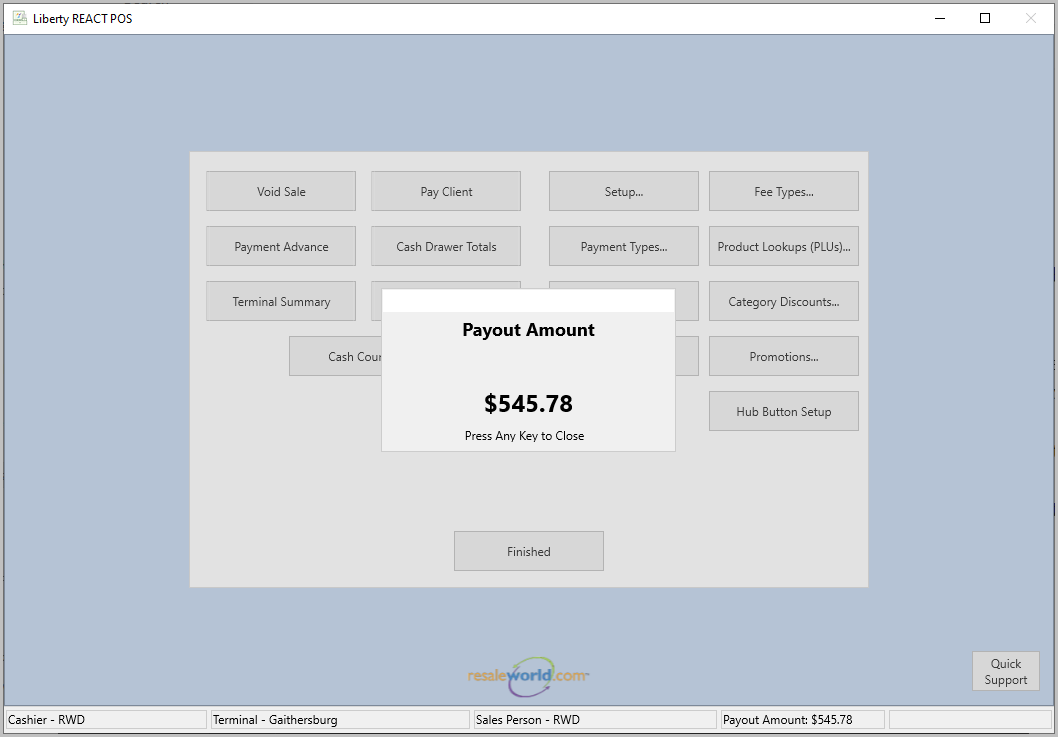
- POS will display a confirmation with the Payout Amount.


Next Article In Section
Click the following link to move to the next article in this section:
Setting Up Contract Signature Capture In Liberty
Related Topics
Kiosk Signature Capture Overview Setting Up Contract Signature Capture In Liberty Signing A Contract In The Liberty Kiosk App Cash, Check and Store Credit Signature Capture Setup In The Point Of Sale Capturing a Payout Signature in POS Pay a Client In The POS Consignor Contract Creation Account Management Feature Setting Up The Customer Facing Display Mode Using the Customer Facing Display Consignor Portal Feature