User Activity Log Report
Displays a list of users actions compiled from records in the Liberty Database.

When to Use
Use this report when tracking the actions of users.
Where To Find The Report
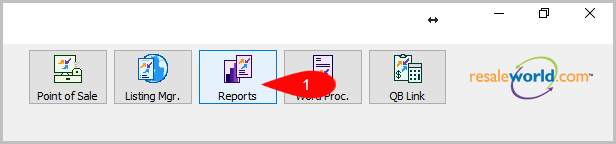
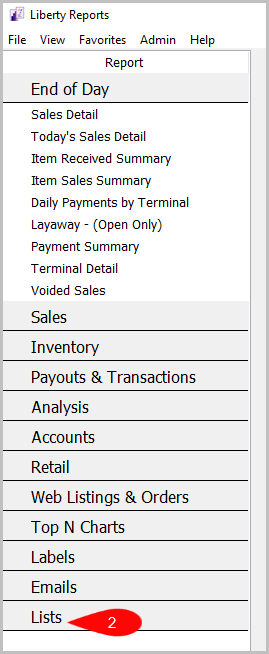
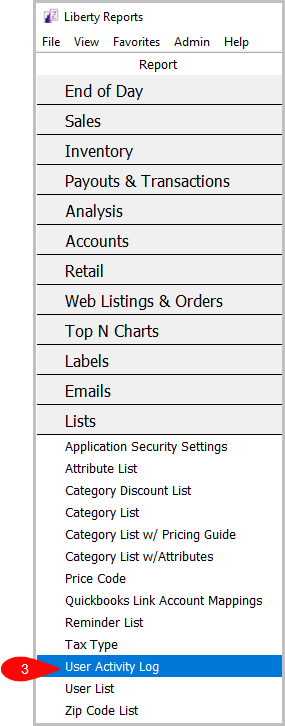
Reports > Lists > User Activity Log
- Go to Reports
- Click on Lists
- Click on User Activity Log

How To Add Criteria
1. Click on the Add More Criteria button.
 2. Select what criteria you want then press OK

Criteria Choices
- Activity Date
- Activity Type
- Store User
- User Type
Next Article In Section
Click the following link to move to the next article in this section:
User List Report
Related Topics
User Activity Log Report Selecting the Right Report Application Security Settings Report Attribute List Report Category Discount List Report Category List Report Category List with Attributes Report Category List with Pricing Guide Report Price Code Report Quickbooks Link Account Mapping Report Reminder List Report