Order Pick List Report
This report shows all orders which have been paid but not completed.

When to Use
Similar to the Order Detail Report, the Order Pick List Report contains details about orders including shipping information.
How To Get To This Report
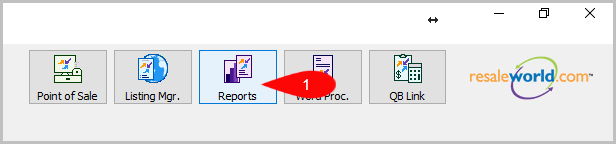
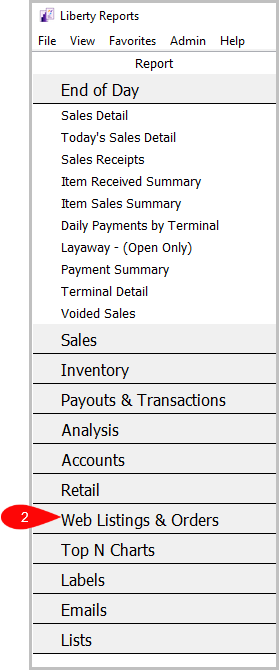
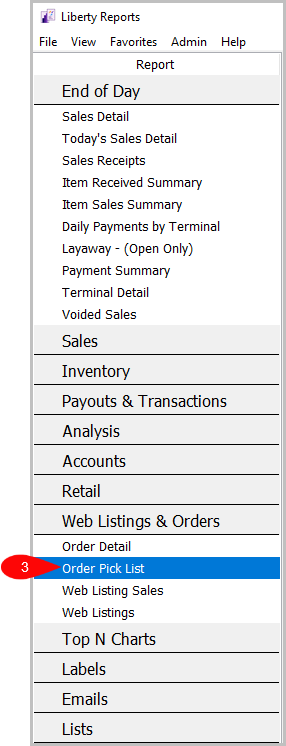
Reports > Web Listings & Orders > Order Pick List
- Go to Reports
- Click on Web Listings & Orders
- Click on Order Pick List


How To Add Criteria
1. Click on the Add More Criteria button.

2. Select what criteria you want then press OK

Criteria Choices
- Account Number
- Brand
- Color
- Sale/Posted Date
- Sales Status
- Shipping Service
- Size
- Web Order ID
Next Article In Section
Click the following link to move to the next article in this section:
Web Listings Report