Order Detail Report
This report displays line-by-line details for each order.

When to Use
This report is used for simultaneously viewing information about multiple orders. Use the “Order Status” criteria to view only orders requiring a certain type of action.
How To Get To This Report
Reports > Web Listings & Orders > Order Detail
- Go to Reports
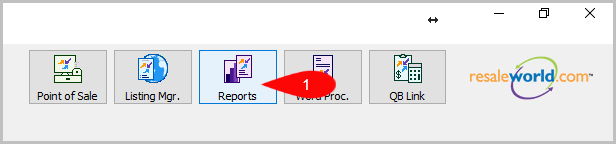
- Click on Web Listings & Orders

- Click on Order Detail


How To Add Criteria
1. Click on the Add More Criteria button.
 2. Select what criteria you want and press OK

Criteria Choices
- Account Number
- Delivery Type
- Order Status
- Order Type
- Sale/Posted Date
- Sales Status
- Shipping Service
- Web Order ID
Next Article In Section
Click the following link to move to the next article in this section:
Order Pick List Report