Web Listing Sales Report
Displays web listing sales information for finished web listings .

When to Use
This is a sales report that can be run on items that have a web status.
How To Get To This Report
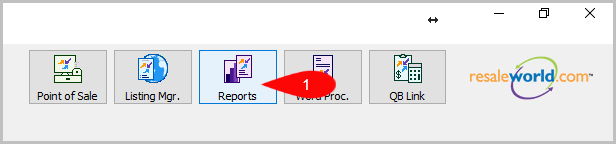
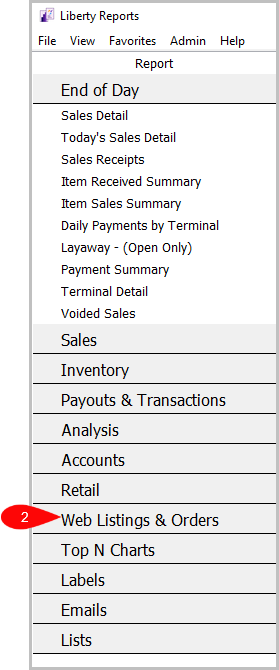
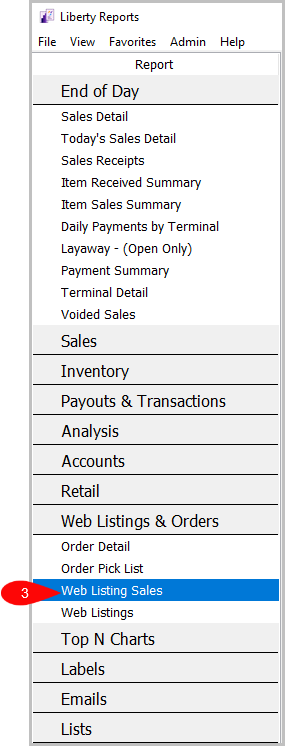
Reports > Web Listings & Orders > Web Listing Sales
- Go to Reports
- Click on Web Listings & Orders
- Click on Web Listing Sales


How To Add Criteria
1. Click on the Add More Criteria button.

2. Select the criteria you want then press OK.

Criteria Choices
- Account Number
- Action Status
- Active Account
- Auction User
- Date Listed
- Filter Code
- Item Disposition
- Item Status
- Listing Type
- Location
- Marketplace
- Order Status
- Quantity On Hand
- Sale Date/Posted
- Sales Person
- Selling price
- Store Section
Next Article In Section
Click the following link to move to the next article in this section:
Order Detail Report