Refunds
When an item is returned by a customer, a Refund is issued. Using Refund in PoS will calculate the amount due to the customer (including tax), adjust the daily sales, and return the item to inventory by changing the item's status from Sold to Available.
If the item was refunded as cash, the Cash Drawer balance will be adjusted.
If the item was refunded using Store Credit, by default it will refunded as Non-Payable store credit. This option can be changed in the POS Setup menu. See Setting Up POS Defaults for more information.
How To Refund Items To A Customer
- Open Point of Sale Module.
- Click on New Sale. Login if prompted.
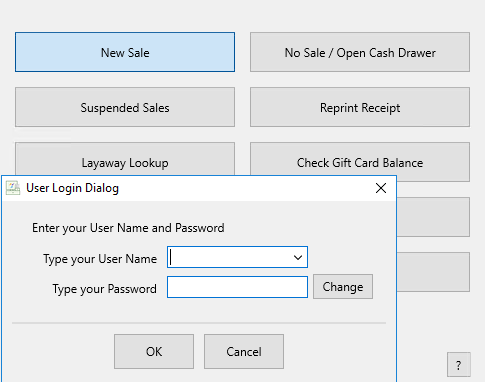
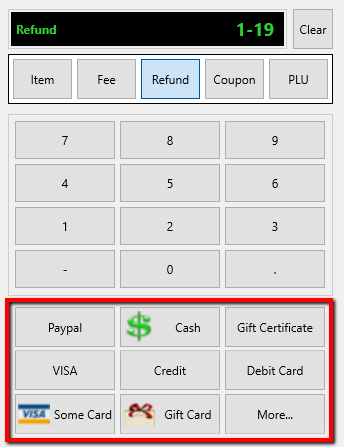
- Click on the Refund button.
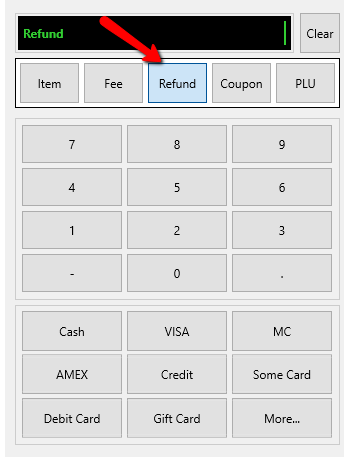
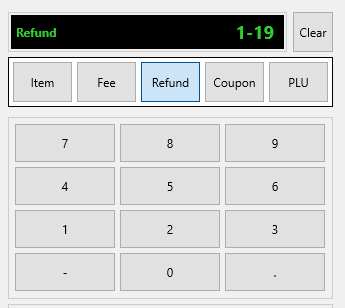
- If you have the original tag for the item, scan the barcode or use the keyboard to type the account-item number then select the <Enter> key.
Example: For item 19 of account 1, type 1-19.
- If the item being refunded had a coupon during the sale, you will get a Confirmation prompt that will ask you if you want to reprint a receipt of the original sale.
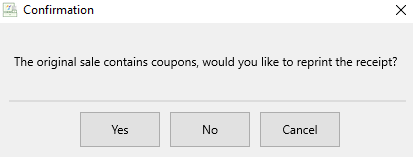
- If Yes is pressed, the receipt of the original order will reprint and you can continue refunding the item.
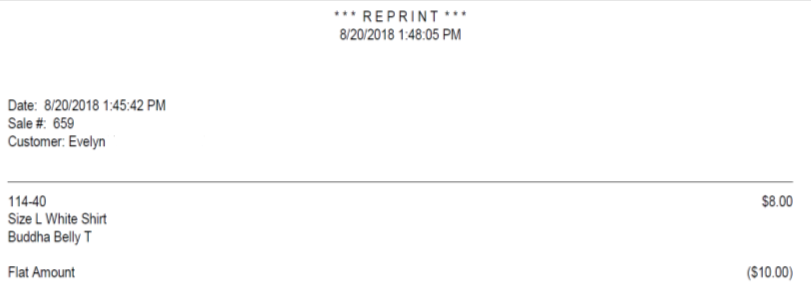
- If No is pressed, you will be able to continue refunding the item.
- Choose the payment method in which you are providing for this refund (cash, credit card, etc.) The money will be refunded in the payment option you choose.
- Press F10 or click on the Finish button to complete the refund.

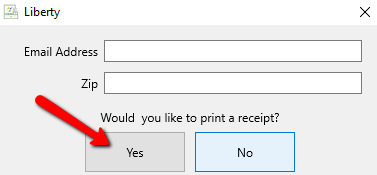
- Press the Print Receipt button to print a receipt.


Next Article In Section
Click the following link to move to the next article in this section:
Payout Refund