Table of Contents
Promotion Summary Report
Displays a summary of sales figures from receipts where a Promotion was selected in PoS.

When to Use
Run this report to see the number of items, number of sales, Average Item Price, Average Sale Amount, and Sales Totals for various sales promotions.
How To Get To This Report
Reports > Analysis > Promotion Summary
- Go to Reports.
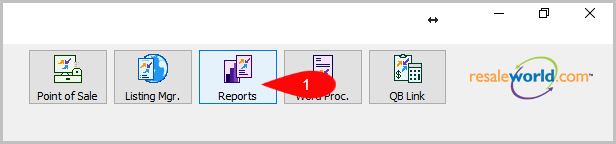
- Click on Analysis.

- Click on Promotion Summary.


How To Add More Criteria
1. Click on Add More Criteria.

2. Select what criteria you want then press OK.

Criteria Choices
- Category 1
- Category 2
- Category 3
- Date Sold/Posted
- Promotion Type
Next Article In Section
Click the following link to move to the next article in this section:
Remaining Inventory Analysis by Category