Table of Contents
Check/Payout Detail Report
Displays all transactions related to each payout/check number and now
includes a summary showing the total number of payouts in the
Check/Payout Detail reports.
Note: Suppress Group Detail and Group Footer to view only a list of payouts.

When to Use
Run this report to see an overview of issued payouts, to find specific payouts, or to see payouts that are a specific status (Cleared, Deleted, etc).
How To Get To This Report
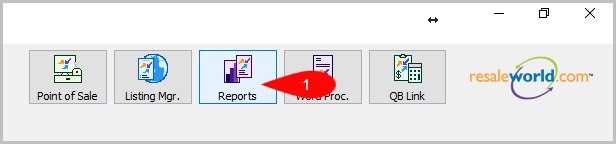
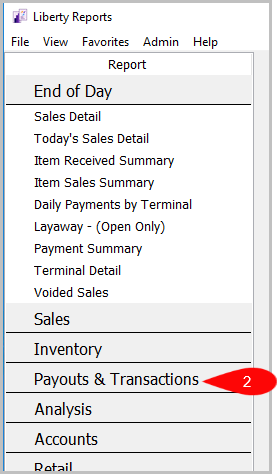
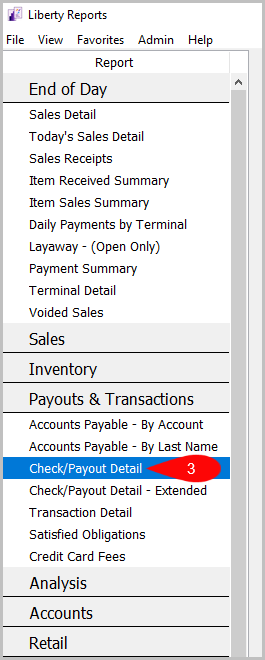
Reports > Payouts & Transactions > Check/Payout Detail
- Click on Reports
- Click on Payouts & Transactions
- Then Click on Check/Payout Detail


How To Add Criteria
- Click on the Add More Criteria button.
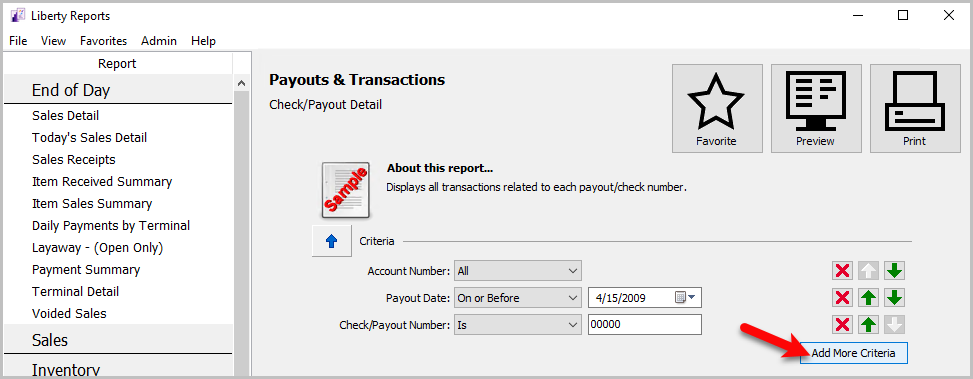
- Select the criteria you want and press OK.
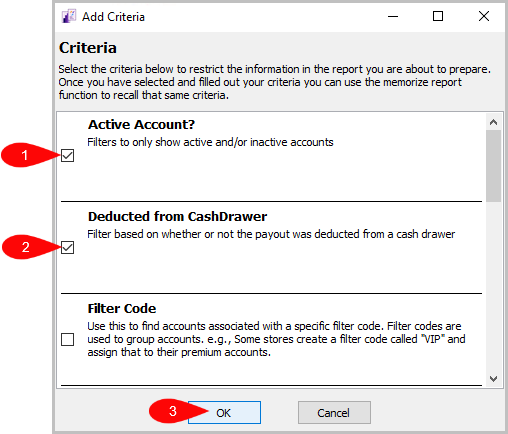

Criteria Choices
- Account Number
- Active Account?
- Check/Payout Number
- Filter Code
- Payment Account
- Payout Date
- Payout Line items
- QB Exported?
- Reconcile Status
- Store user
Next Article In Section
Click the following link to move to the next article in this section:
Credit Card Fees Report
Related Topics
Check/Payout Detail Report Selecting the Right Report Account Payable - By Account Report Account Payable - By Last Name Check/Payout Detail - Extended Report Credit Card Fees Report Satisfied Obligations Report Transaction Detail Report Account Comments Report Account Export by Purchases Report Account Export by Sales report