Table of Contents
Gift Certificates
How To Take A Gift Certificate For Payment Toward A Sale
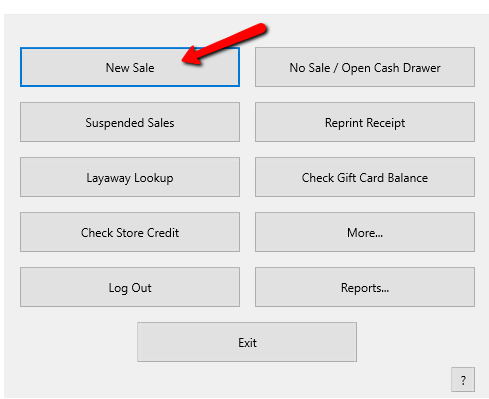
- From the POS Hub select the New Sale button.
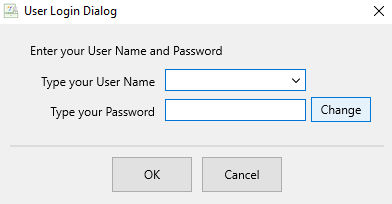
- Login if prompted.
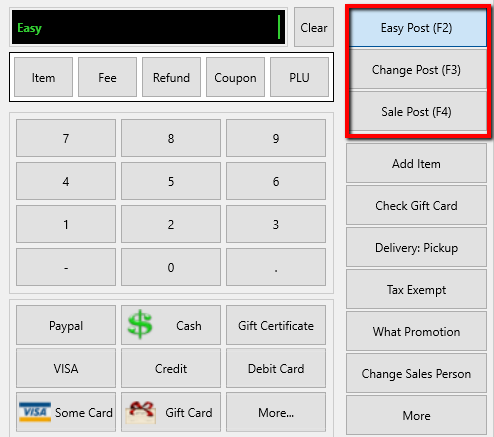
- Select your posting mode. For more information on posting modes, see Sell Items For Regular Price, Sell An Item At A Percentage Discount, and Changing The Selling Price Of An Item.
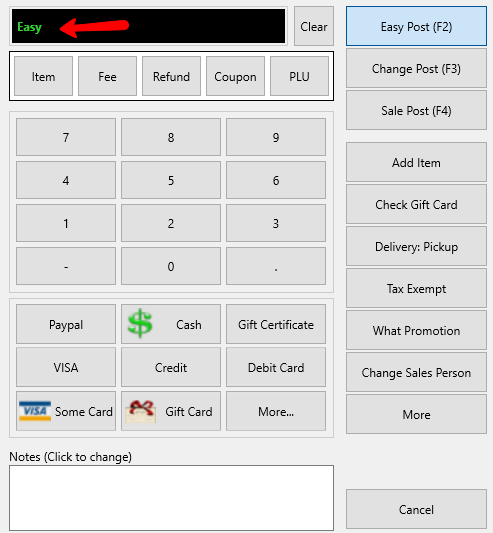
The posting mode you are in will be displayed in the black entry field.
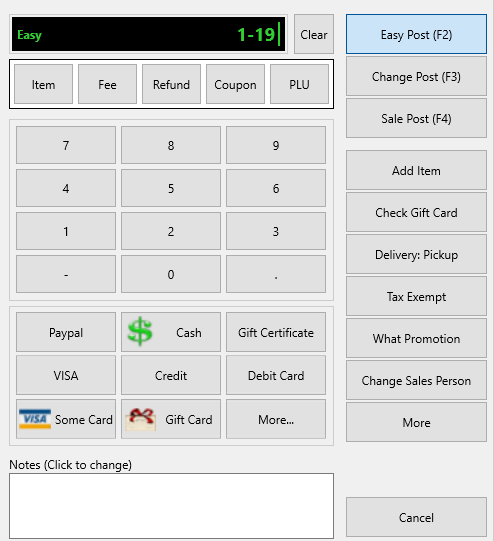
- Scan or type in your items using the Account-Item Number format.
Example: for item 19 on account 1 type in 1-19.
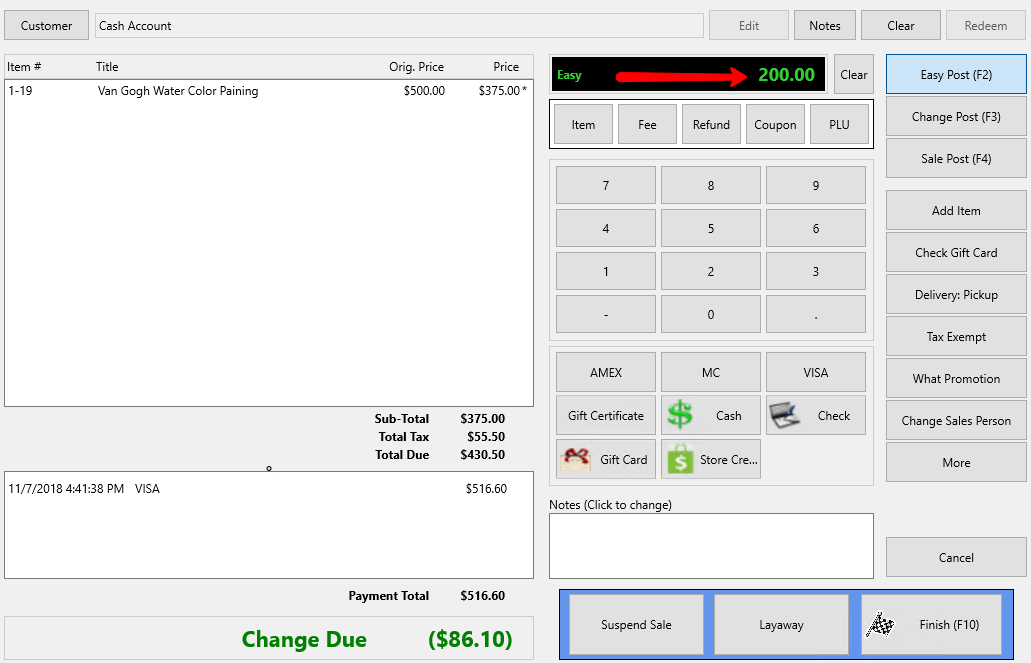
- Next, enter the amount of the Gift Certificate.
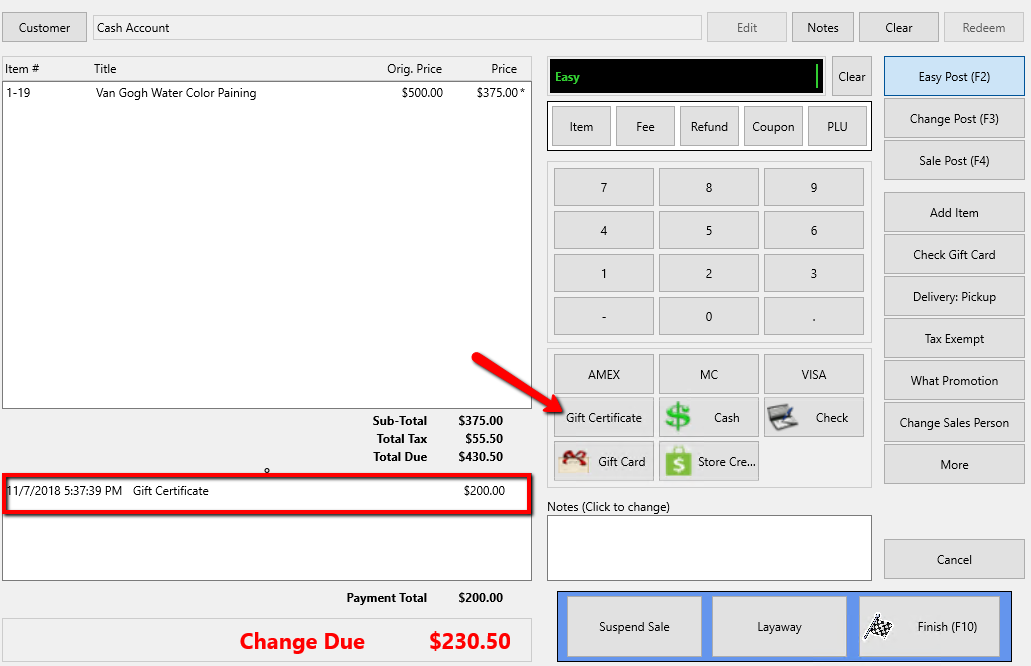
- Select the Gift Certificate button. The amount will be applied to the sale.
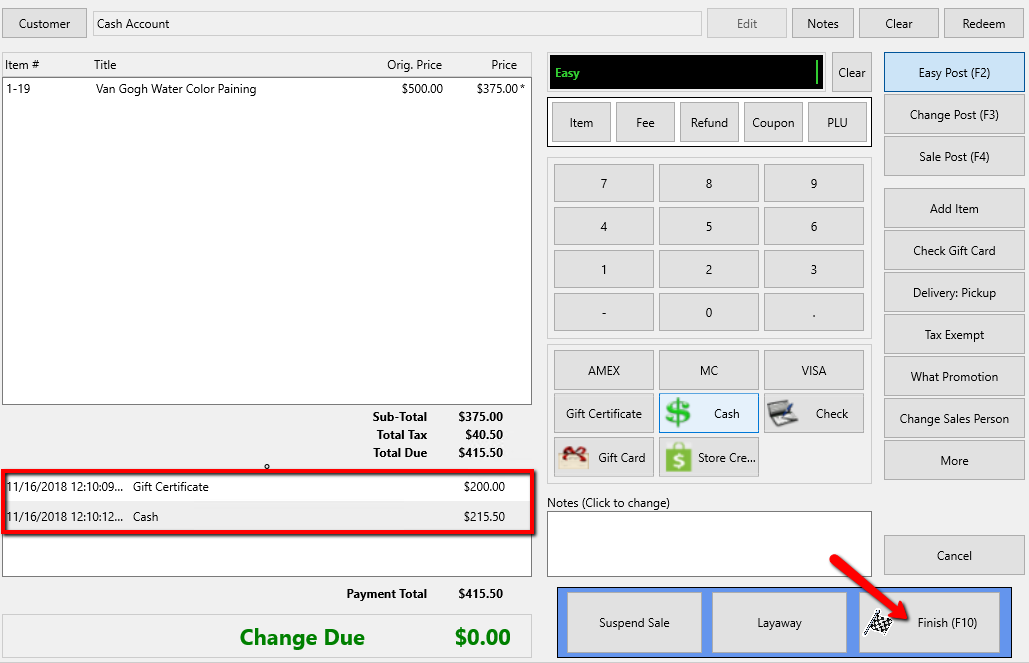
- Continue making payments until the full amount is covered, then select the Finish button.
- Press the Print Receipt button to print a receipt.
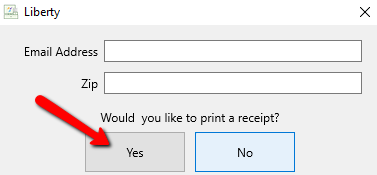


If the Gift Certificate amount entered is higher than amount due, you will get a prompt.

If you select Yes there will be change due. If you select No the payment will not be added.
Next Article In Section
Click the following link to move to the next article in this section:
Using coupons in POS