Table of Contents
Accepting Coupons
Here is the video that covers this content:
How To Create And Use A Coupon In The POS
In Liberty REACT, there are different type of coupons. You can have a Variable Amount, Flat Amount, Percentage, Split with Consignor coupons. See Using Coupons in POS for more information.
How To Accept A Coupon In POS
- Open Point of Sale Module.
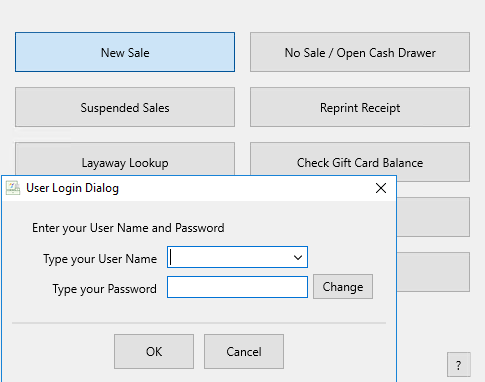
- Click on New Sale. Login if prompted.
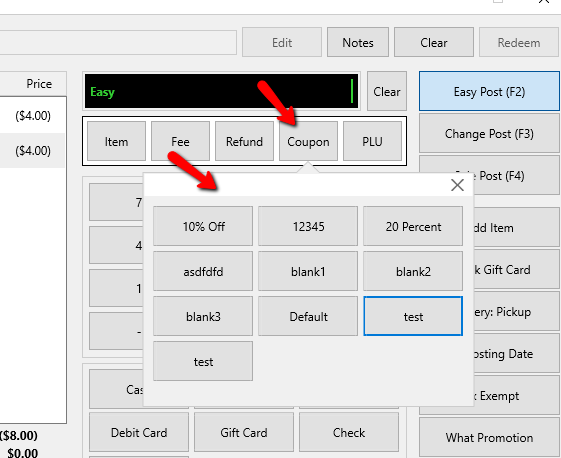
- Click on the Coupon button. Select the appropriate coupon you want to apply to the sale.
- Continue transacting the sale.


Next Article In Section
Click the following link to move to the next article in this section:
Gift Certificates