Word Processor Overview
The Word Processor is used to create single documents such as letters, memos, and faxes. It can also be used to create Form letters and postcards. These help increase sales by sending personalized advertisements and announcements to existing customers and consignors.
Another use for the Word Processor is to create consignment contracts. These contracts can be designed in the same way as a form letter so that the consignor's name and address automatically print as part of the contract.
The Word Processor Screen
- From within Inventory Module select the Word Processor button.

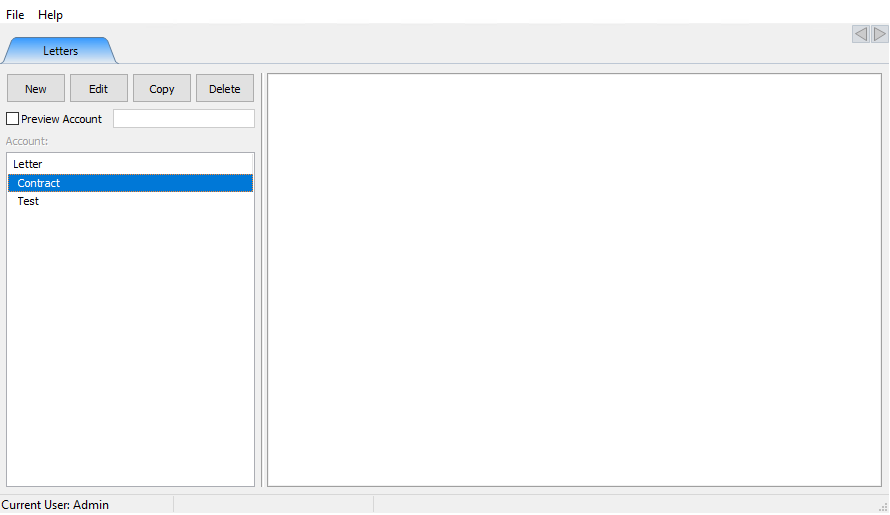
The Word Processor dialog box will open.
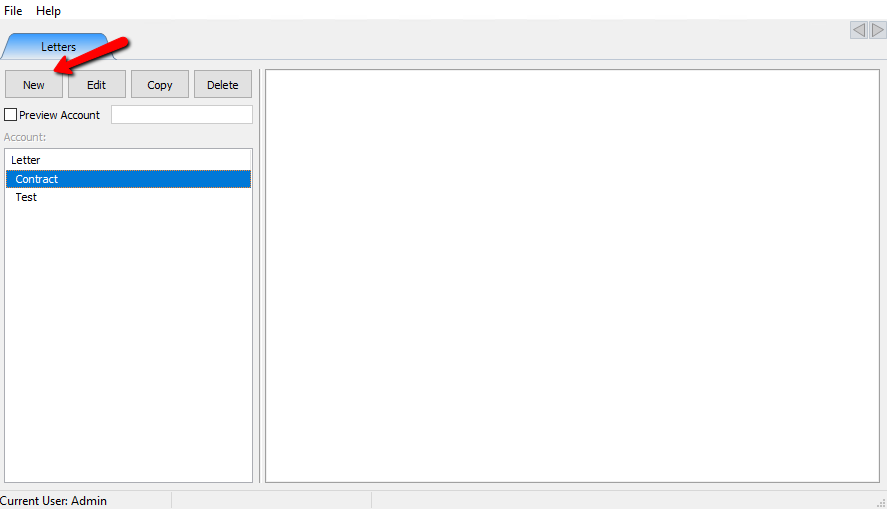
- New Button : Select the New button to create a new letter.
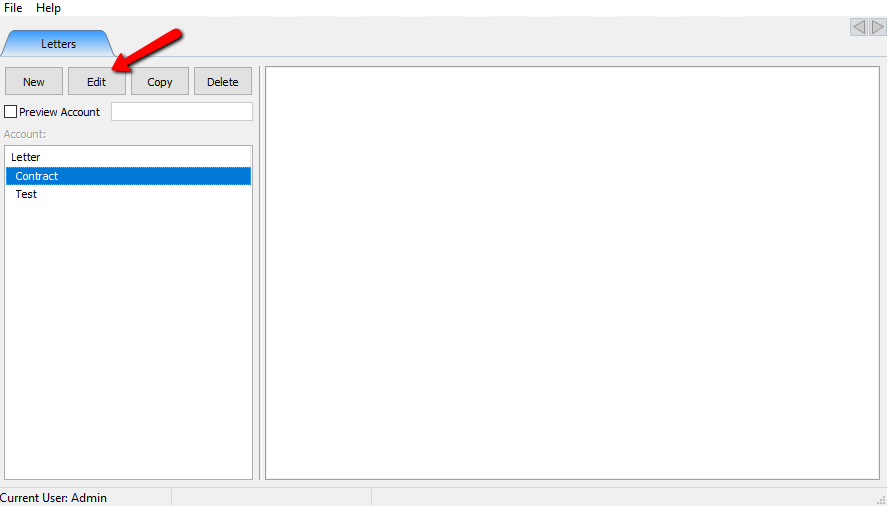
- Edit Button : Highlight a letter and select the Edit button to edit and existing letter
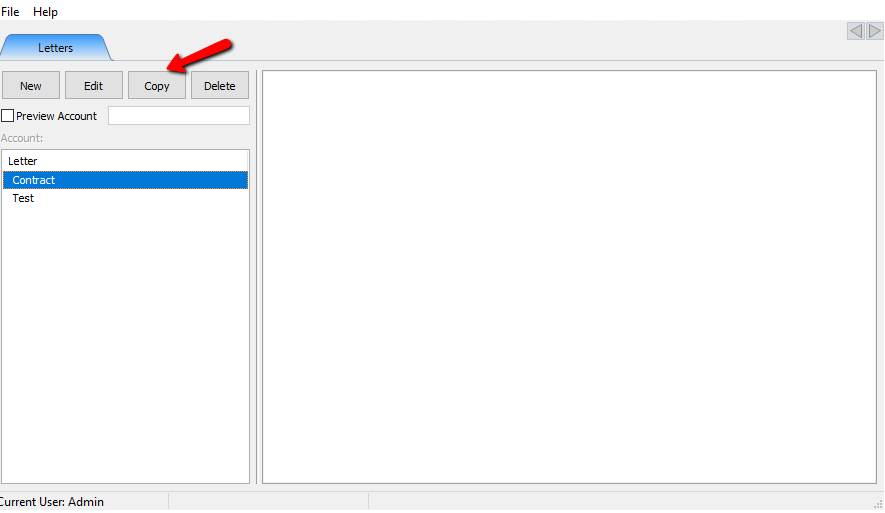
- Copy Button : Highlight a letter and select the Copy button to make a copy of an existing letter.
- Delete Button : Highlight and select the Delete button to to delete an existing letter you no longer want to use.
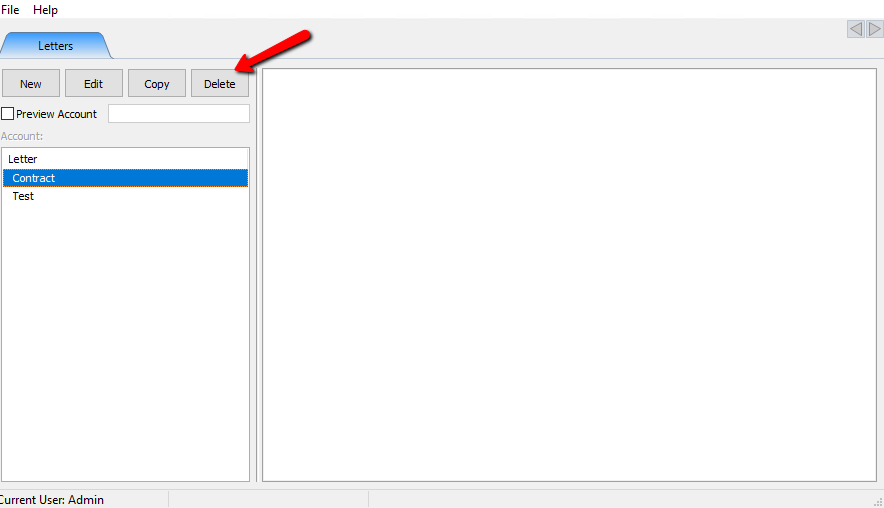
- Preview Account (Checkbox/Field) : Checking off Preview Account and entering the Account Number will allow you to view a letter before sending for a specific account with that accounts information entered into the Merge Fields. For more information about Merge Fields see Merging Information into Documents.
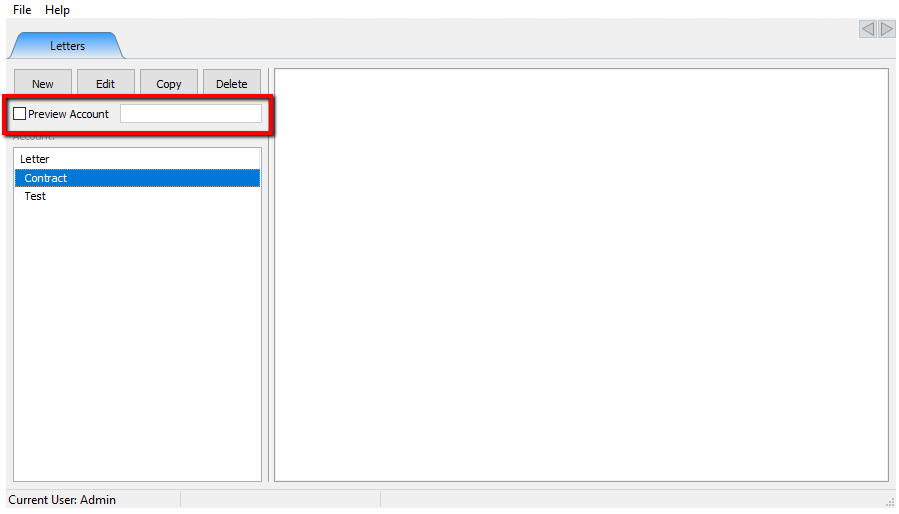


The left side of the Word Processor screen is used to see a list of documents already created.

Highlight a letter and you will see a preview of the document on the right side of the screen.

Next Article In Section
Click the following link to move to the next article in this section:
Creating A New Word Processor Letter
Related Topics
Word Processor Overview Creating A New Word Processor Letter Editing Documents Merging Information into Documents Printing or Emailing A Letter Using The Publishing Wizard Consignor Contract Creation Converting Older Letters Previewing a Letter Print Merged Letters from Client Accounts Accessing Liberty Help From Anywhere In Liberty