Associating a Recurring Fee Type with an Account
Before adding a Recurring Fee Type to an account, you will need to create a Recurring Fee Type first. See Adding A Recurring Fee Type for more details.
How To Associate A Recurring Fee Type With An Account
- Once the Account is open, click on Task > Recurring Fees.
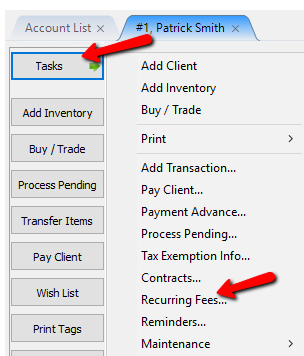
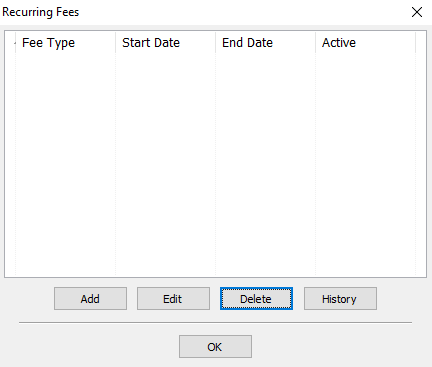
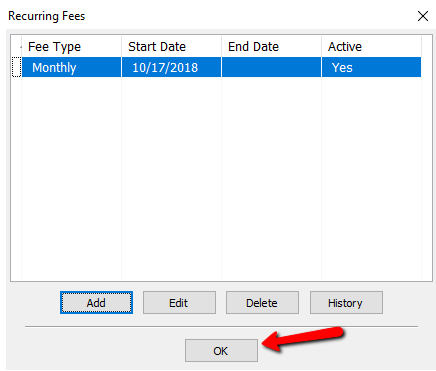
The Recurring Fees dialog box opens.
- Click on Add button.
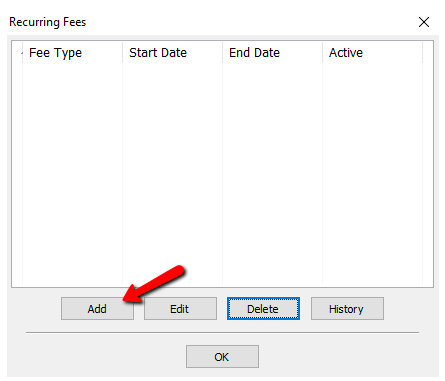
The Recurring Fees dialog box opens.
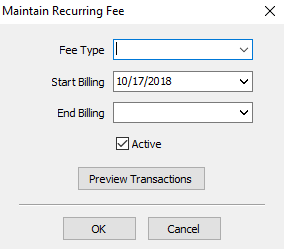
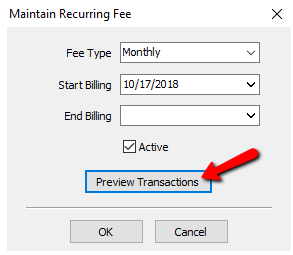
- Fee Type : Select the fee type that was created under Recurring Fee Types. If you don’t see any options, please see Adding a Recurring Fee Type.
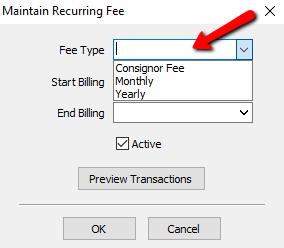
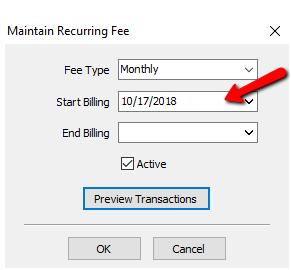
- Start Billing : This date reflects when the recurring fee should start. This cycle does not complete automatically, as all the fees are added to an account within the Recurring Fees Widget. Once you process a recurring fee to a consignors account, this date is used as a reference as to when the consignor should start being charged a recurring fee.
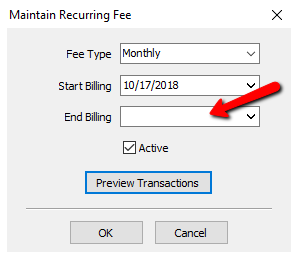
- End Billing : Leave this blank if the recurring fee is indefinite, otherwise you can choose a date when the recurring fee should cease.
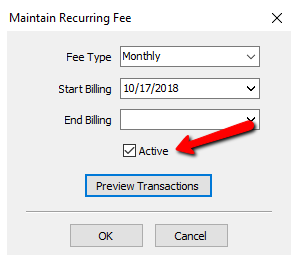
- Active : This sets the recurring fee to active.
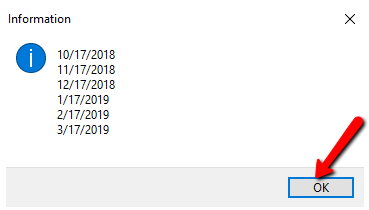
- Preview Transactions : Select this button to see the dates in which the fee will be applied based on the criteria defined.
Select the OK button when done viewing the Preview.
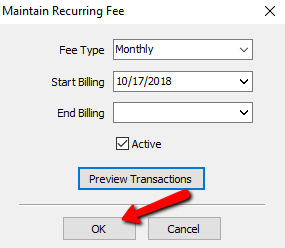
- Click the OK button when done.
- Click the OK button to close the Recurring Fees dialog box.


Once you add the widget to Liberty, the accounts that you set with a Recurring Fee Cycle will be shown on the Recurring Fee Widget. Please see Adding A Widget for more details.

Next Article In Section
Click the following link to move to the next article in this section:
Applying a Recurring Fee Deduction to Accounts
Related Topics
Associating a Recurring Fee Type with an Account Adding a Widget Recurring Fee Types Applying a Recurring Fee Deduction to Accounts Widgets Overview Adding a Recurring Fee Type Recurring Fees Overview How To Use The Recurring Fees Widget How To Use The Message Of The Day Widget How To Use The Reminders Widget