Making a Widget Active or Inactive
How To Make A Widget Active Or Inactive
To Activate or Inactivate a widget:
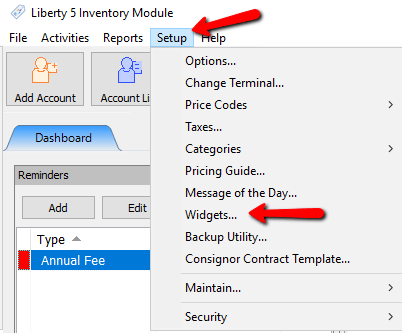
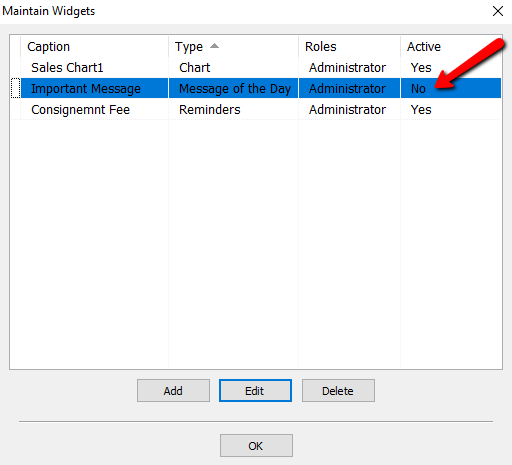
- Go to Setup > Widgets. The Maintain Widgets dialog box appears.
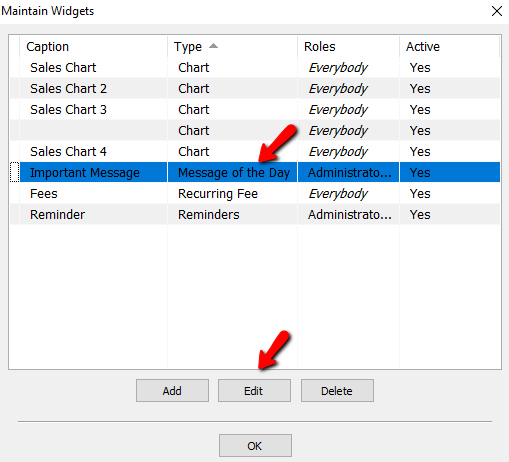
- Select Widget you want to activate or inactivate and click Edit. The Maintain Widget dialog box appears.
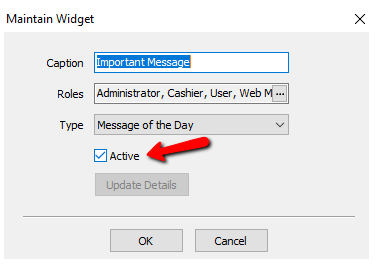
- Add a mark under Active to activate the widget. Remove the mark to deactivate the widget.
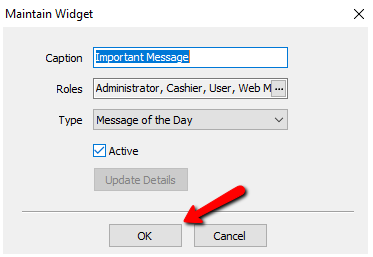
- Click the OK button when done.
- If you have created widgets already, you can see the status of the current widget under the Active column.


Next Article In Section
Click the following link to move to the next article in this section:
Message of the Day