Adding A Recurring Fees Widget
Before using this widget, you will need to go to the consignors/client account and set Recurring Fees. Please see Applying a Recurring Fee Deduction to Accounts for more details.
To create the widget:
- Click on Setup > Widgets.
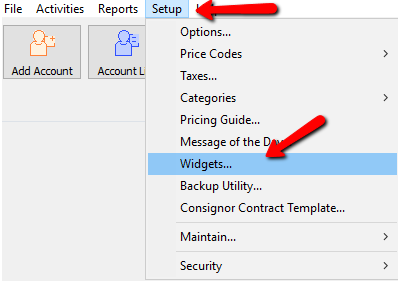
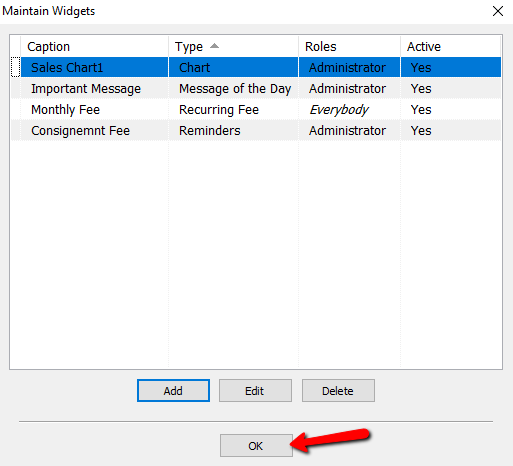
- The Maintain Widgets dialog box Opens.
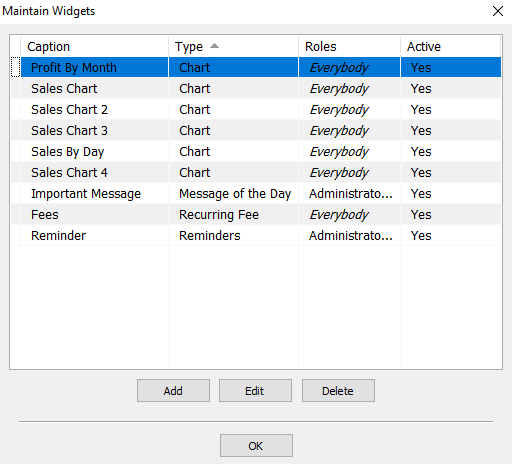
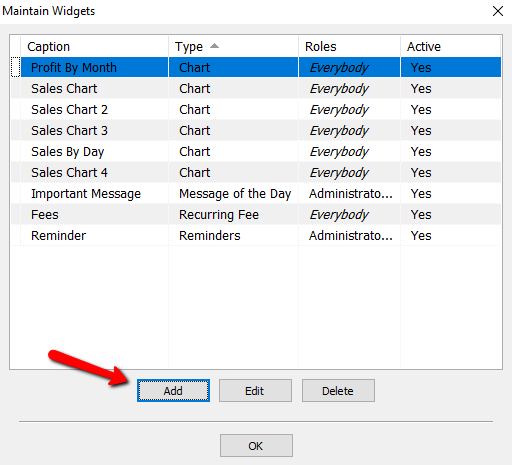
- Click on Add to create a new widget.
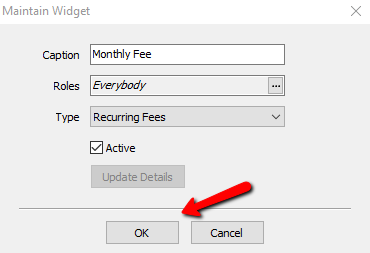
The Maintain Widget dialog Box Opens.
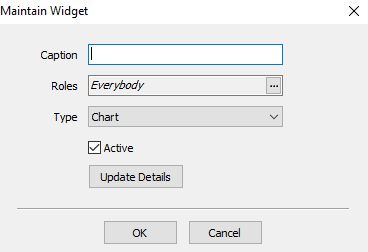
- Enter a Caption for the widget. This description will be shown in the top of the widget once is created.
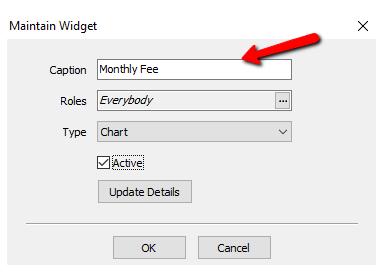
- Choose all the Roles that this widget will apply to.
- Roles : Select the rolles to apply to this Widget. For more information on Roles, please see Maintain Security Roles for more information.
Select the Search button to access the Roles.
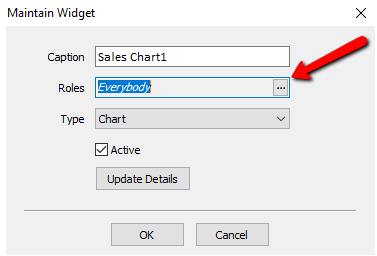
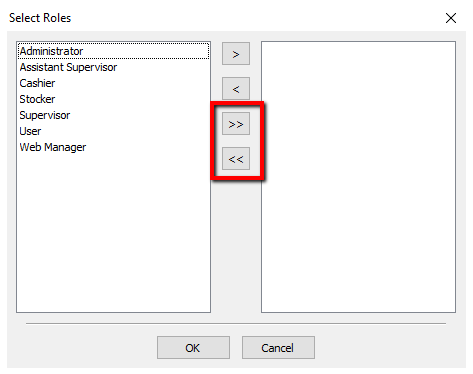
A list of roles will be displayed.
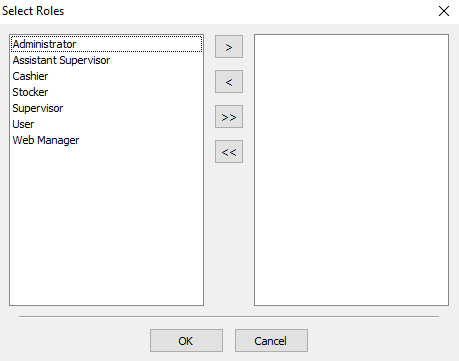
You can move individual Roles to the right or left column by highlighting the role and pressing the single Arrows.
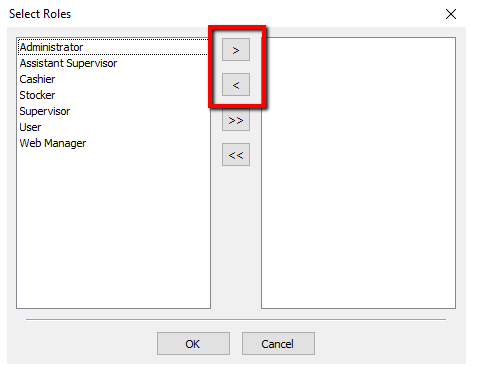
- You can move all the roles to the right or left columns by pressing the double arrows.
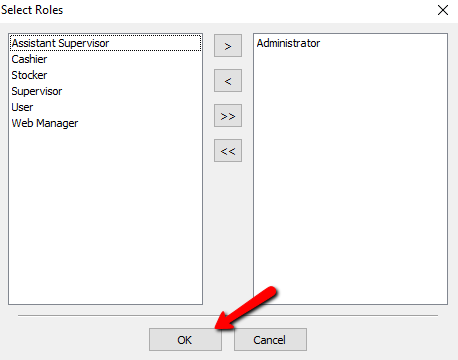
Once you have made your selections, press the OK button at the bottom.
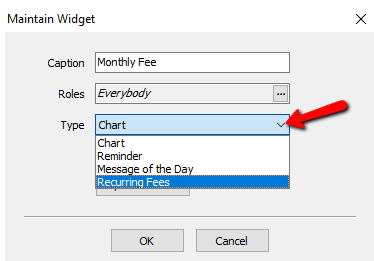
- From the Type drop down, select Recurring Fees.
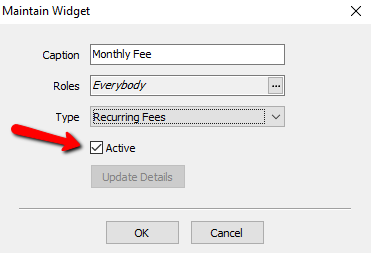
Make sure the Active box is marked to make widget visible.
- Select the OK button when done.
- Select the OK button to close out of the Maintain Widgets dialog box.


From the Dashboard of Liberty and you will see the Recurring Fees widget.

Next Article In Section
Click the following link to move to the next article in this section:
Adding A Reminder Widget
Related Topics
Adding A Recurring Fees Widget Recurring Fees Overview Recurring Fee Types Associating a Recurring Fee Type with an Account Applying a Recurring Fee Deduction to Accounts Widgets Overview Types of Widgets Adding A Chart Widget Adding A Message Of The Day Widget Adding A Reminder Widget Adding a Widget