Transfer Unprocessed Trade Items
Transfer feature that you can use to move unprocessed items to another account that may have been incorrectly placed.
If the unprocessed items were placed in the wrong account, click the Transfer button.

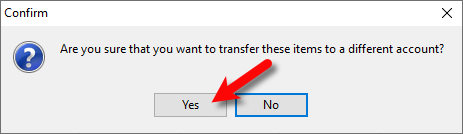
- You will be asked Are you sure that you want to transfer these items to a different account?
Click the Yes button.
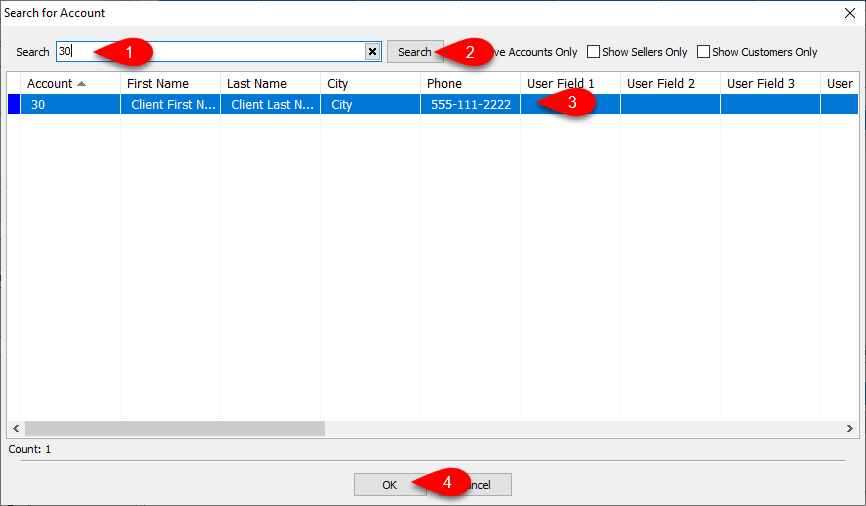
- Now search for and click the account you would to transfer the Unprocessed Items to and click OK.
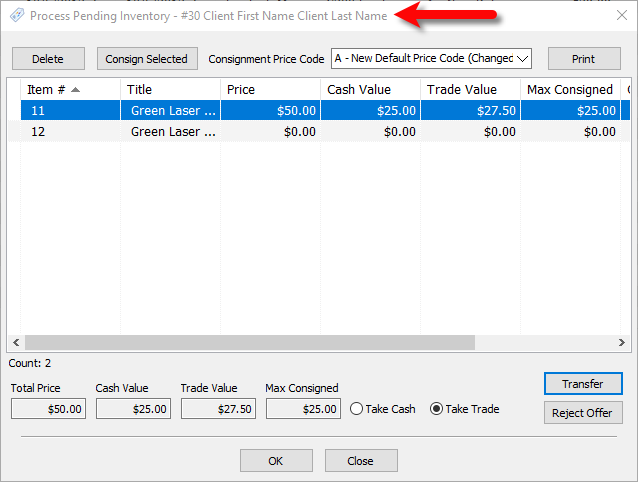
- Note that the Process Pending Inventory dialog screen will now read the new account that these items will be Processed in.


Next Article In Section
Click the following link to move to the next article in this section:
Default Buy/Trade Processing To "Buy"
Related Topics
Transfer Unprocessed Trade Items Default Buy/Trade Processing To "Buy" Set a Default Consignment Price Code for Buy/Trade Process New Definitions for Multiplicative and Additive Trade Differential Ability to Multi-Select and consign unprocessed trade items Use The Category From The Previous Item Added Copy Images When Creating New Retail Variants Use "Cost/Preset Net" as Minimum Consignor Split Amount Prompt For Large Printed Tag Quantity Ability to Add Grid Widgets for Sale Performance Stats Ability to Reconcile Zero Account Balances