Deleting a Client Account
When an account is deleted it is no longer accessible from Liberty. Data on that account is still saved for accounting purposes.
To Delete An Account
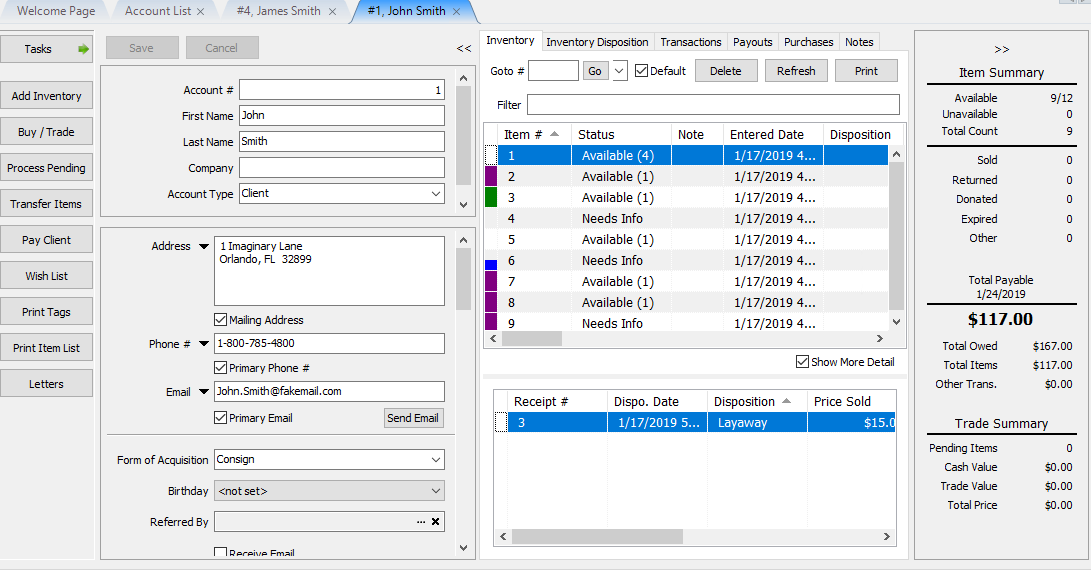
- Open the Account.
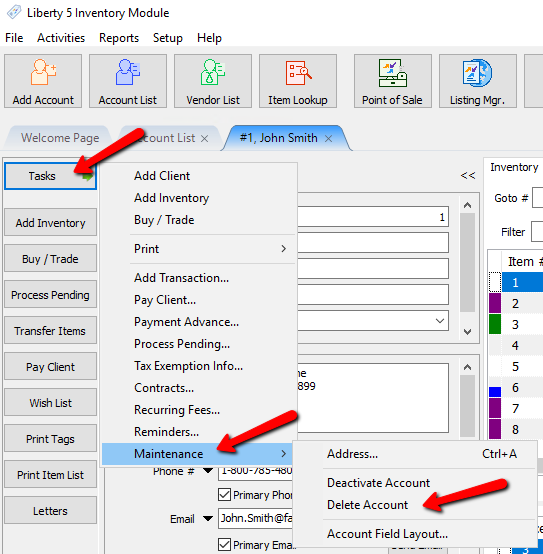
- Once the account is open, select Task > Maintenance > Delete Account.
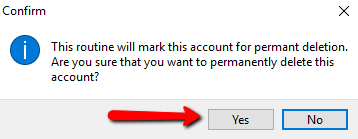
- A Confirmation box will open. Select the Yes button to confirm deleting the account.


The account will close. Press the Refresh Button.

The account will disappear.

Next Article In Section
Click the following link to move to the next article in this section:
Add Notes to Account
Related Topics
Deleting a Client Account Deactivating an Account Training - Accounts Overview Adding a Consignor Contract to an Account Add a New Client Account Add Notes to an Account Attaching a Consignor Contract to an Account Creating New and Maintaining Existing Accounts Edit Account Information Email A Consignor Contract From An Account Entering Additional (Client) Information