Selected Tag Styles
Liberty prints a wide variety of price tags and labels. These tags and labels come in a variety of sizes and print in various formats. Check off any selections you will be using: doing so will increase the number of options that appear when you select the Tag Format drop-down in the Print Price Tags dialog when printing price tags.
Select Tag Styles To Print To:
- In the menu bar go to Setup > Options > Selected Tag Styles.
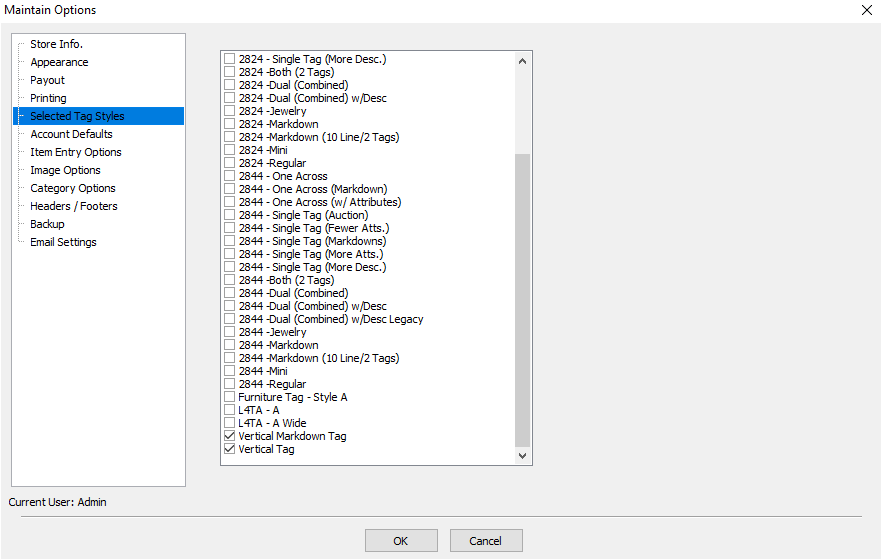
- Select the tag styles you will be printing to by putting a check box next to the format.
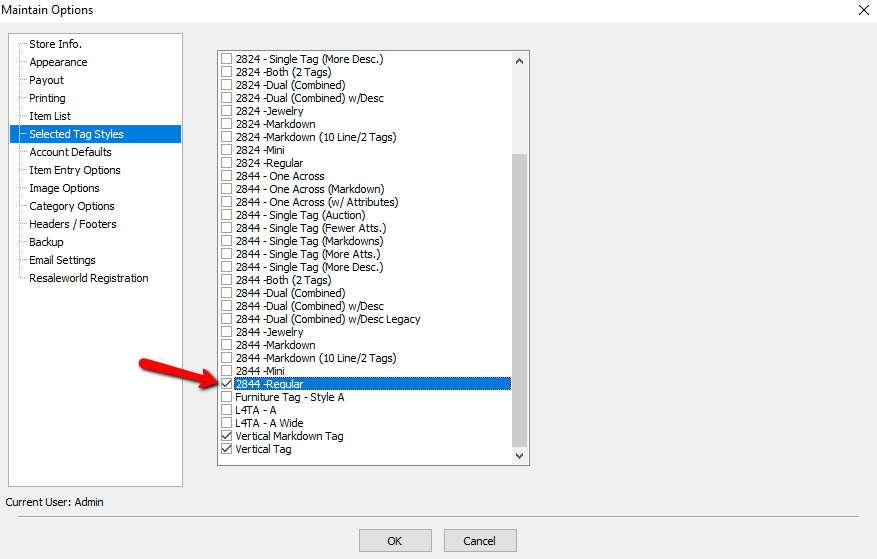
- When finished click the OK button.


Note: If the desired tag style is not an option please contact Resaleworld Support.
Next Article In Section
Click the following link to move to the next article in this section:
Category Options