Final Value Fees
Final Value Fees only apply to items sold on-line and are charged on a graduated scale. Final Value Fees are often used to simulate eBay's fees so they may be passed on to consignors, although different schemes may certainly be implemented.
Note that Final Value Fees are based on the actual selling price. These fees are only assessed once an item sells online. These fees will appear in the consignor's Transaction History. Each Price Code can have its own Final Value Fee formula (different Final Value Fee schemes can be created for use with different Price Codes).
Creating Final Value Fee Types
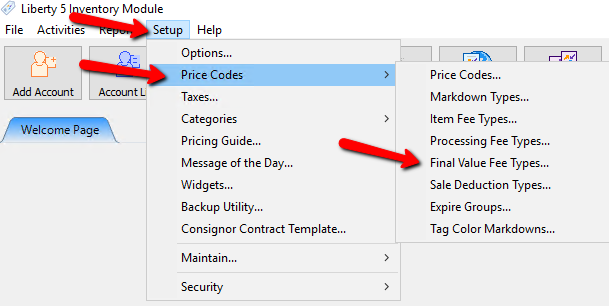
- Within the Inventory Module select Setup > Price Codes > Final Value Fee Types.
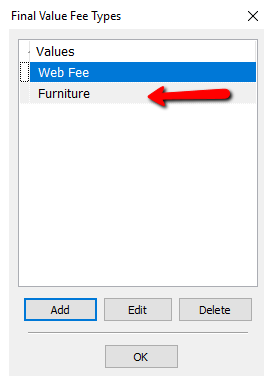
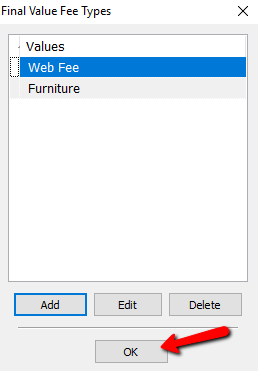
The Final Value Fee Types dialog box will appear.
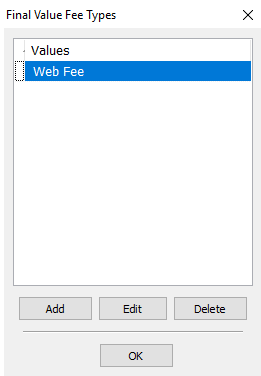
- Selecting the Add button or the Edit button will open the details of Final Value Fee. Selecting the Delete button will delete the Final Value Fee.
Note: Once a Payment Type has been used, it cannot be deleted.
The Final Value Fee Details Screen.
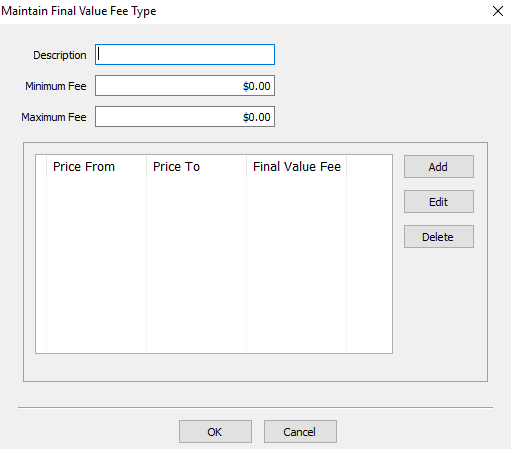
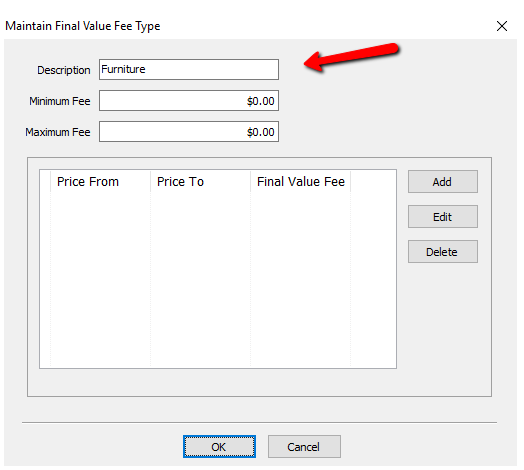
- Description : Enter the Description of the Final Value Fee.
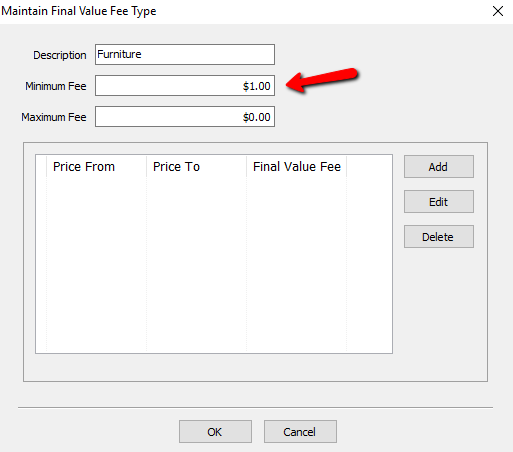
- Minimum Fee : Enter in a minimum fee value if you want the Final Value Fee to charge this amount no matter how low the price is.
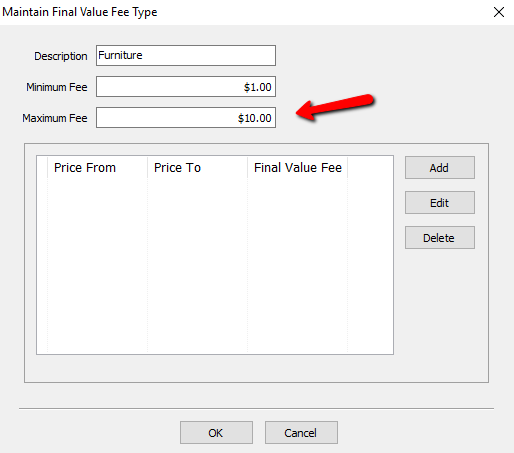
- Maximum Fee : This is the Max value the Final Value fee will charge no matter how high the price is for the item.
- Add button : Select the Add button to create a new Final Value Fee Rule.
- Edit button : Select the Edit button to Edit an existing Final Value Fee Rule.
- Delete button : Select the Delete button to remove a Final Value Fee Rule.
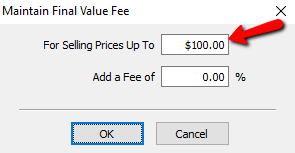
- For Selling Prices Up To ___ : Enter in a dollar value for this field. Items that are lower then and up to this price will be charged the appropriate Percentage amount.
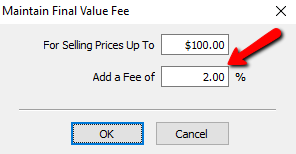
- Add A Fee Of: This is the percent value that will be charged to item under and up to the amount in the For Selling Prices Up To field.
- Press the OK button when done.


You will see your new Final Value Fee Rule in the list.

Optional
You will notice Liberty will create an automatic second rule. If an Item goes over the value you specified in the first rule, the second rule, by default will apply those value.
- If you want to change the values for the second rule, highlight it and select the Edit button.
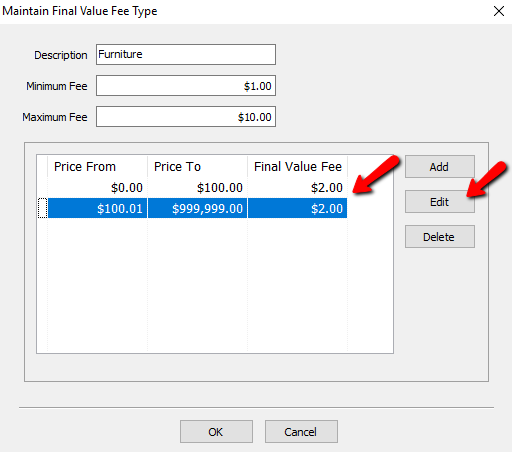
- Modify the details of the Second Rule and Press the OK button when done.
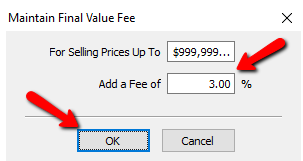
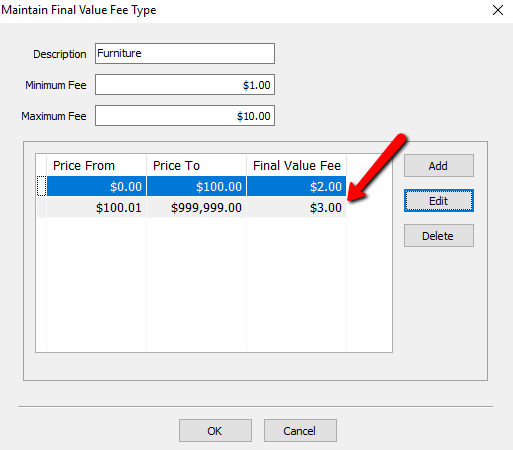
- Press the OK button when done.
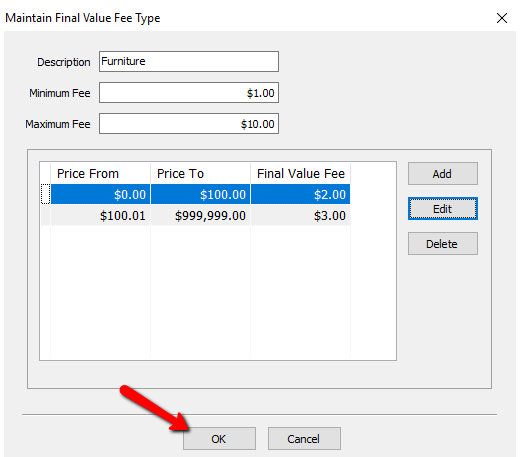
- You will see your new Final Value fee type in the list.
- Select the OK button when done.


Next Article In Section
Click the following link to move to the next article in this section:
Item Processing Fee
Related Topics
Final Value Fees Truncate Surcharge Amount and Web Surcharge Settings Price Codes Overview Expire Groups Item Processing Fee Pickup and Expire Options Sale Deductions Variable and Graduated Rate Splits Setting up email settings in Liberty Setting Up A Default Weight For New Items Within A Category Define Custom Field Names