Setting Up Employee Access
From the Maintain Users window, you can set up one or more user accounts.
Add New User
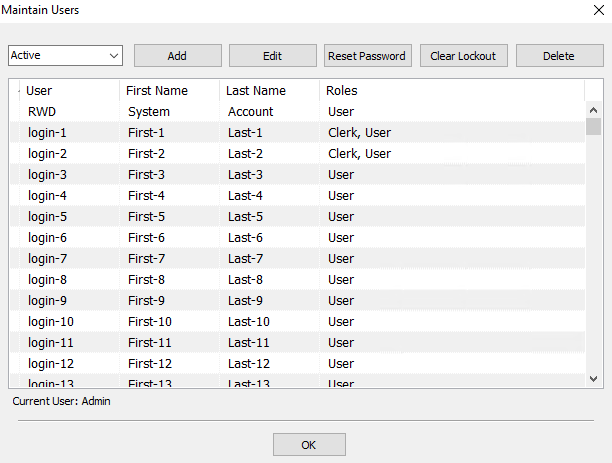
- From the Main Menu, select Setup > Security > Maintain Users.
The Maintain Users dialog will display.
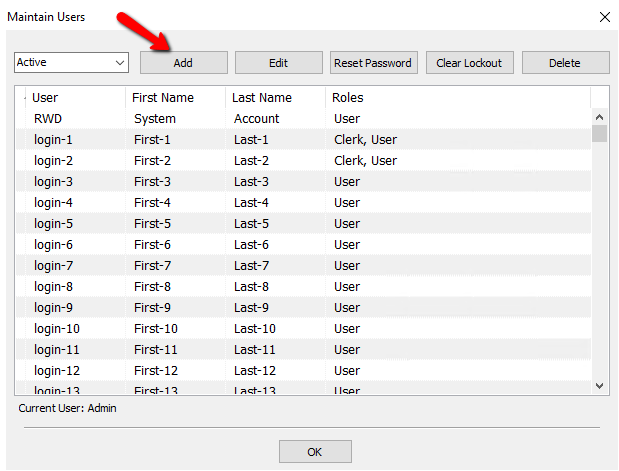
- Click on the Add button.
The Edit User Information dialog will display
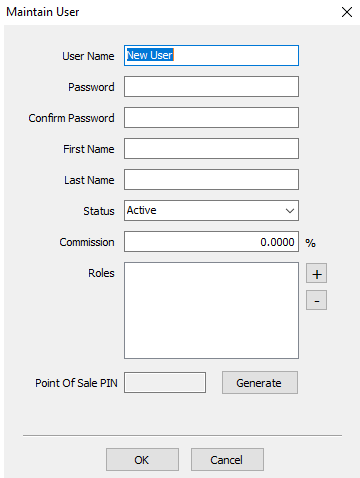
- Add the appropriate user information.
- User Name : Enter a name the user will enter when logging in to the system.
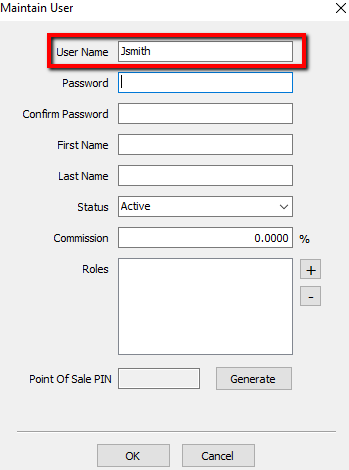
- Password : Enter a password the user will enter when logging in to the system. Dots will appear in place of the characters you type to keep the password secure.
Note: The Password field is used to set the initial password for a user. When editing an existing User, the password fields will be inactive. It is recommended that each user has their own password, different from all other users.
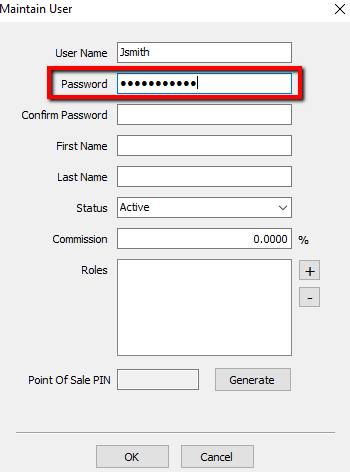
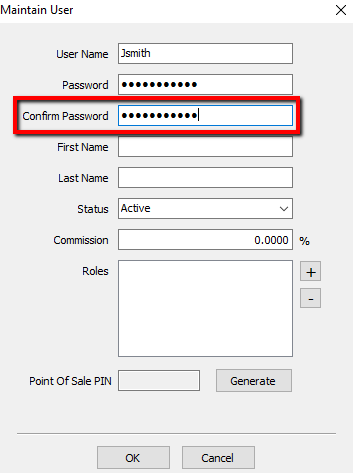
- Confirm Password : Enter the same user password you entered in the Password text box to verify that you've entered the correct password.
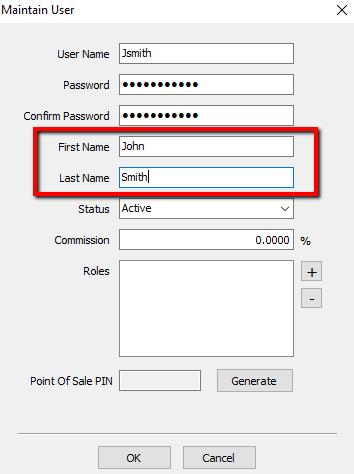
- Enter employee's first and last name, up to 25 characters each.
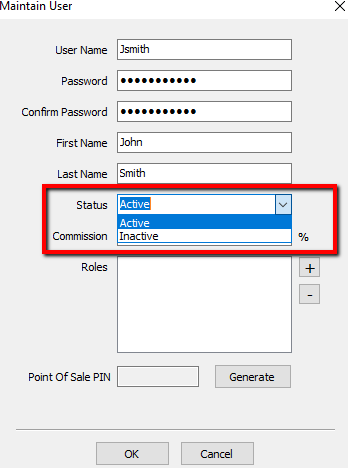
- Status : Select Active if you want to be able to use the account now. Select Inactive if you want to save the account in Liberty but do not want to use it now. You may choose to make an account inactive when an employee is on vacation, for example.
- Commission : If the store wishes to pay its employees commission based on sales, that percentage is added here.
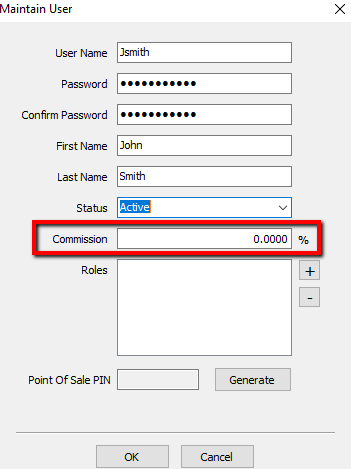
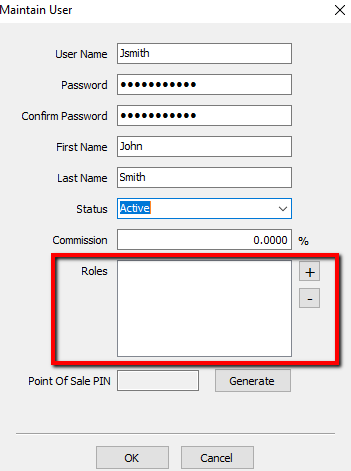
Note: Most stores will not use Commission. - Roles : The users Security Roles will be listed here. To Add a Role, click on the Plus button. To remove a Role, highlight the Role and click the Minus button. For more information on Security Roles see Maintain Security Roles.
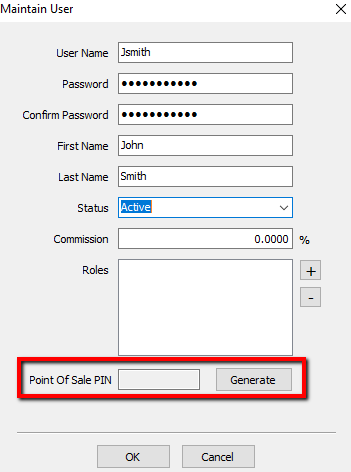
- Point Of Sale PIN : The Point Of Sale Pin will be displayed here. To Generate a new pin, or replace a lost one, press the Generate button.


Edit Existing User
- Click on the user to which you wish to effect changes, then click on the Edit button.
- Make changes as necessary. See the table above for general guidelines to the fields on the Edit User Information dialog.
- Click OK when finished.
Note: The Password field is used to set the initial password for a user. When editing an existing User, the password fields will be inactive. Use the Reset Password button to change an existing password.
Delete A User
- From Liberty Inventory's Main menu click on Setup > Security > User Maintenance.
- Click on the user to be deleted in the User list, and click on the Delete button.
- The user is deleted immediately and no longer displays on the User Maintenance dialog.
Note: A user account cannot be deleted once it has been used – it can only be made inactive.
To Make a User Inactive
- From Liberty Inventory's Main menu click on Setup > Security > User Maintenance.
- Click on the user to be made Inactive in the User list, then click on the Edit button.
- In the Status field drop-down, select Inactive.
- Click OK.
Next Article In Section
Click the following link to move to the next article in this section:
Maintain Security Options
Related Topics
Setting Up Employee Access Security Overview Maintain Security Roles Maintain Security Options Maintain Security Actions Changing the Password for a User Security Actions Searchable Index Setting up the Consignor Login App For Shopify Setting up email settings in Liberty Setting Up A Default Weight For New Items Within A Category