Define Filter Codes
Use Filter Codes to segregate accounts when running reports. Some stores, for example, use the Filter Code to distinguish their better clients as VIP accounts. Filter Codes are assigned to accounts using the Filter Code field, which is located on the Additional Info tab of the Account Detail window.
Filter Codes must be added from the Filter Code Maintenance window before they can be used in an account.
To Add a Filter Code:
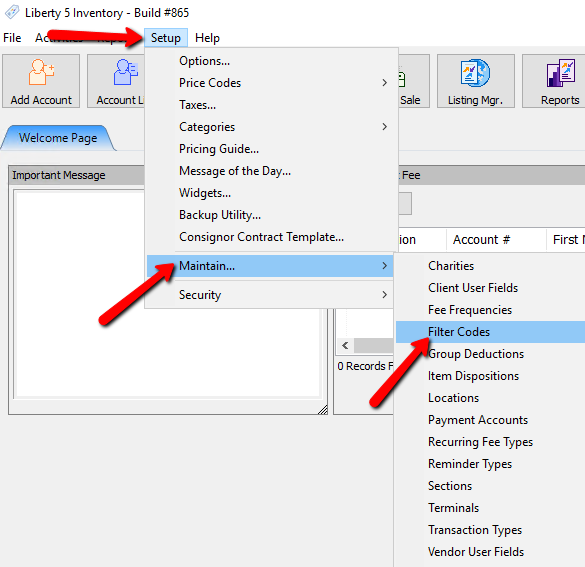
- In the Liberty Inventory Module click the Setup > Maintain > Filter Codes.
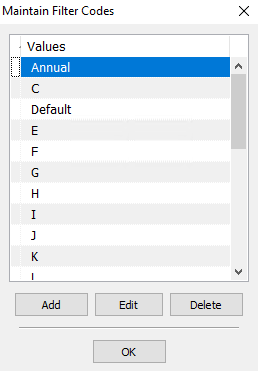
The Maintain Filter Codes dialogue box will open.
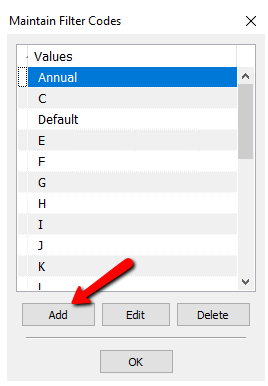
- Select the Add button
The details of the Filter Code will open.
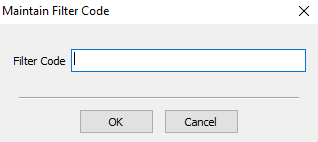
- Enter the name of the Filter Code in the Filter Code field
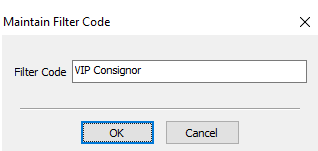
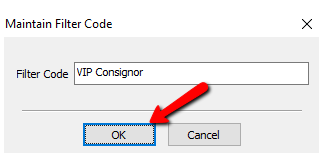
- Click the OK button, on the Maintain Filter Code window
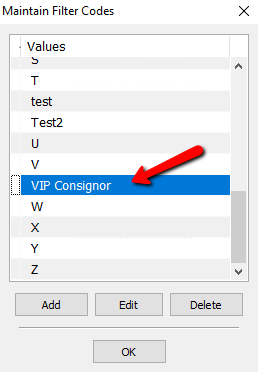
You should see your new Filter Code in the list
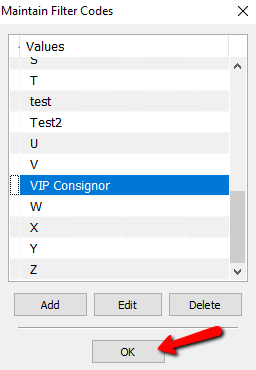
- Click the OK button to exit the Maintain Filter Codes dialogue box.


Next Article In Section
Click the following link to move to the next article in this section:
Setting Up Locations
Related Topics
Define Filter Codes Setting Up A Default Weight For New Items Within A Category Define Custom Field Names Setup Fee Frequencies Setting Up Account Field Layout Setting Up Expire Groups Setting Up Group Deductions Setting Up Locations Setting Up Store Sections to Track Inventory Locations Spell Checking for Item Descriptions Setting up email settings in Liberty