Setting Up Payment Types
Payment Types provided with Liberty include Cash, Check, Visa, Mastercard, American Express, Discover, Store Credit, Gift Certificate, etc. Use this procedure to create additional Payment Types for use by your store.
Note: Do not add Coupon as a Payment Type. For tax purposes, Coupons represent a deduction from a sale, not a Payment Type.
To Add or Edit a Payment Type
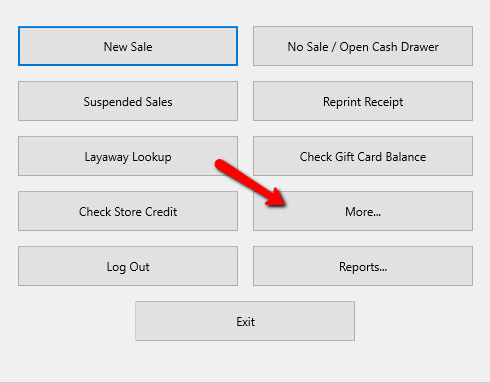
- From the main menu screen of the Point Of Sale select the More button.
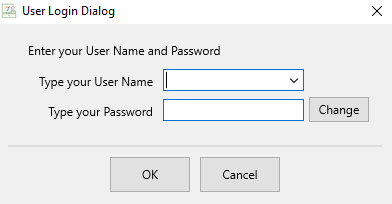
- Login if Prompted.
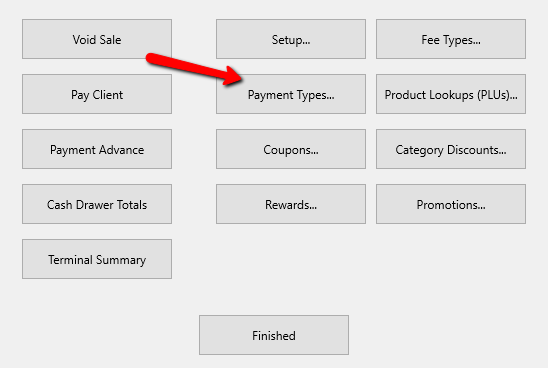
- Select the Payment Types Button.
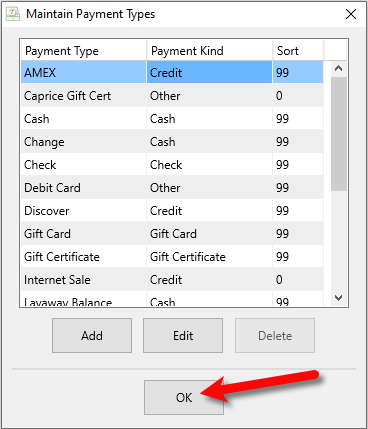
The Maintain Payment Types Dialogue Box will open.
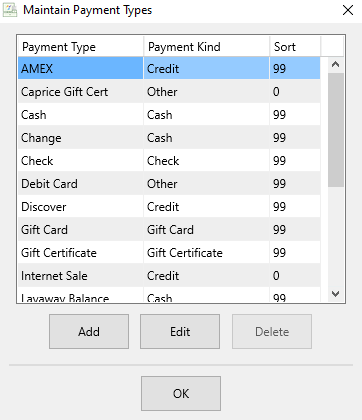
- Selecting the Add button or the Edit button will open the details of Sections. Selecting the Delete button will delete the Section.
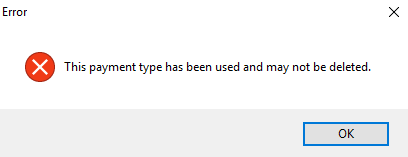
Note: Once a Payment Type has been used, it cannot be deleted. You will get the following error.
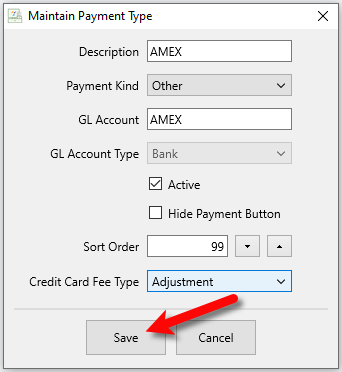
Note: Cash, Check, Visa, Mastercard, American Express, Discover, Store Credit, and Gift Certificate are System Records and cannot be deleted. - The Payment Type Details Screen will open.
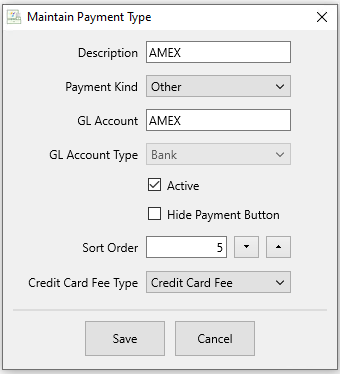
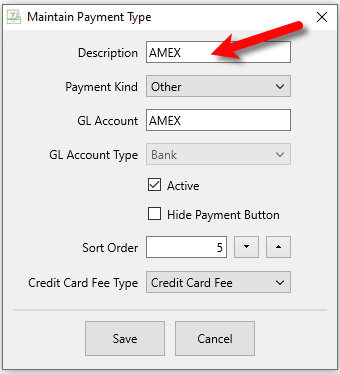
- Description : This is the description of the Payment Type and will appear in the Payment Button.
- Payment Kind : Click the Dropdown menu and select the type of payment this is.
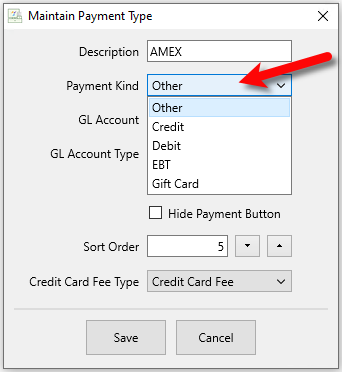
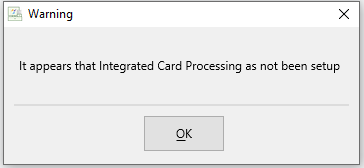
Note: If Integrated Credit Card software is being used, and Credit or Debit is chosen, it will, initiate the credit card software to be able to use the swipe device. If there is no integrated credit card software, and Credit is selected, you will get the following error.
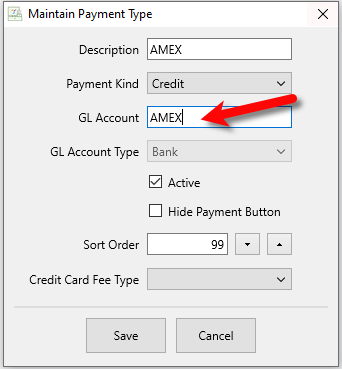
- GL Account : Used for the Quickbooks Link. Enter in the name of the GL Account so the Quickbooks Link knows where to export this information to.
- GL Account Type : Used for the Quickbooks Link. Select the account type the GL Account will be.
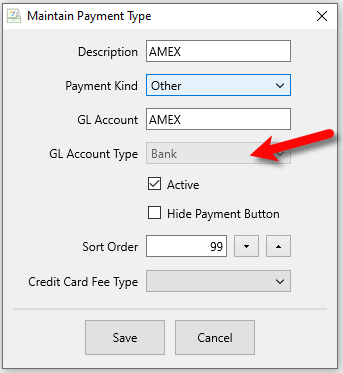
Note: If you are not using the Quickbooks like, you can skip this part of the setup. For more information on the Quickbooks Link, Contact Resaleworld. - Active (Check Box) : Use the Active Checkbox to indicate whether or not the Payment Type will be used.
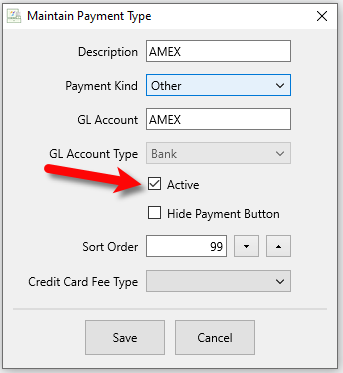
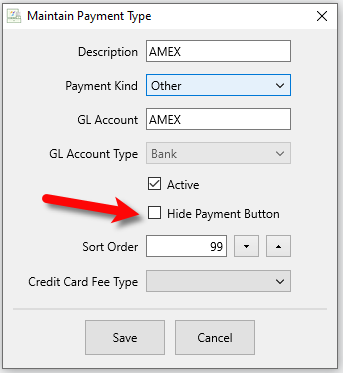
- Hide Payment Button (Check Box) : Selecting the keep the Payment Type active but it will Hide Payment Button in the POS.
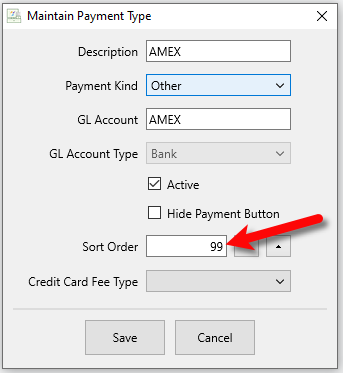
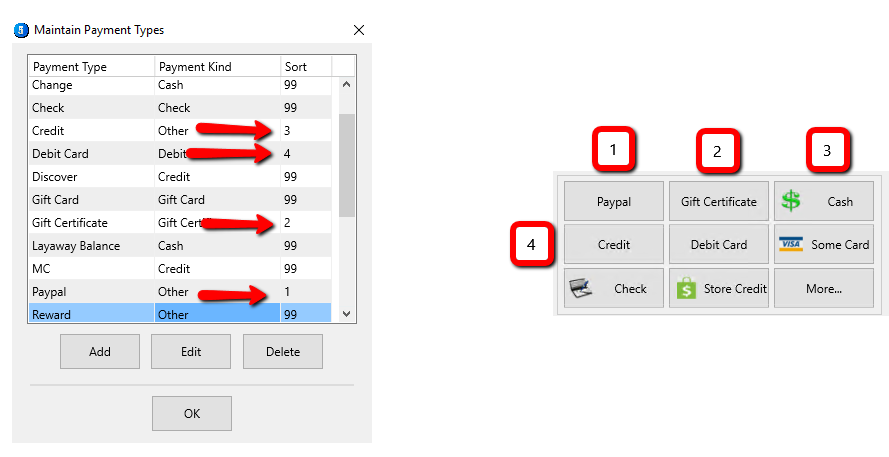
- Sort Order : Using the sort order to designate where the Payment Button will show up in the Point of sale. The lower the number, the closer it will be to the beginning.
Note: The sort order starts with the top left button and goes across. When it gets to the last button in the row, it goes back to the beginning on the next row. Much like reading a book.
- Set your Credit Card Fee Type if you plan on charging your consignor’s a fee for when there is a credit card payment used in the POS.
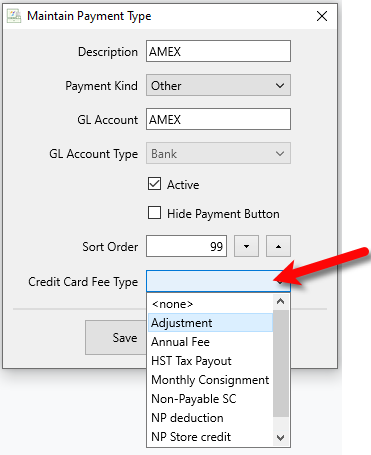
Note: When this is set for a payment type, credit card fees are assessed to accounts when consigned items sell. The fee is based on the Credit Card Fee % set on the consignor's account, and the percentage of the sale paid for by a payment with a Credit Card Fee Type assigned. - Click the Save button.
- Select the OK button when done.


Next Article In Section
Click the following link to move to the next article in this section:
Automatic Credit Card Fee To Consignor's Account
Related Topics
Setting Up Payment Types Automatic Credit Card Fee To Consignor's Account Setting Up Fee Types Setting Up Promotions Add, Change and Delete Attribute Types Add, Edit and Delete Attribute Values Assign Attributes Types to Categories Make an Attribute Inactive Change Order of Attributes on Item Entry Screen Overview of Attributes Printing the Size Attribute on Price tags