Reminder Types
- Within Liberty select Setup > Maintain > Reminder types.
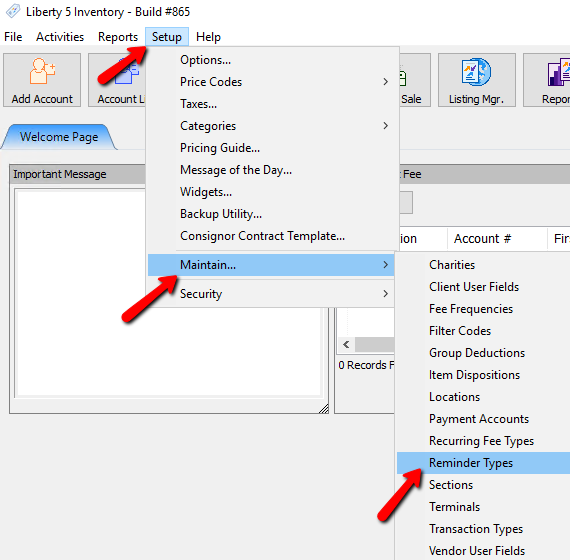
The Reminder Types dialog box will open.
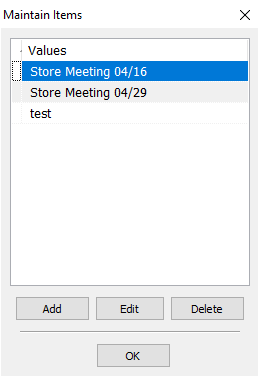
- Selecting the Add button or the Edit button will open the details of the Reminder Type. Selecting the Delete button will delete the Reminder Type.
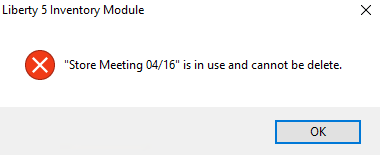
Note: Once a Reminder Type has been used, it cannot be deleted. You will get the following error.
The Reminder Types dialog box will open.
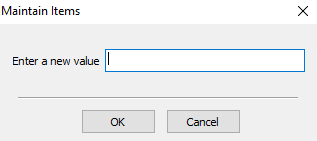
- Enter in the name of the Reminder Type.
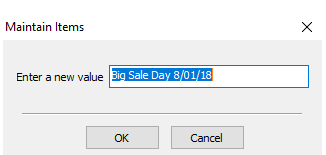
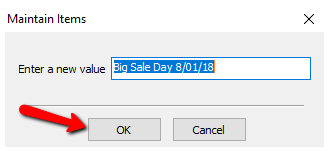
- Press the OK button when done.


You should see you Reminder Type in the List. Press the OK button when done.

Next Article In Section
Click the following link to move to the next article in this section:
Sections