ResaleWallet Payments Dashboard
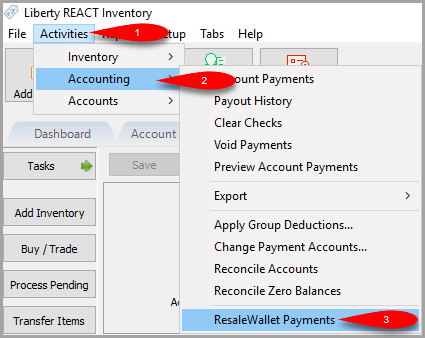
- Click on Activities > Accounting > ResaleWallet Payments
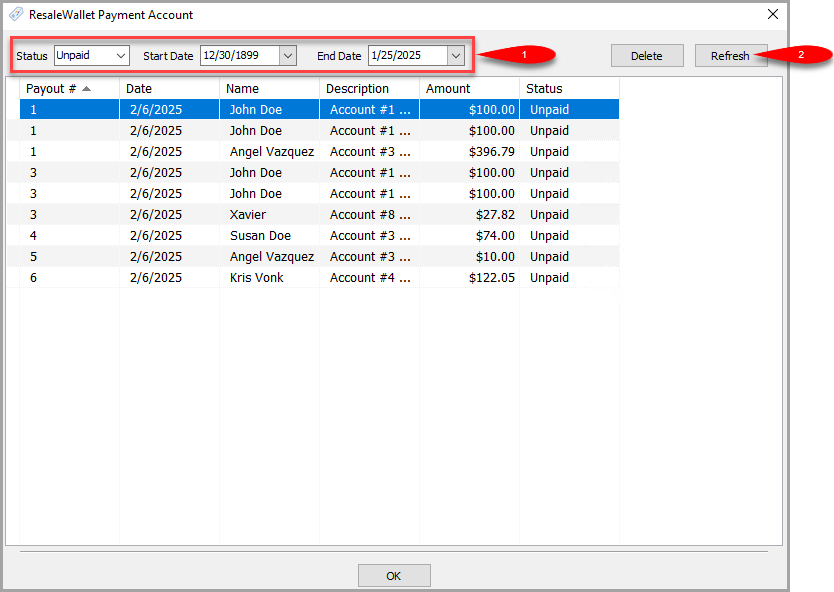
- Use the top filter options to see the exact Status and Date Range of your Digital Payout history.
Click the Refresh button to update the dashview with your filter.
NOTE: You can click the column headers to sort the data.
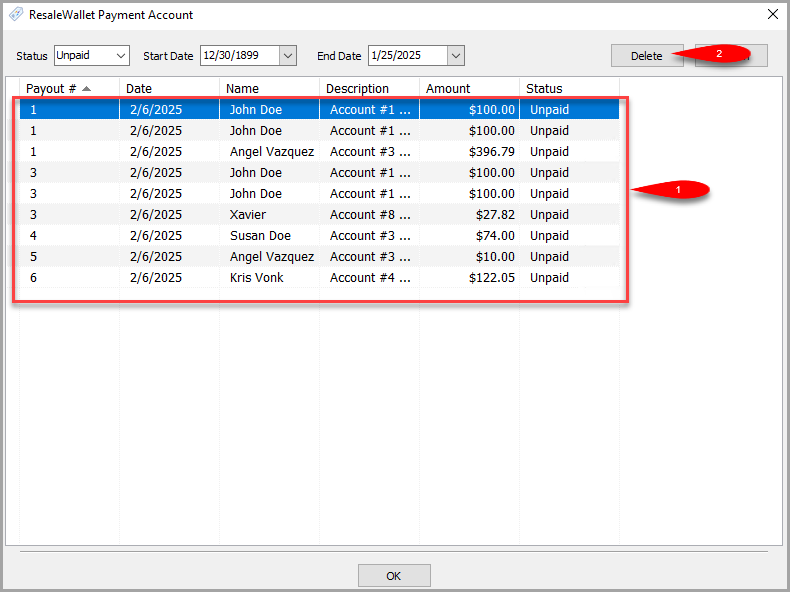
- You can Delete digital payouts from this view as long as they are in a state that allows them to be deleted.
Select the payout you want to delete and then click the Delete button.
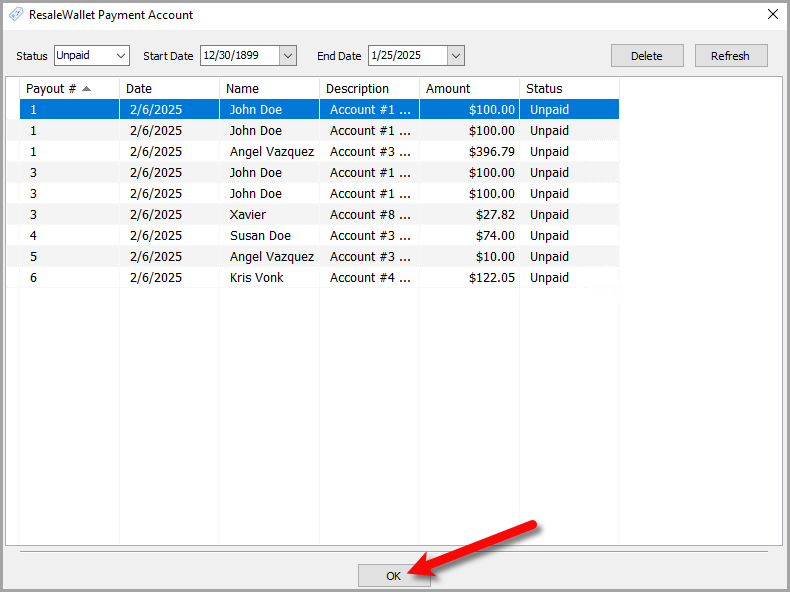
- When you are finished, click the OK button.


Next Section Navigation Link
Click the following link to see a list of articles for the next section:
Consignor ACH Deposit Guide
Related Topics
ResaleWallet Payments Dashboard ResaleWallet ACH Payouts Overview Setting Up ResaleWallet Editing Your ResaleWallet Profile Information Setting Up Your Bank Account Setting Up A Liberty Account For ACH Payouts How To Do A Signature Capture For ACH Payouts Creating A Single ACH Payout Mass Account ACH Payouts Reversing A ResaleWallet ACH Payout In Liberty Viewing ResaleWallet Payout Status In Liberty