Accepting A Payout After First Time Deposit Setup
After setup is completed the first time to receive ACH deposit to a bank account, the next time an ACH payout is received, it will allow you to select the bank account again.
- Click the Deposit button on your ACH Payout email.
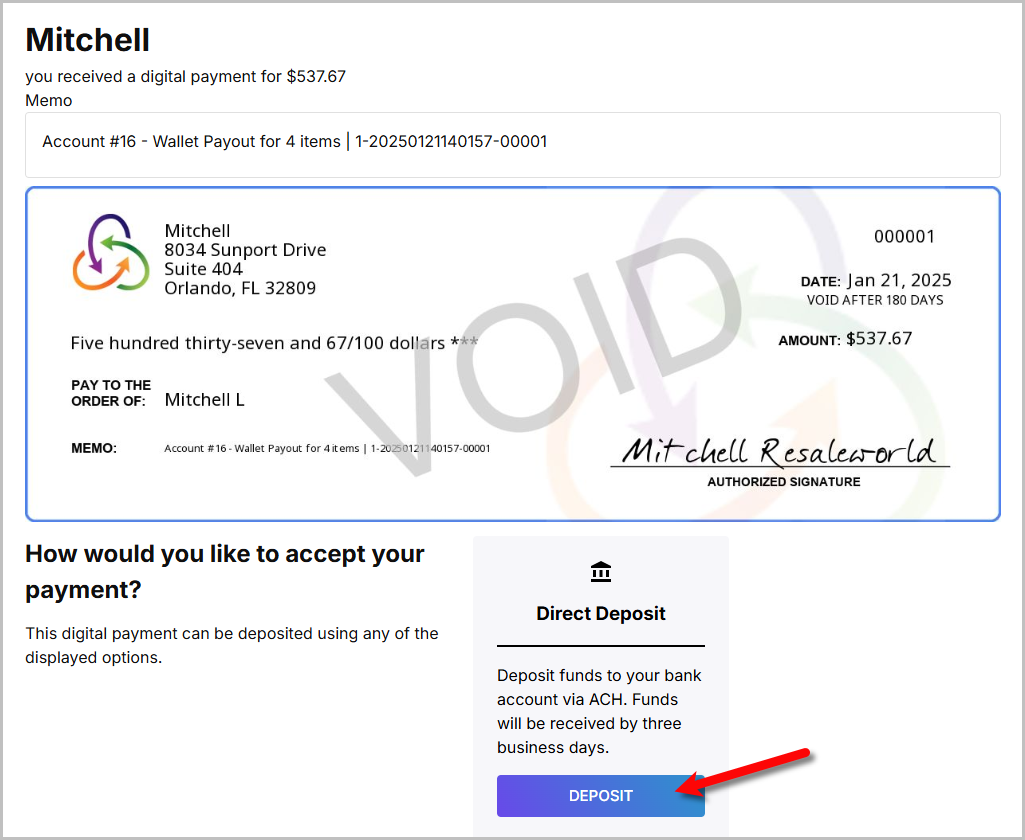
- You will now be given the option to reuse the bank account you used before or add another bank account.
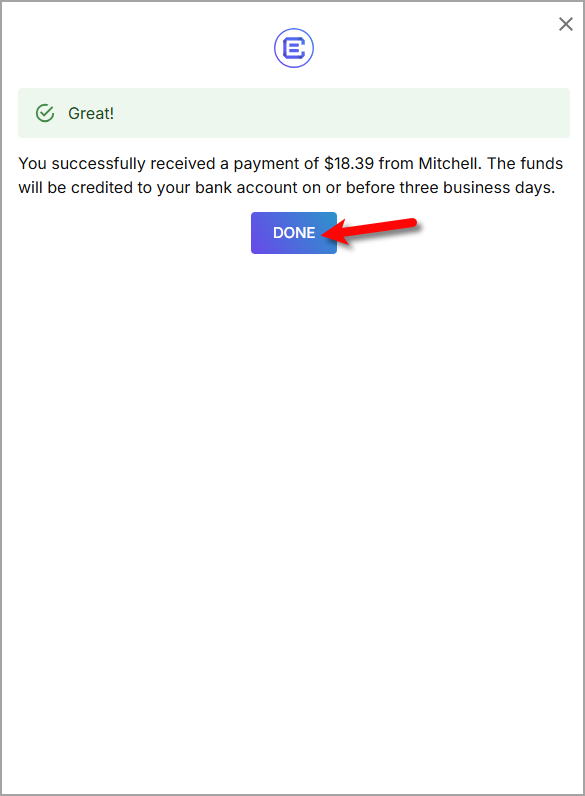
Once this is finished, you can click the Done button.
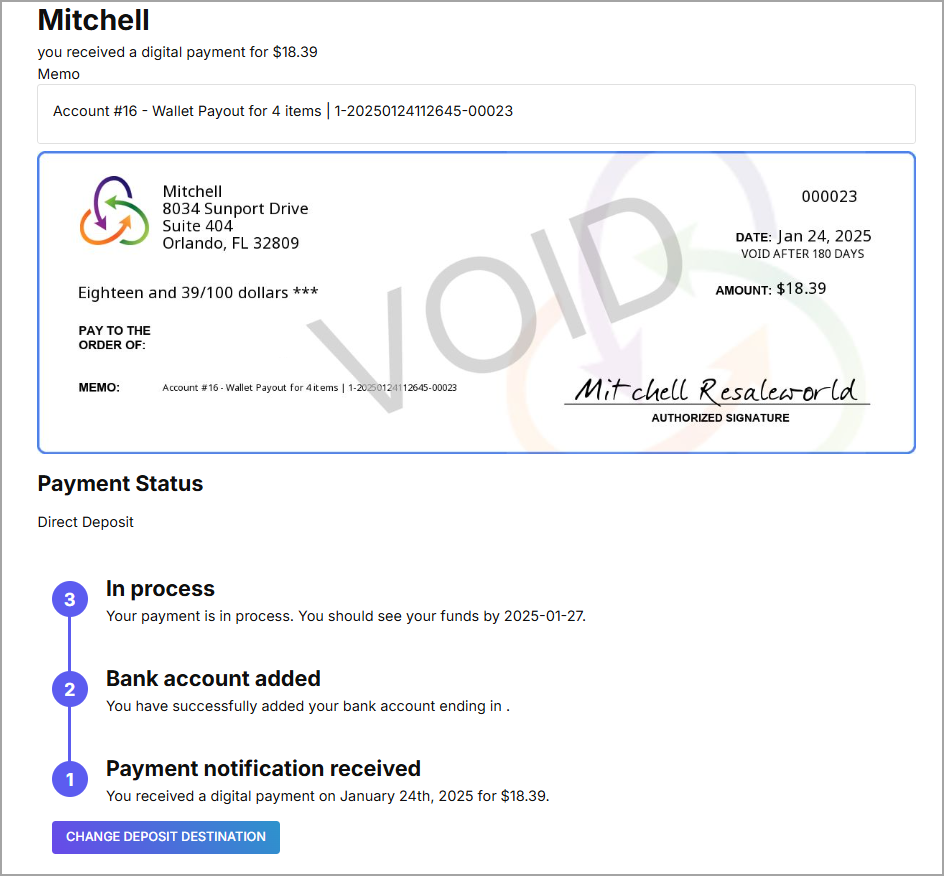
- You can check the progress of your ACH Payout from the email or you can Change Deposit Destination if the ACH Payout has not been processed yet.


Next Section Navigation Link
Click the following link to see a list of articles for the next section:
Videos
Related Topics
Accepting A Payout After First Time Deposit Setup ResaleWallet ACH Payouts Overview Setting Up ResaleWallet Editing Your ResaleWallet Profile Information Setting Up Your Bank Account Setting Up A Liberty Account For ACH Payouts How To Do A Signature Capture For ACH Payouts Creating A Single ACH Payout Mass Account ACH Payouts Reversing A ResaleWallet ACH Payout In Liberty Viewing ResaleWallet Payout Status In Liberty