Batch Reports
You can batch favorite reports so that you can run them together.
To Set Up A Batch
- Open the Reports Module. There are 3 ways to access the Reports Module:
- Reports button : Across the top of the Inventory Module are buttons to other modules. Reports Module is one of them.

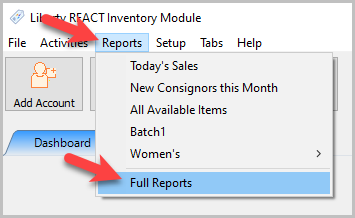
- Through the Reports menu : At the top of the Inventory Module are menu selections. Selecting Reports > Full Reports will open the reports module.
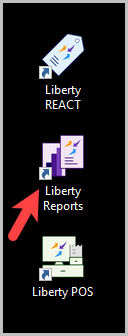
- Desktop shortcut : On the desktop there should be a shortcut directly to the Reports module.
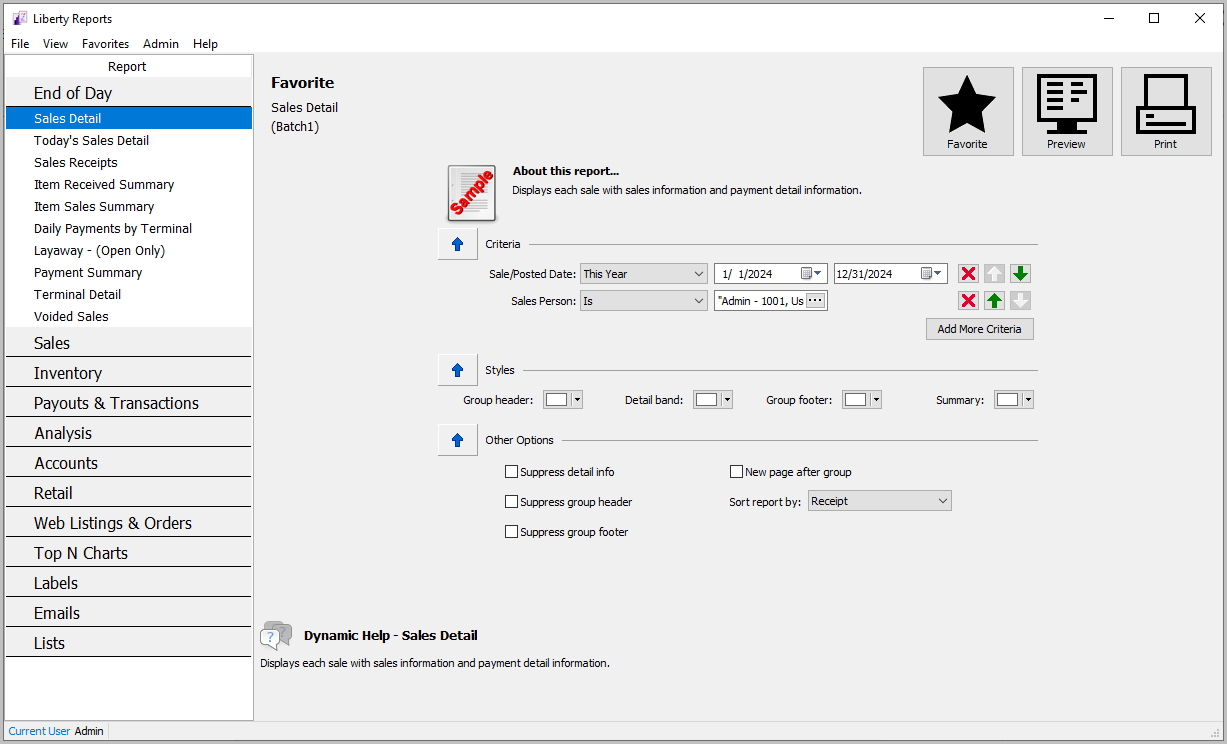
The Reports Module will open.
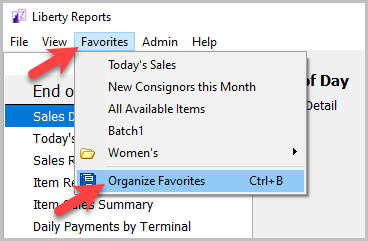
- Click Favorites on the top menu, then Organize Favorites.
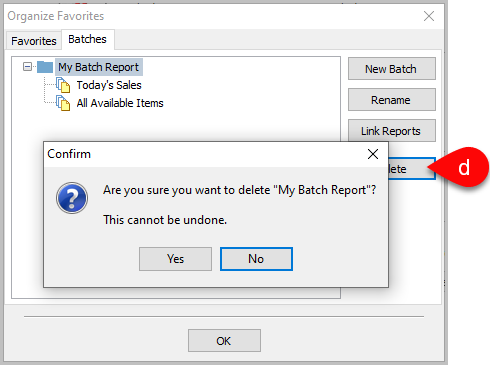
- Click Batches at the top of the Organize Favorites dialog. There are a few options available here.
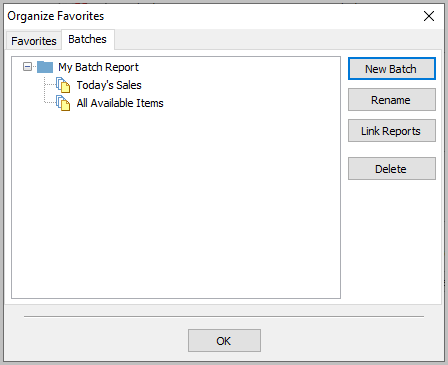
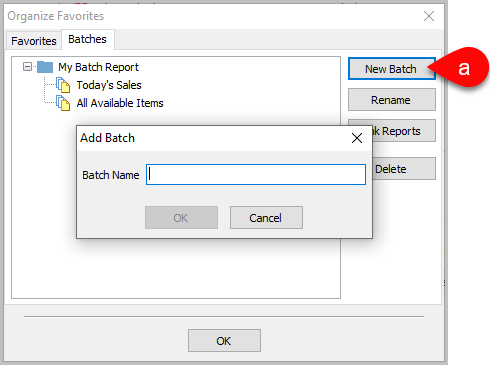
- New Batch : Creates a new batch to add reports to. You can assign whatever name you would like.
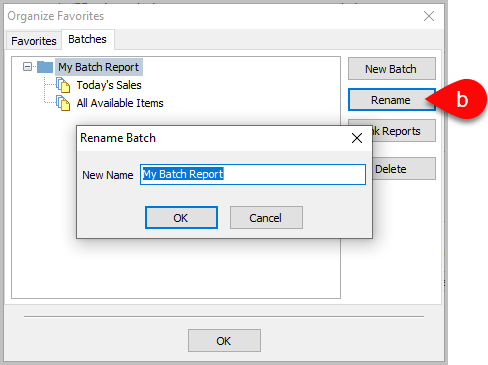
- Rename : Choose a new name for an existing batch.
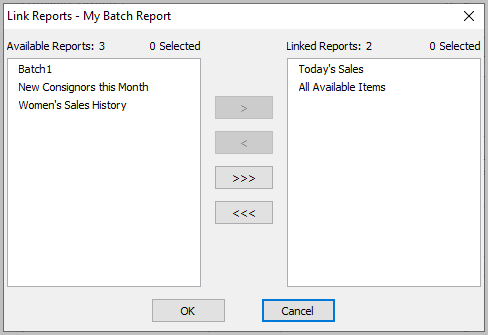
- Link Reports : Opens the Link Reports dialog box. Any reports that are linked (on the right side) will be included in this batch. You can move favorite reports from the Available Reports box (on the left) to add them.
- Delete : Deletes a batch. A warning will pop up asking for confirmation before deletion.


Running A Batch
Once a batch is configured you can run it from the Reports Module.
- Click File then Run Batch. There are two options for running batches.
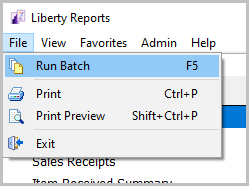
- Run Full Batch : Runs all of the reports included in the batch.

Make sure your printer is already configured. Once you click Run it will automatically start printing with no way to adjust print settings.

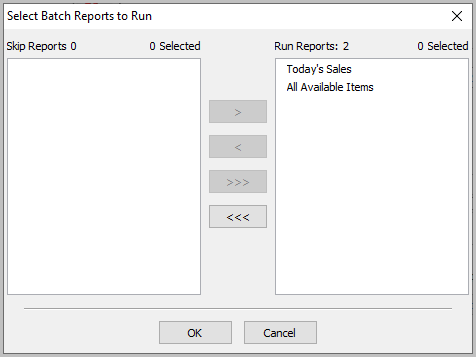
- Run Partial Batch : Opens a dialog box that allows you to select which reports in the batch to run.

Starting Liberty Reports Select The Right Report Setting Report Parameters Printing Reports
Next Section Navigation Link
Click the following link to see a list of articles for the next section:
End of Day Reports