Set Default Credit Card Software
In the Point of Sale Module, you can select a specific software to use for processing credit card charges. To select a specific credit card processor:
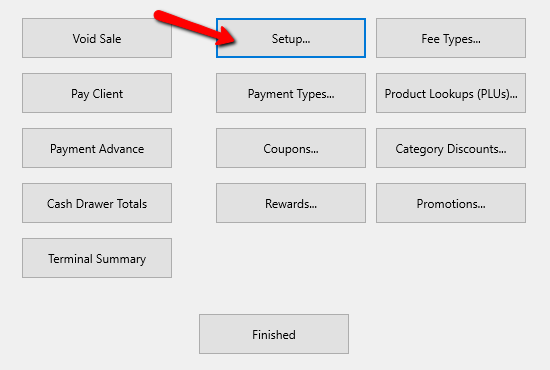
1.From the POS Hub select the More button.

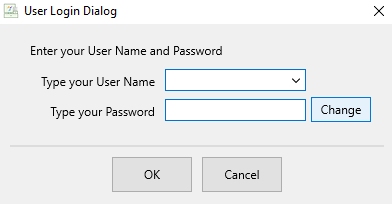
Login if prompted.

- Select the Setup button.
Login if prompted.
The Setup dialog box appears.
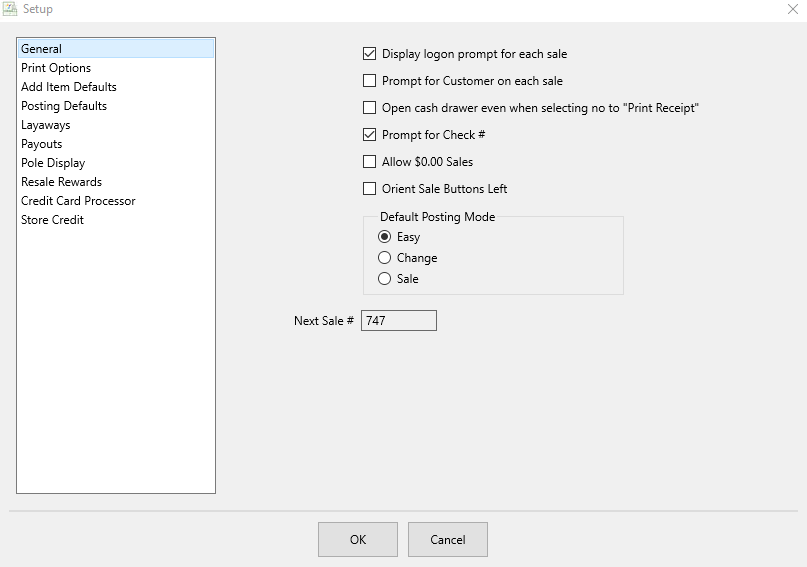
- On the left column, select the Credit Card Processor option.
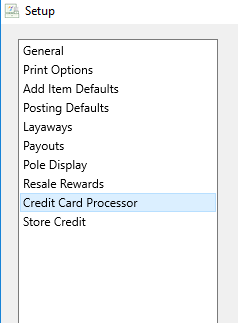
This dialog provides only 2 options: Payment Logistics and WorldPay Integrated Payments.
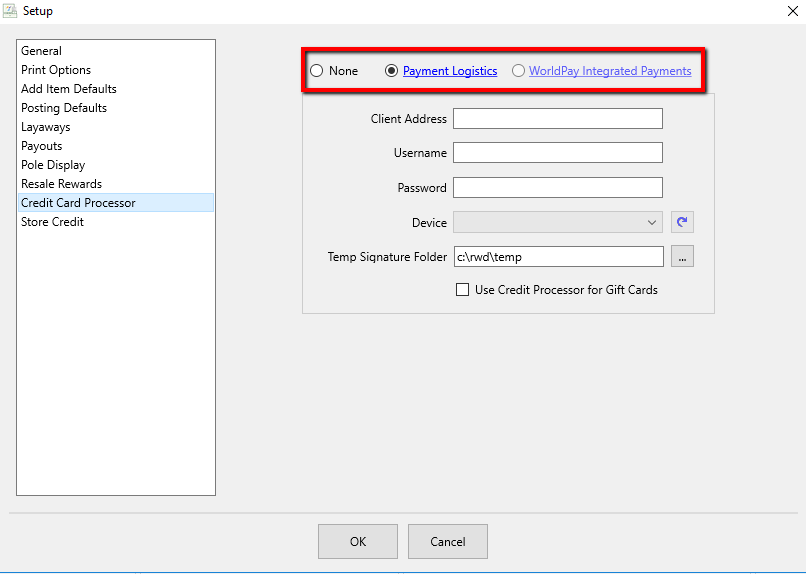
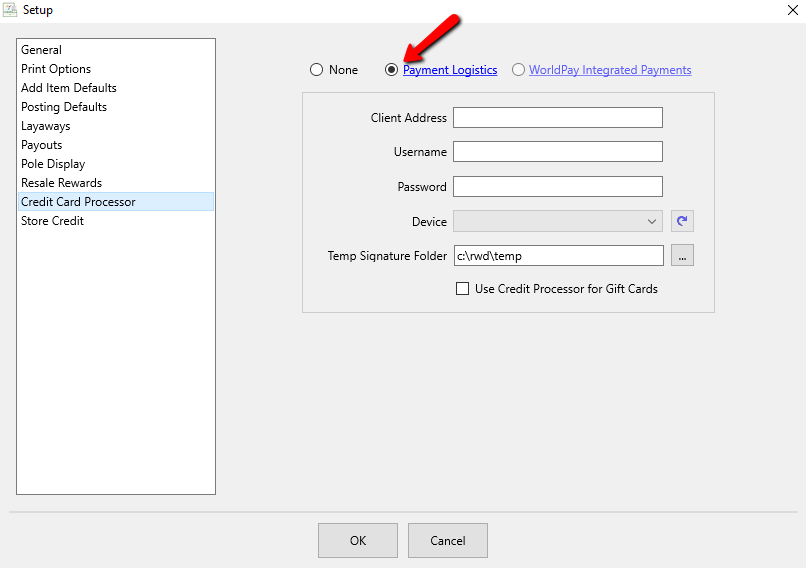
- Select the Radio button to select the appropriate credit card processor.
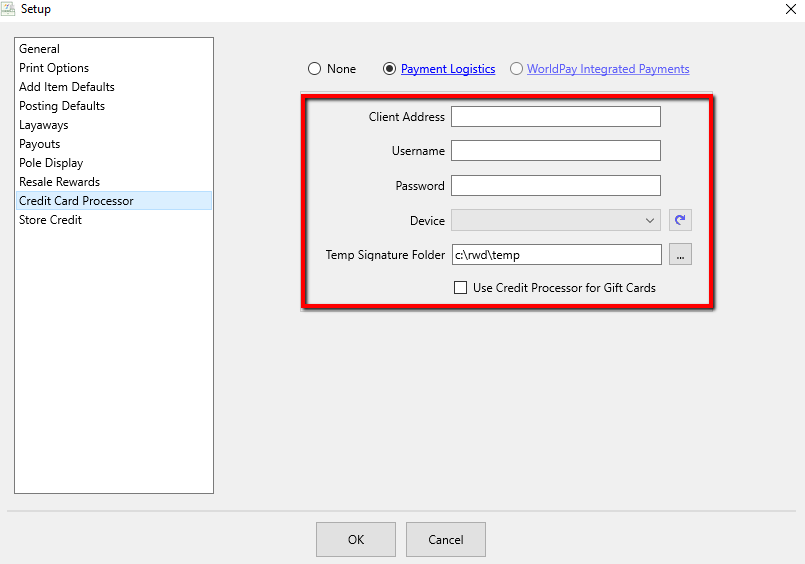
- Enter the information provided by you Credit Card processor.
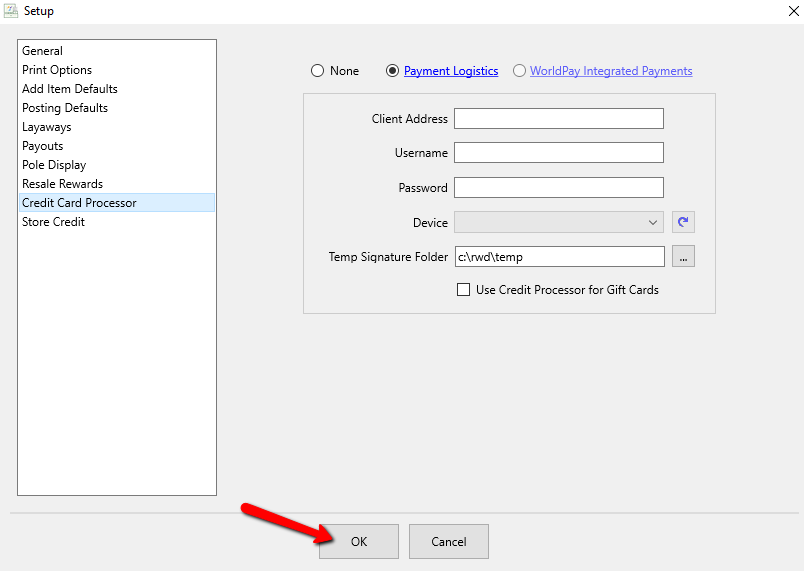
Note: You may need to contact your credit card processor to finalize setting up POS in order to run credit card transactions. - Once filled out, select the OK button at the bottom.


Next Article In Section
Click the following link to move to the next article in this section:
Accepting Coupons