End of Day Procedure
It is recommended to use these procedures when Ending The Business Day.
Print an End of Day Summary report.
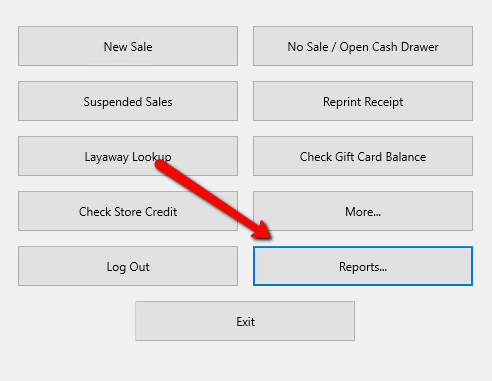
- From the Point Of Sale Select Reports.
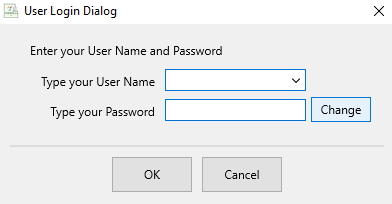
- If Prompted, enter your credentials to Login.
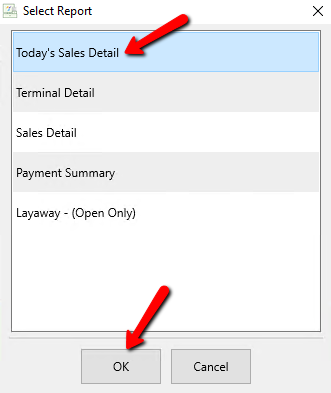
- Select Today’s Sales Detail Report and click the OK button.


A Confirmation dialog box will open. You can change criteria if it is available. Select the Print button to send it right to the printer. Select the Preview button to preview the report before printing.
Note: The Today’s Sales Detail report does not have any criteria that can be changed.

The **Sales Detail** Report for Today will display.

Print The End Of Day Payment Summary Report
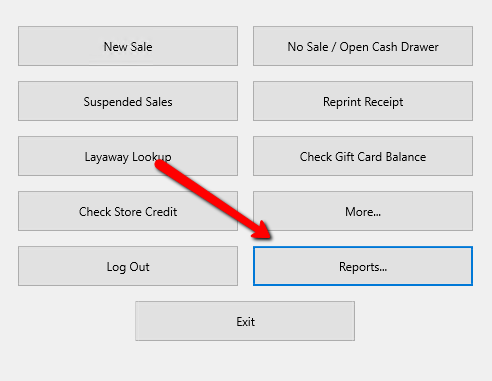
- From the Point Of Sale Select Reports.
- If Prompted, enter your credentials to Login.
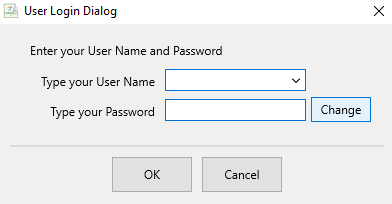
- Select Payment Summary Report and Select the OK button.
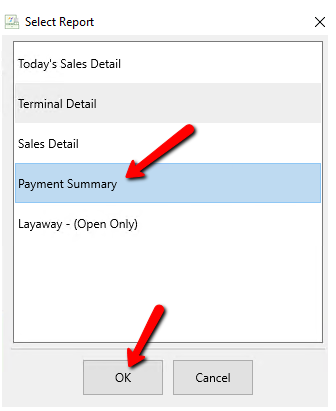


The Payment Summary Report will display.

Balancing The Cash Drawer For The Daily Bank Deposit
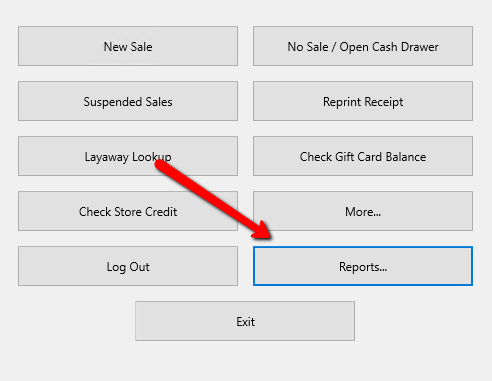
- From the Point Of Sale Select Reports.
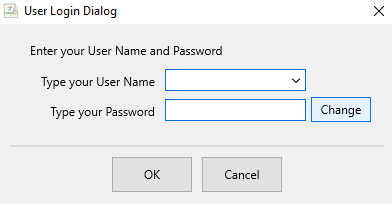
- If Prompted, enter your credentials to Login.
- Select Terminal Detail and Select the OK button.
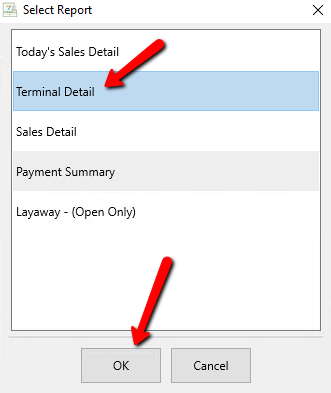


The Payment Summary Report will display.

See the section entitled [[pos1:overview:balancecashdrawer|Balance Cash Drawer]] for details.
Backup Liberty
Backup Liberty which we recommend using alternating thumb drives (or another external storage that can be taken home each night).
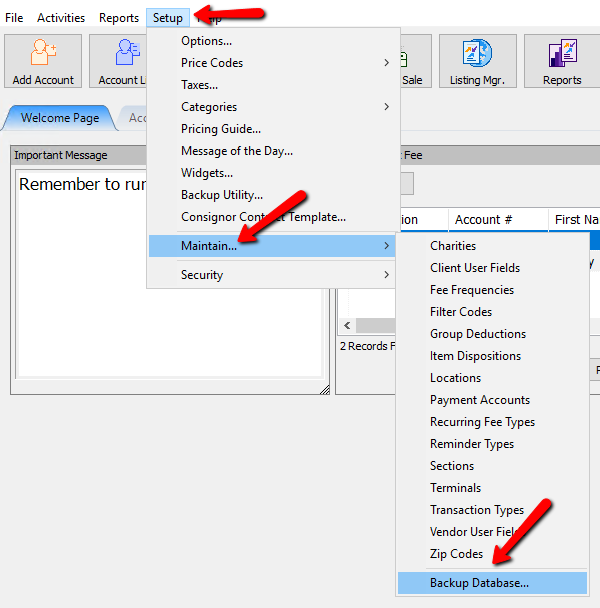
- From the Inventory Module select Setup > Maintain > Backup Database.
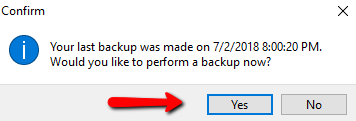
- A Prompt will appear notifying you of the last date and if you would like to backup now. Select Yes.
The Backup Process will start.
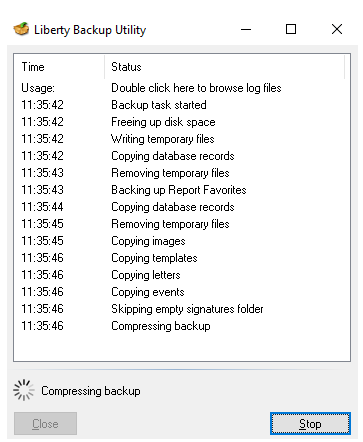
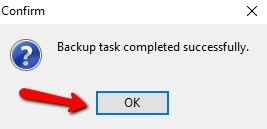
- When Finished, a Confirmation box will display. Select the OK button.
See the section entitled Backup Overview for more details.
Note: You should backup Liberty every day and close all Liberty programs. If you do not close at the end of the day, the date may not change in Liberty and sales will show as completed on other dates. - Close out of the Point Of Sale Module and the Inventory Module.


Note: (Optional) It is recommended that you periodically restart your computer(s).
Next Article In Section
Click the following link to move to the next article in this section:
Balance Cash Drawer