Reconcile Zero Account Balances
The Reconcile Zero Account Balances feature is useful if you have multiple accounts with a zero balance, but still have open transactions not assigned to a payout and want to close out those transactions.
Using the Reconciling Zero Account Balances Utility
- To access the Reconcile Zero Account Balances utility, in Liberty go to Activities > Accounting > Reconcile Zero Balances.
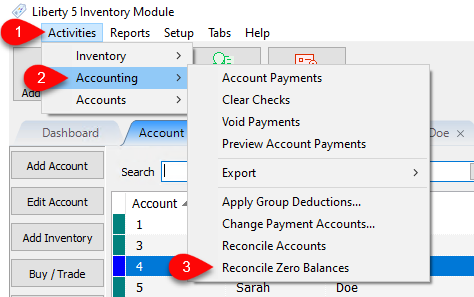
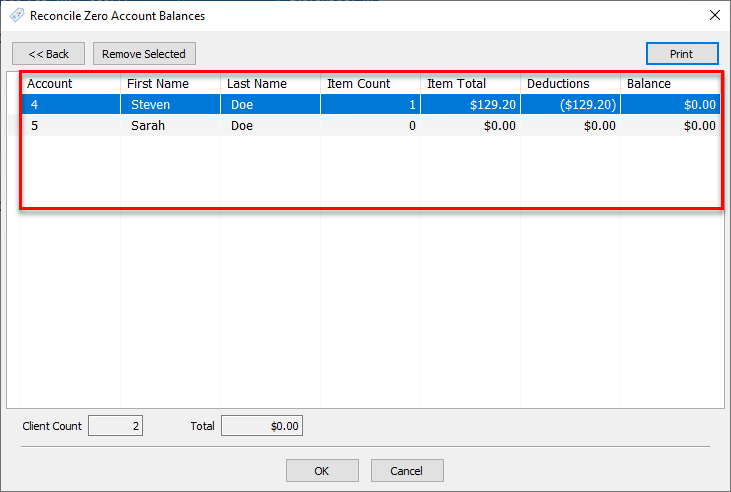
- Then, the Reconcile Zero Account Balances utility will appear. Any accounts that have a zero account balance but still have open transactions not associated with a payout will be listed in the main portion of the window, providing various details about the accounts and balances.
- Account : The account’s number
- First/Last Name : The first/last name on the account
- Item Count : The number of zero balance, open item transactions on the listed account
- Item Total : The total amount of the items contributing to the account’s zero balance
- Deductions : The total deductions contributing to the account’s zero balance
- Balance : Balance on account, will always show zero for listed accounts.
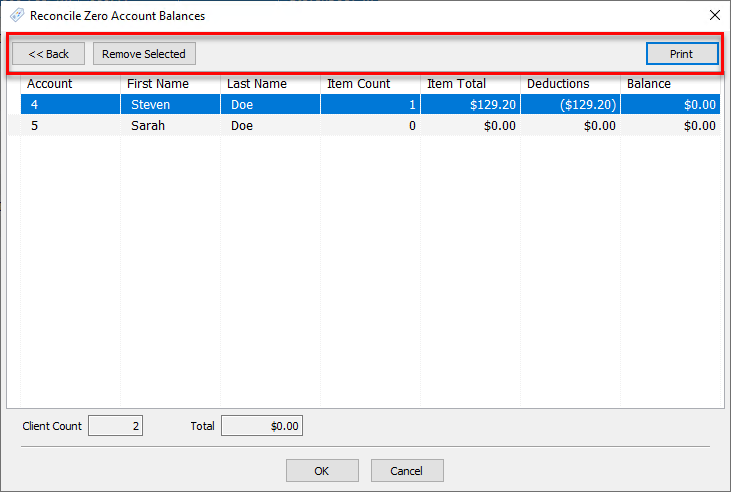
- Along the top of the window there are a few extra functions as well:
- Back : Returns to the Inventory Module
- Remove Selected : Removed the selected account from the list, and therefore not reconcile the zero balance when the process is completed
- Print : Prints a report with the shown information for the listed accounts
- Once you have confirmed the accounts you are reconciling, click OK.
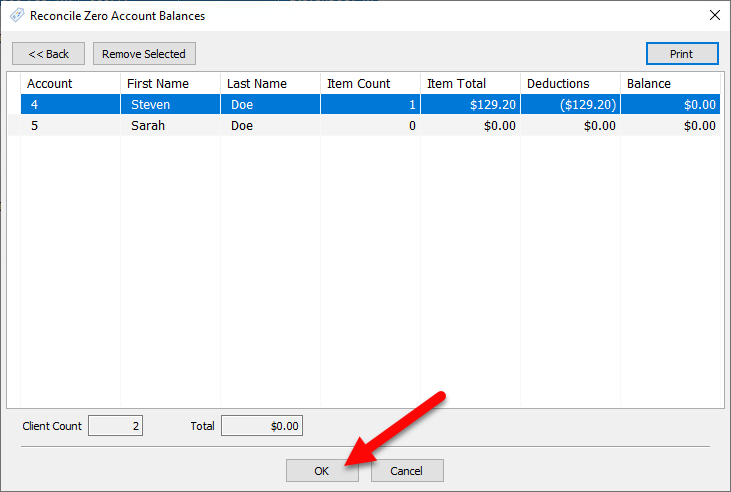
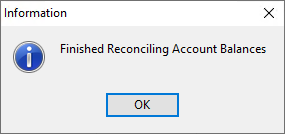
- A dialog confirming you have reconciled the previous accounts will appear. Then click OK.


Next Article In Section
Click the following link to move to the next article in this section:
Payment Advance
Related Topics
Reconcile Zero Account Balances Payouts Overview Pay One Account at a Time Pay Multiple Accounts Determine Amount Payable to an Account Holder Assessing Fees to Accounts and Items Change Payment Account for Multiple Accounts How to setup check fees How To Set A Check Address Offset Clear Checks Combine/Reconcile open Transactions