Printing Cash Payout Statements
Always print a Statement when paying with cash. Statements require a dated signature from the Account Holder. Keep all statements on file as proof Account Holders were actually paid. This is necessary for both Customer Service and Tax Audit reasons.
How to print a Cash Payout Statement
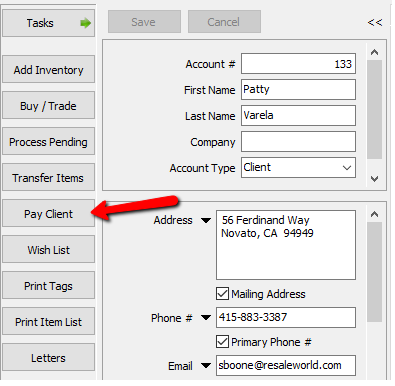
- Once the account is open, select the Pay Client button on the left.
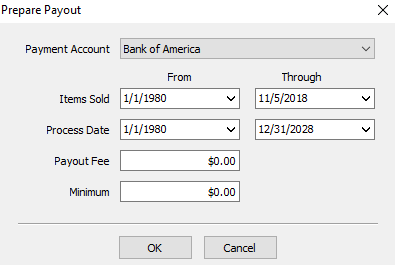
The Prepare Payout dialog box will open.
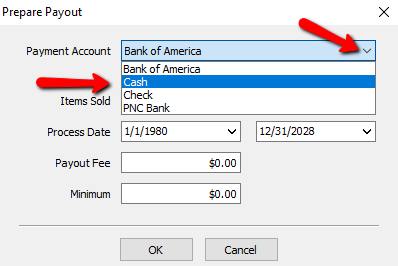
- For the payment account field, click the drop down and choose Cash.
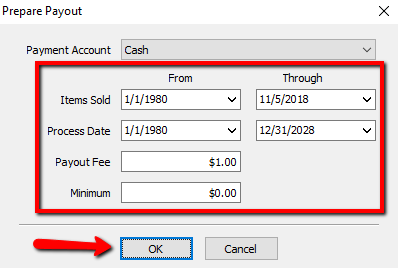
- Enter in the remaining criteria for this payout and then select the OK button at the bottom.
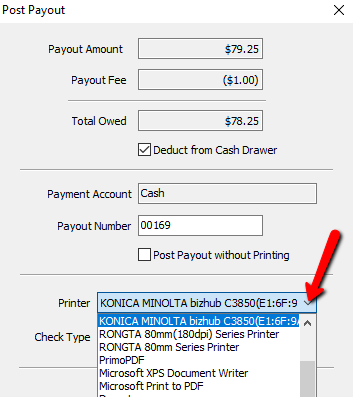
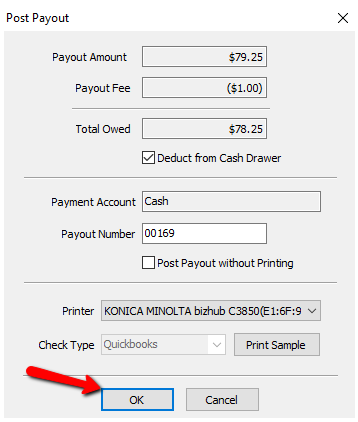
The Post Payout dialog box will open.
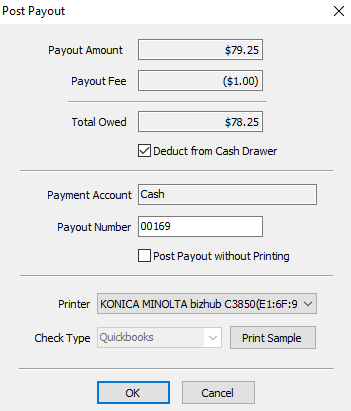
- If you are taking the money for the cash payment from the cash drawer, make sure the Deduct From Cash Drawer checkbox is checked off.
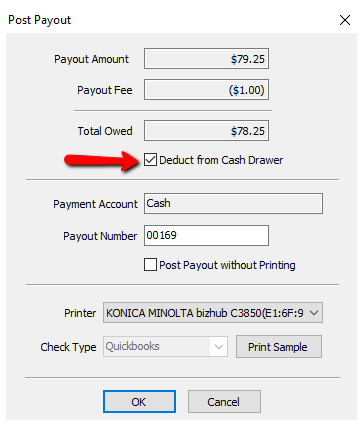
- Verify the payout number is correct. For cash payouts this is usually not an issue.
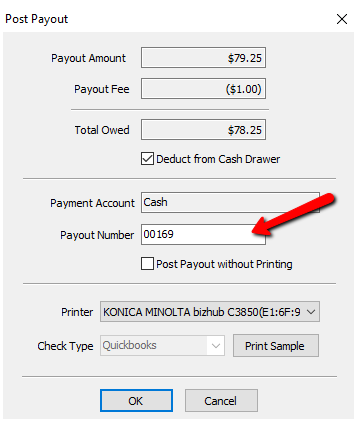
- Make sure the Post Payout Without Printing checkbox is unchecked.
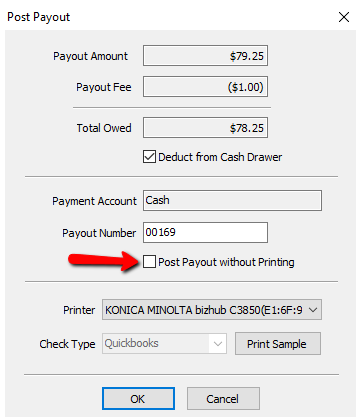
- Select the printer the payout statement will print to.
- Select the OK button when done.
A confirmation for printing will open.
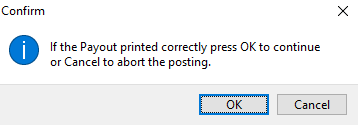
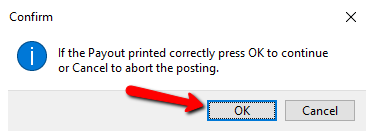
- If the payout printed ok, select the OK button, otherwise press the Cancel button and redo steps 1-9.


Reprinting the Payout Statement From the Reports Module
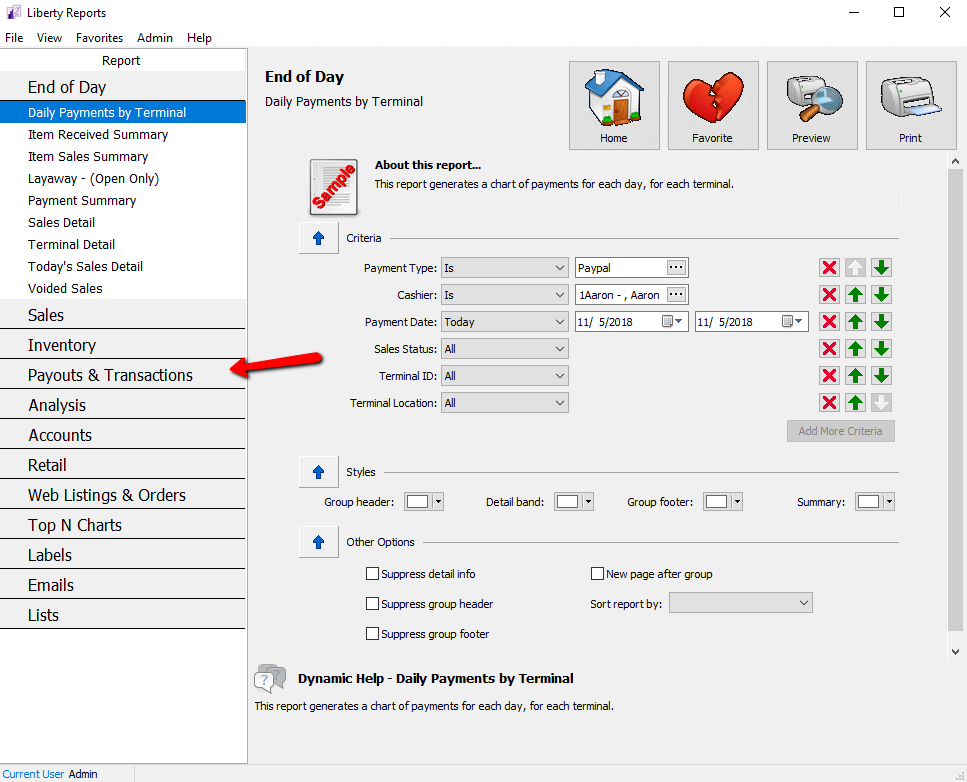
- Select Payouts & Transaction.
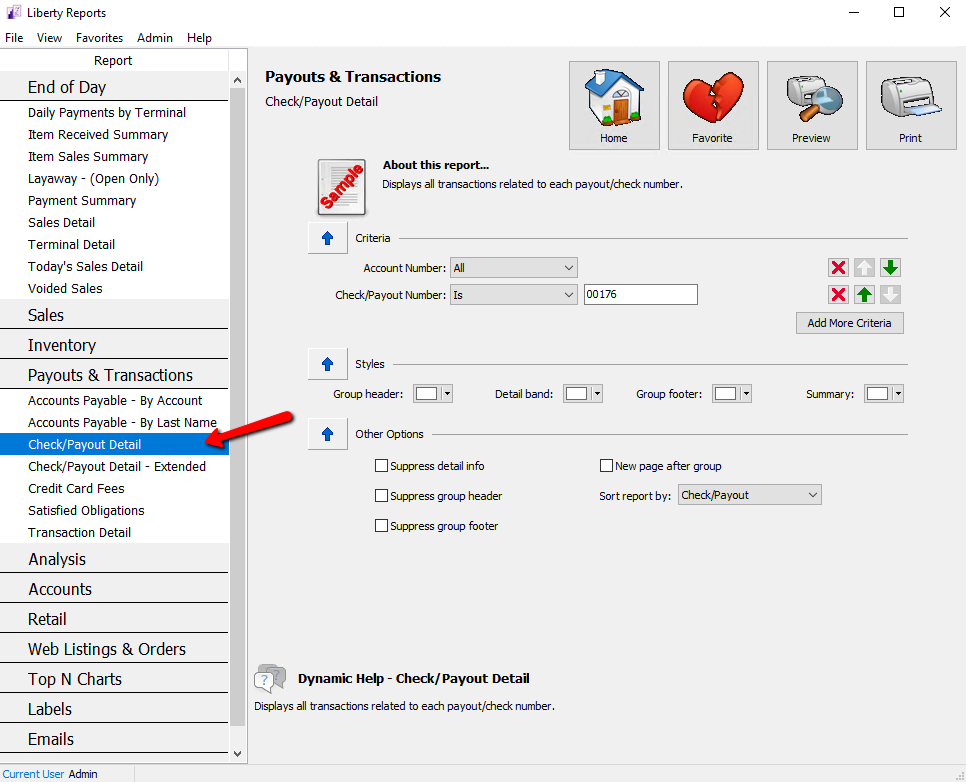
- Under Payouts & Transactions select Check/Payout Detail.
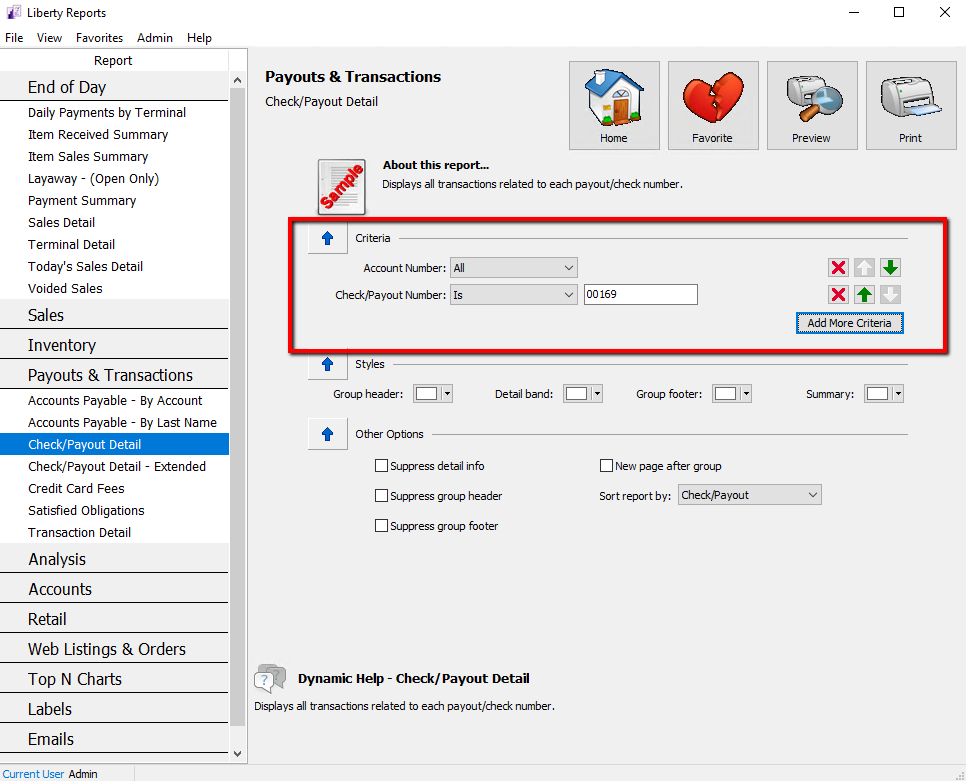
- Enter in the criteria for the payouts needed.
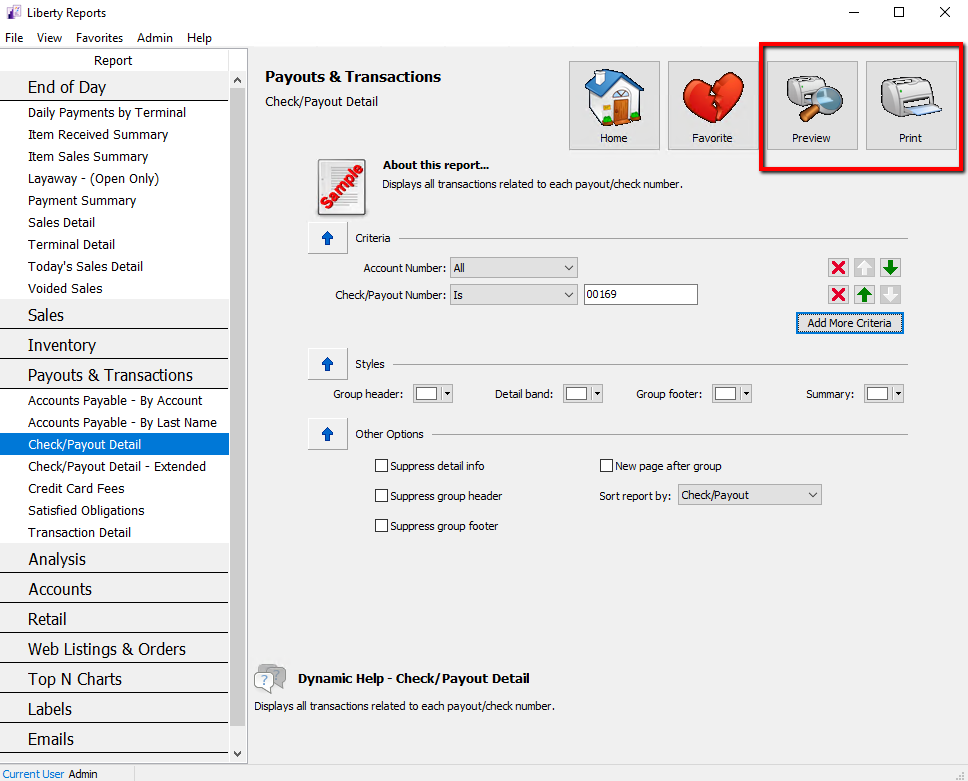
- Select the Preview button if you want to preview it first, or select Print button to send it directly to the printer.


If You Preview The Report
- After the Preview has opened, select the Print Icon at the top.
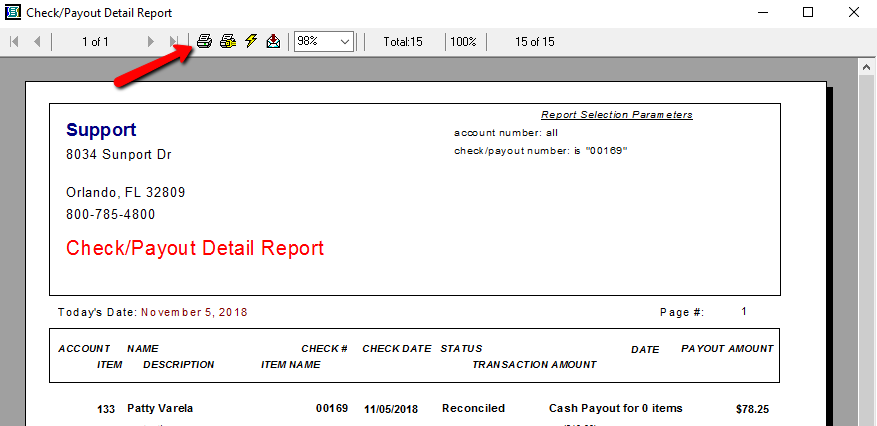
The Print dialog box will open.
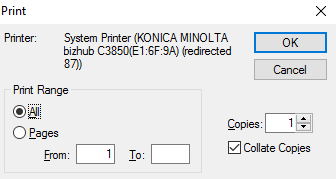
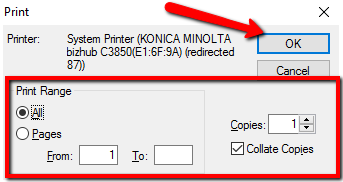
- Select the print options then select the OK button.


Next Article In Section
Click the following link to move to the next article in this section:
Change Payment Account for Multiple Accounts
Related Topics
Printing Cash Payout Statements Pay One Account at a Time Pay Multiple Accounts Simultaneously Check/Payout Detail Report Check/Payout Detail - Extended Report Determine Amount Payable to an Account Holder Assessing Fees to Accounts and Items Change Payment Account for Multiple Accounts How to setup check fees How To Set A Check Address Offset Clear Checks