Printing An Invoice For An Order
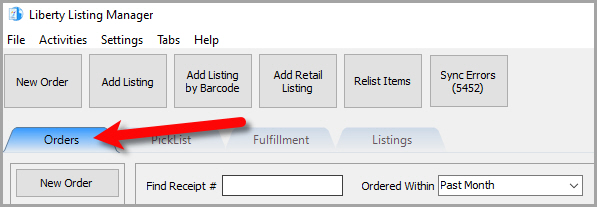
- Open the Listing Manager and click on the Orders tab.
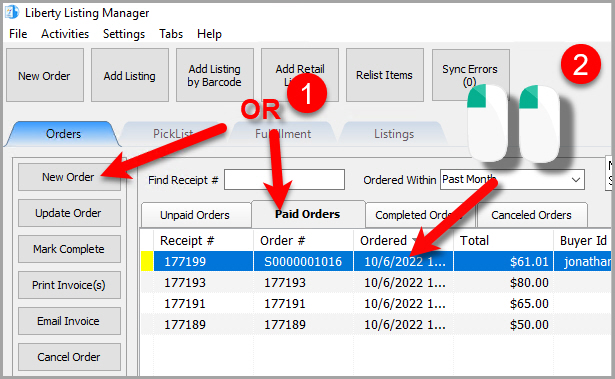
- Add a new order or edit an existing order by double clicking on one from the Orders tab to see the Maintain Order screen for an order.
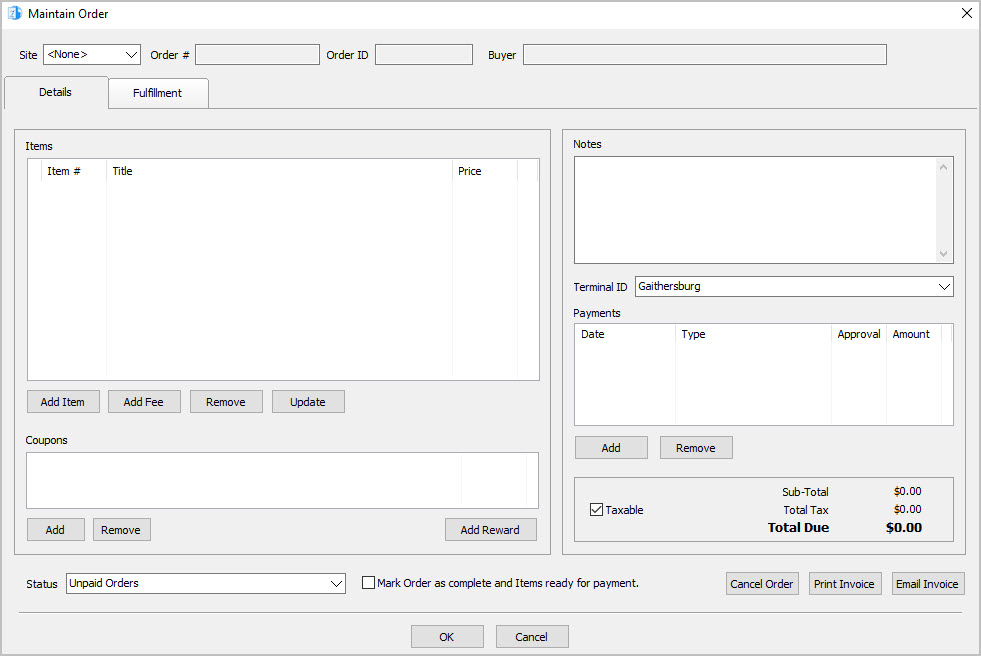
- The Maintain Order screen will appear.
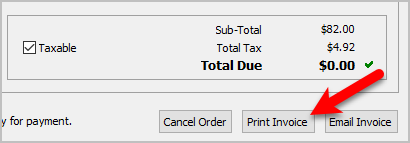
- Click the Print Invoice button.
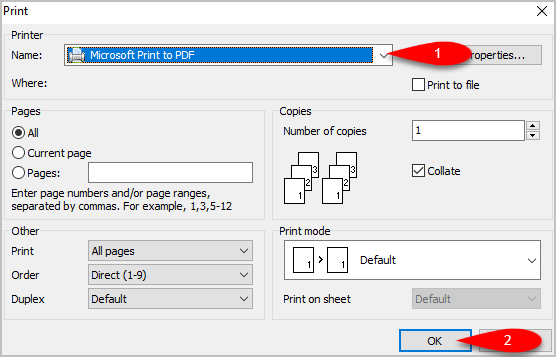
- Select which printer you would like to print to if you do not want to use the default printer, then click the OK button.
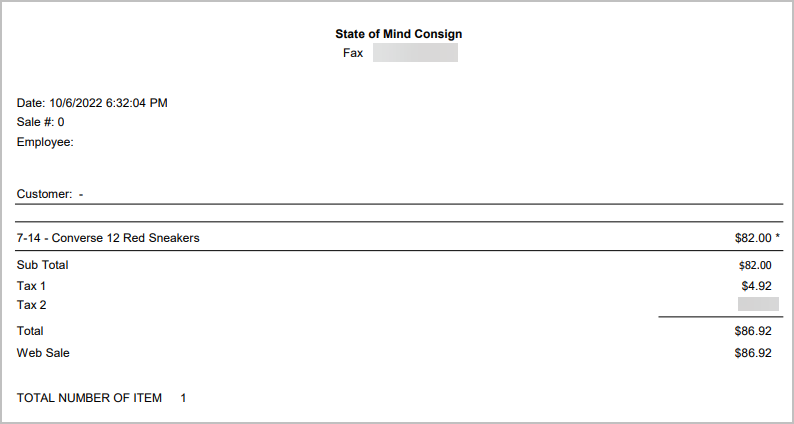
- The invoice should print out. Here is what an example invoice looks like.


Next Article In Section
Click the following link to move to the next article in this section:
Emailing An Invoice To A Customer
Related Topics
Printing An Invoice For An Order Maintaining An Order Overview Changing The Marketplace/Site Of A Manual Order View Pending Orders Adding An Item To An Order Adding A Fee To An Order Removing An Item Or Fee From An Order Updating Unsellable Items On An Order Adding A Coupon To An Order Removing A Coupon From An Order