Adding A Manual Order
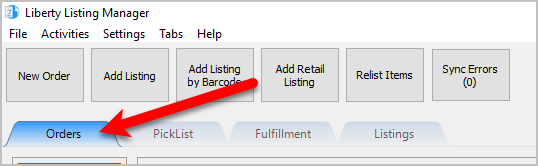
- Open the Listing Manager and navigate to the Orders tab.
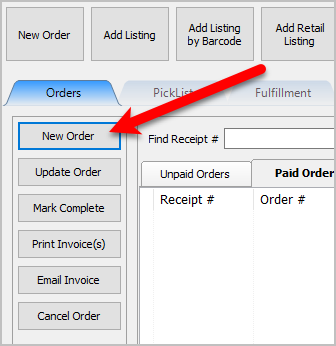
- Click the New Order button.
- You can then fill out the required information to eventually complete the order so that you record the manual sale and eventually pay the consignor.
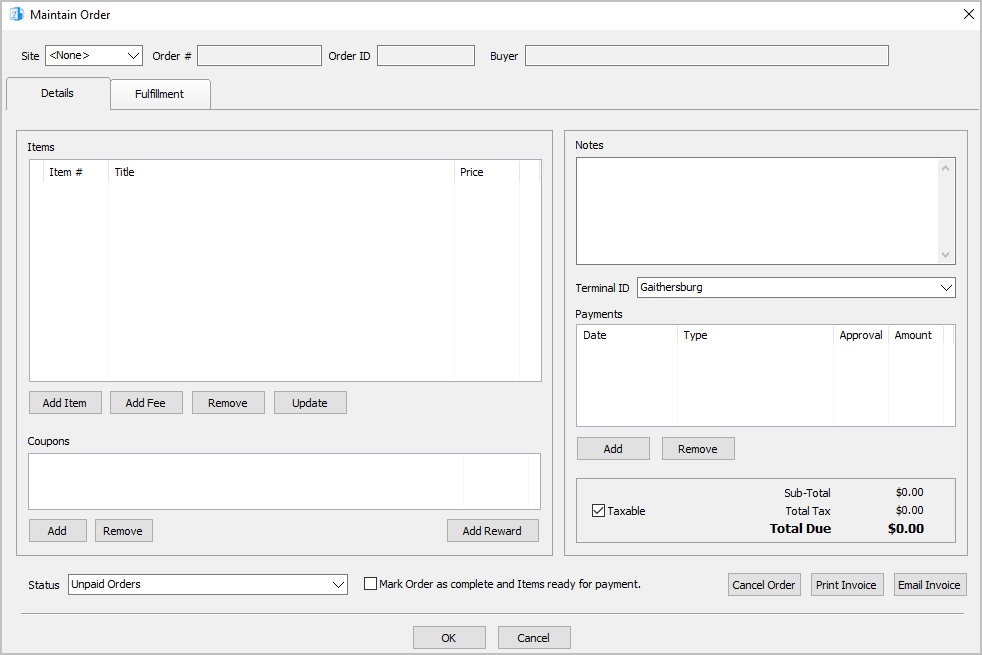


Note: The different options of the Maintain Order screen are detailed across several articles listed under the Maintaining an Order section. You can also look at the Related Topics section to view the separate articles.
Next Article In Section
Click the following link to move to the next article in this section:
View Pending Orders