Searching For A Listing
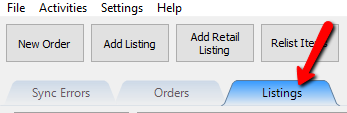
- Click on the Listings tab.
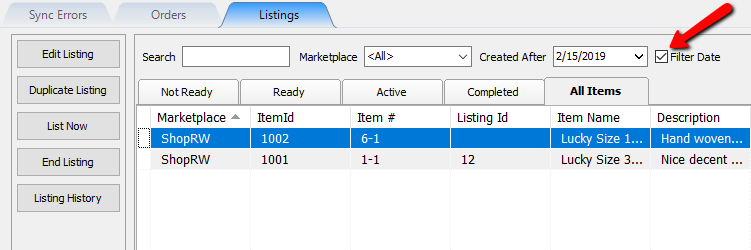
- Checking and unchecking the Filter Date box allows you to controller whether you want to use or ignore the Created After date selector .
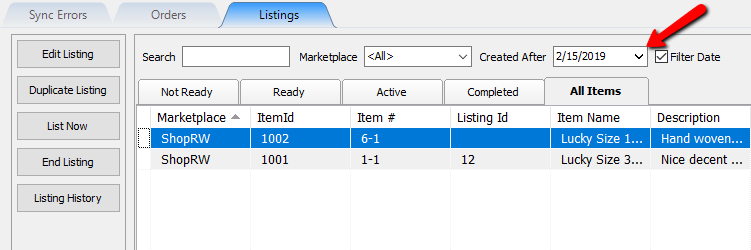
- The Created After date selector, when the Filter Date box is checked, will show only listings created after the date you select.
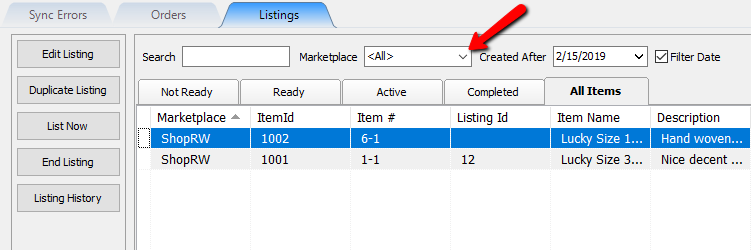
- The Marketplace drop down will allow show items that are listed on the selected marketplace.
- The Search field allows you to search for items by typing in any relevant details pertaining to the item.
Examples of searchable information are ItemID, Listing ID Item Name text, Description and account number.
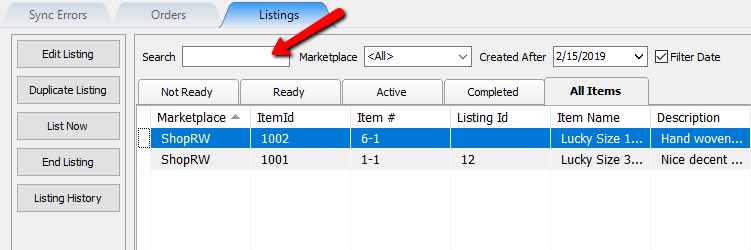
- Once you have entered text to search within the Search field, you may then select an item and click Edit Listing, Duplicate Listing, List Now (as long as you are on the Not Ready tab), end listing or view the Listing History.


You may also double-click the item to edit it as well.

Next Article In Section
Click the following link to move to the next article in this section:
Editing A Listing