Ending A Listing
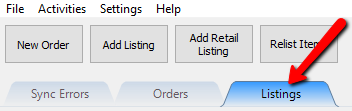
- Click on the Listing tab.
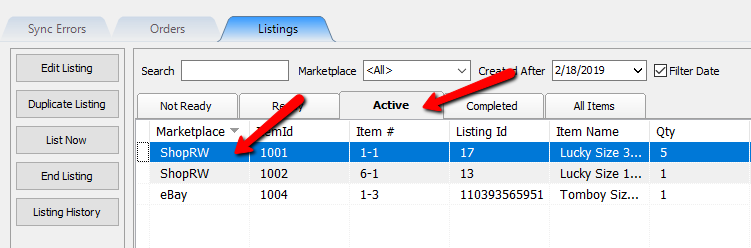
- Click on the Active tab and then select a listing you would like to end.
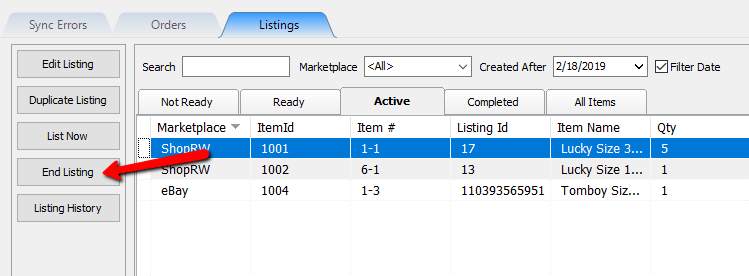
- Select the End Listing button.
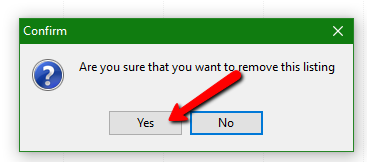
- When prompted with Are you sure you want to remove this listing, select the Yes button.
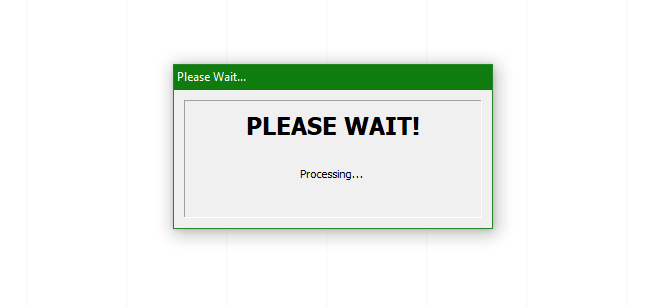
- You will then see a Please Wait dialog prompt and then the listing will be ended.


Next Article In Section
Click the following link to move to the next article in this section:
End Listings In Mass