Editing A Listing
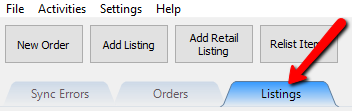
- Click on the Listing tab.
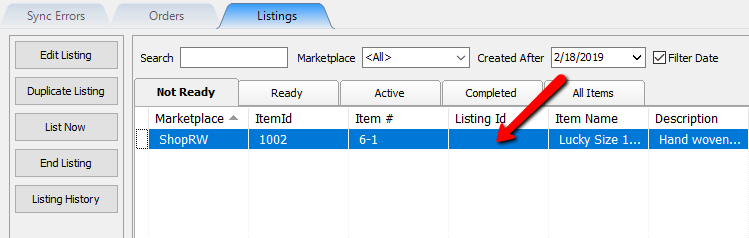
- Select the item you wish to edit.
- Select the Edit Listing button.
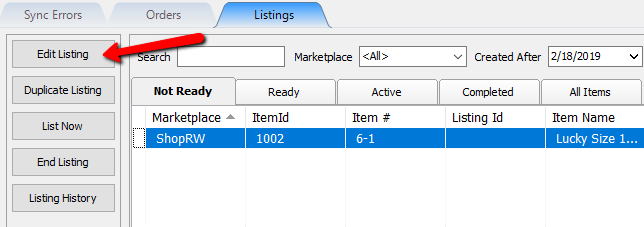
Note: Alternatively you can simply double-click the item to quickly edit the item. - Now you may make changes to the item.


For more information on what each of the field’s mean,, please visit the Maintain Listing Fields page.

Next Article In Section
Click the following link to move to the next article in this section:
Viewing An Active Listing