Resaleworld Registration
This section controls the registration information used to communicate with Resaleworld servers. In order to enable Resaleworld ecommerce solutions, Shopify, E-Receipts, Liberty Mobile or Consignor Login, you must enter in an Account name and an Authorization Code. Validation will also automatically configure some settings, like Shopify Options, with information unique to your account.
This information will be provided to you within a Welcome Email upon signing up for one of the above services.
Please contact Resaleworld for more details.
Note: This setting is also accessible through Inventory Module Options. Changes for these settings in Listing Manager or Inventory Module are linked.

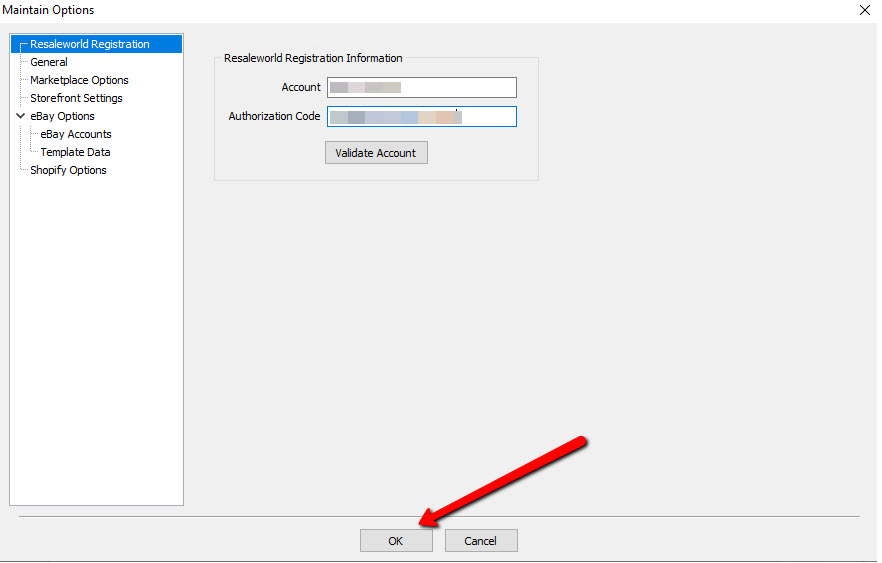
To enter in the Resaleworld Registration Information
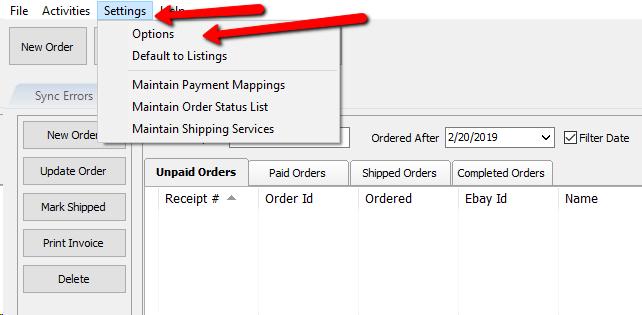
- Go to Settings > Options.
- From the Menu options select Resaleworld Registration.
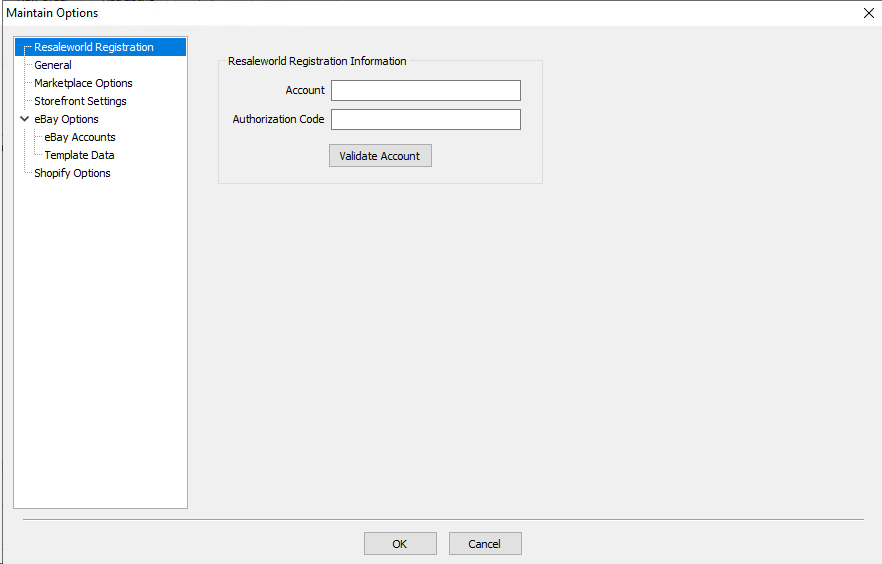
oAccount : This information will be provided by Resaleworld and needed to make your synchronization work.
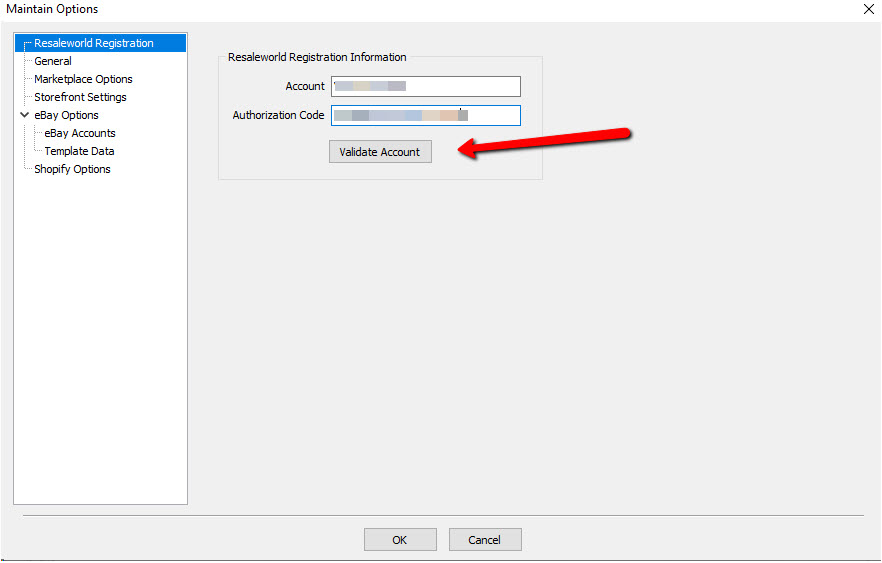
oAuthorization Code : A unique code required to complete the registration. - Press the Validate Account button once you have entered all the registration information.
If you entered everything correctly, you will see the following message. Press the OK button.
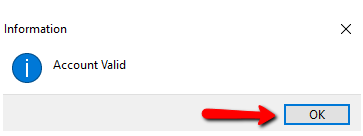
- Select the OK button again when done.


Next Article In Section
Click the following link to move to the next article in this section:
General